01 · Today
The front page
The numbers that matter right now, six quick-log tiles, and the book’s Contents.

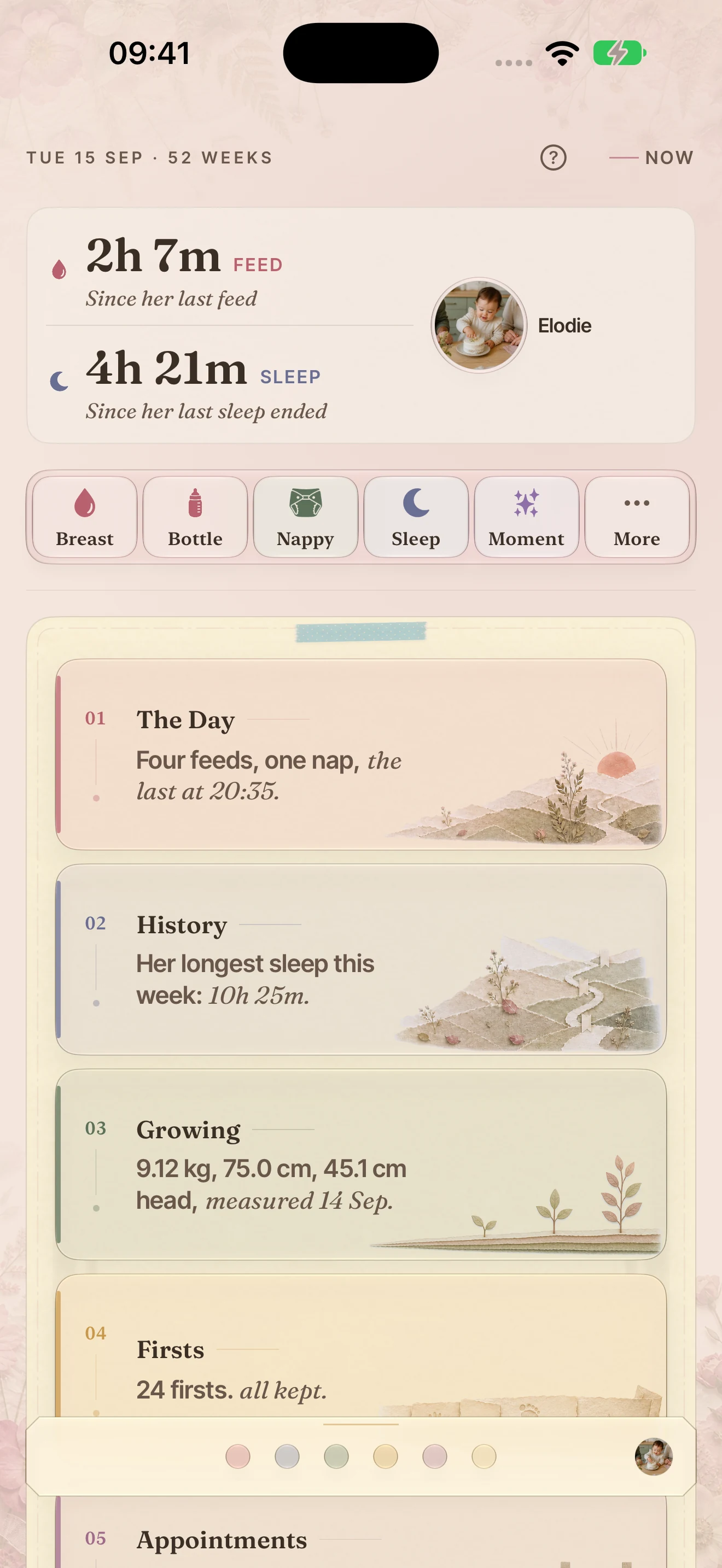
Real screens, mounted like pages from the book. Swipe on your phone, drag on a computer, or use the arrows.
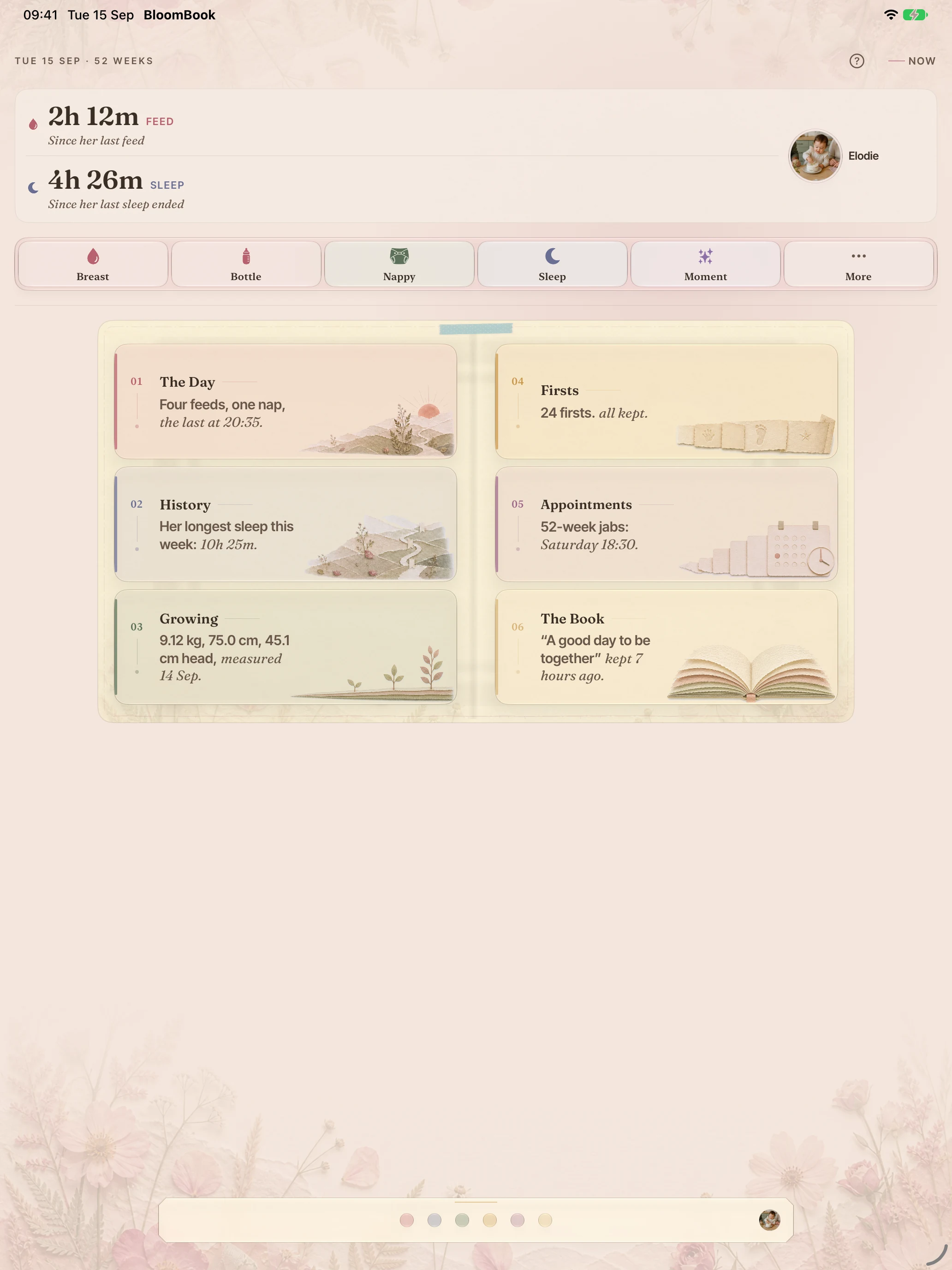
The numbers that matter right now, six quick-log tiles, and the book’s Contents.
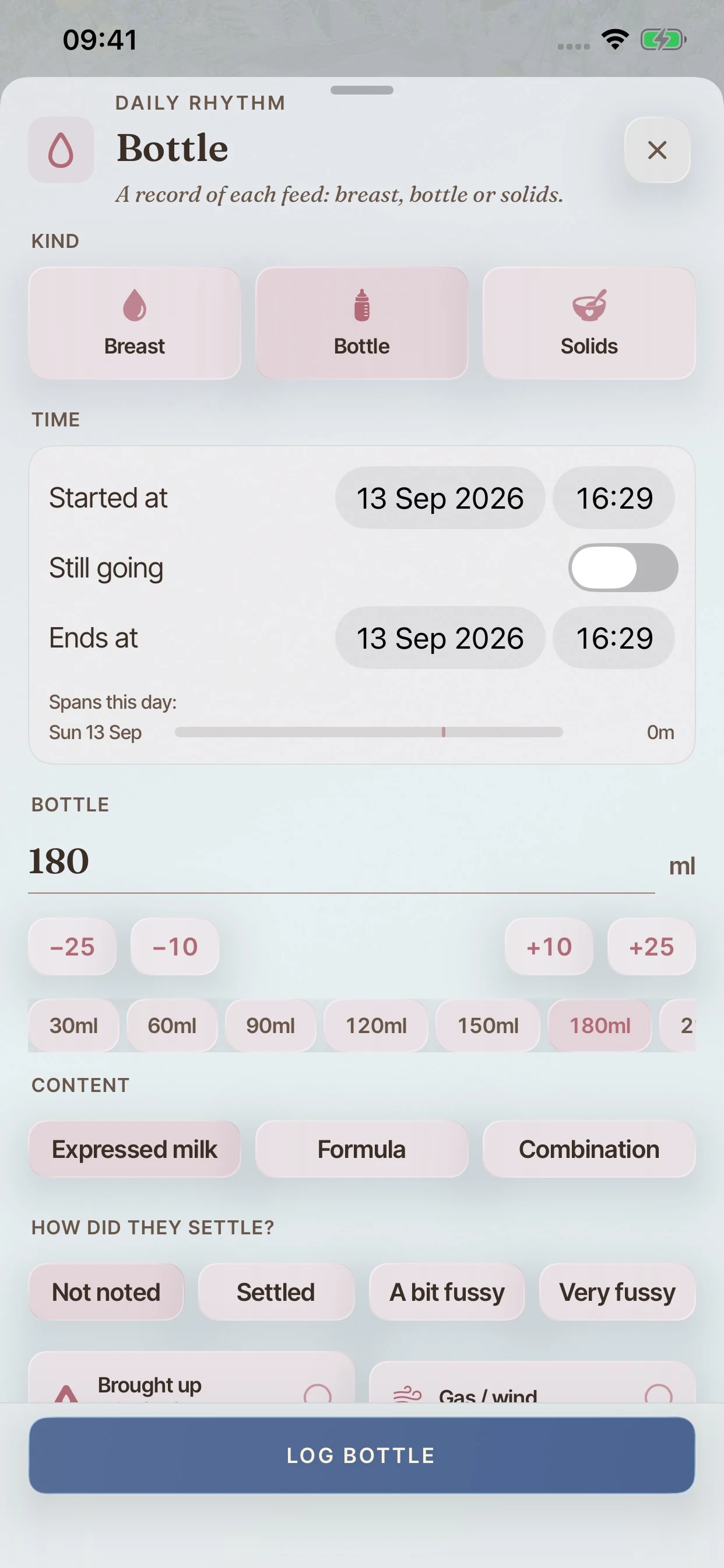
Feeds, sleep, nappies, pumping, medicines and temperature, with timers that survive a relaunch.
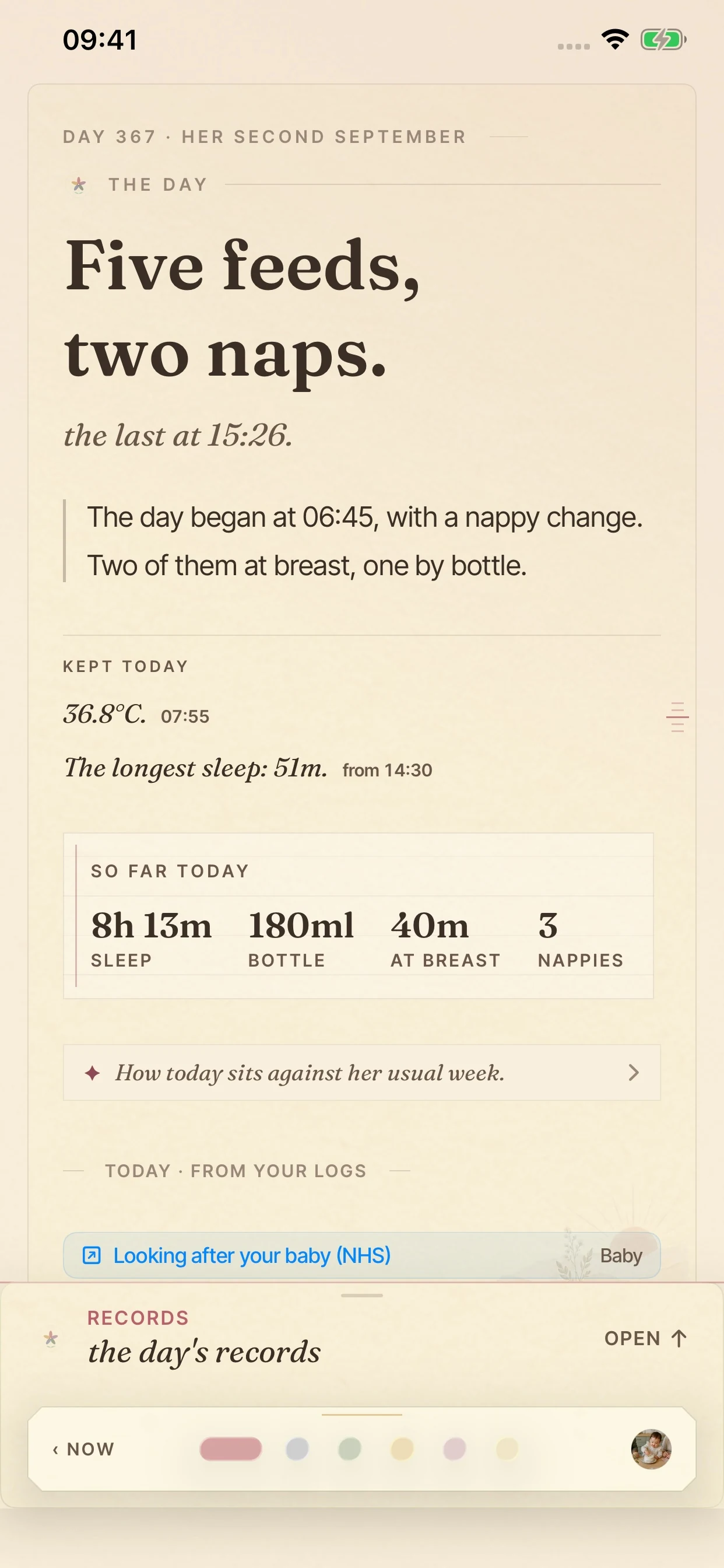
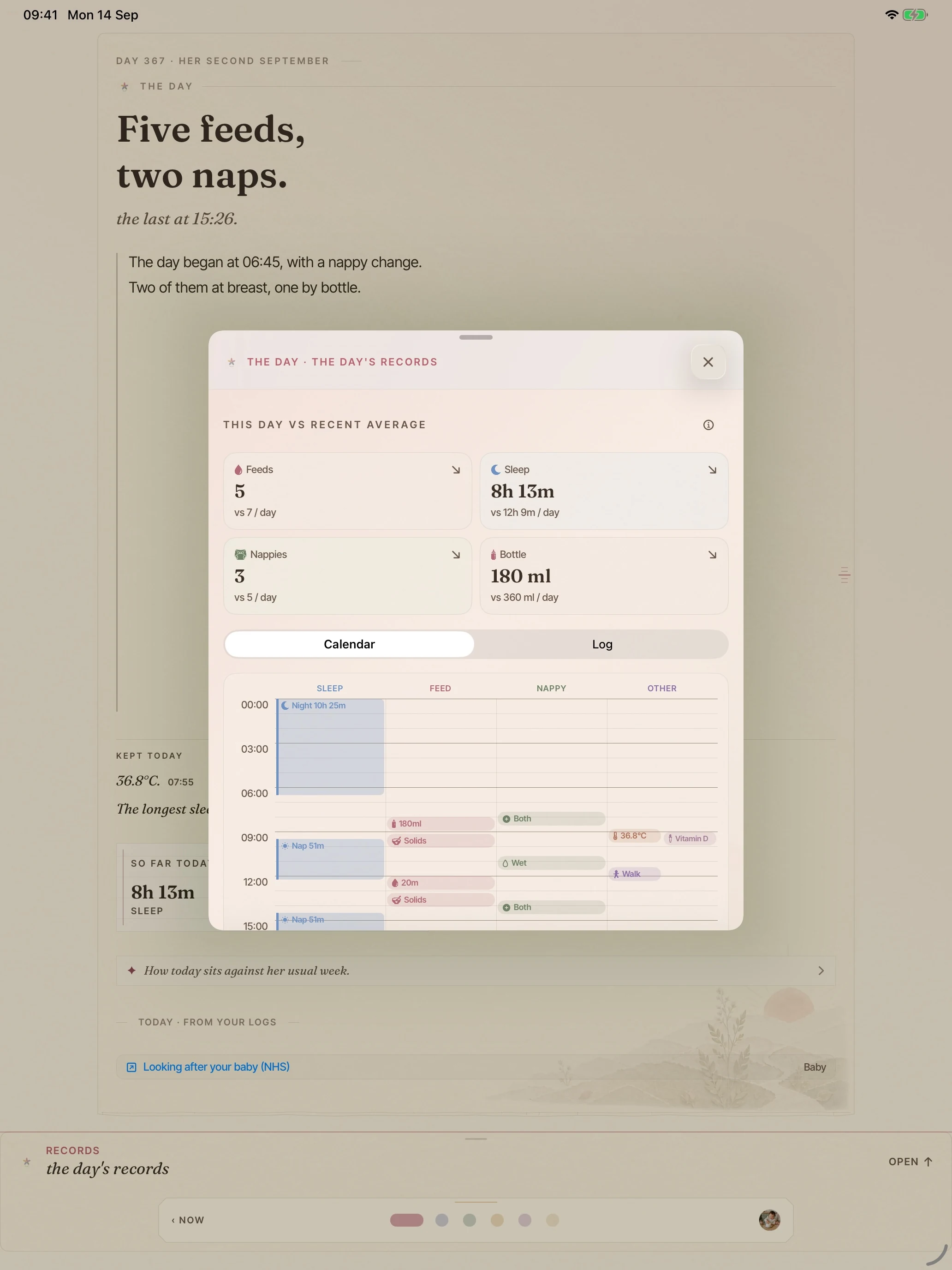
The day reads back in plain words, with sleep, feeds and nappies kept as a ledger underneath.
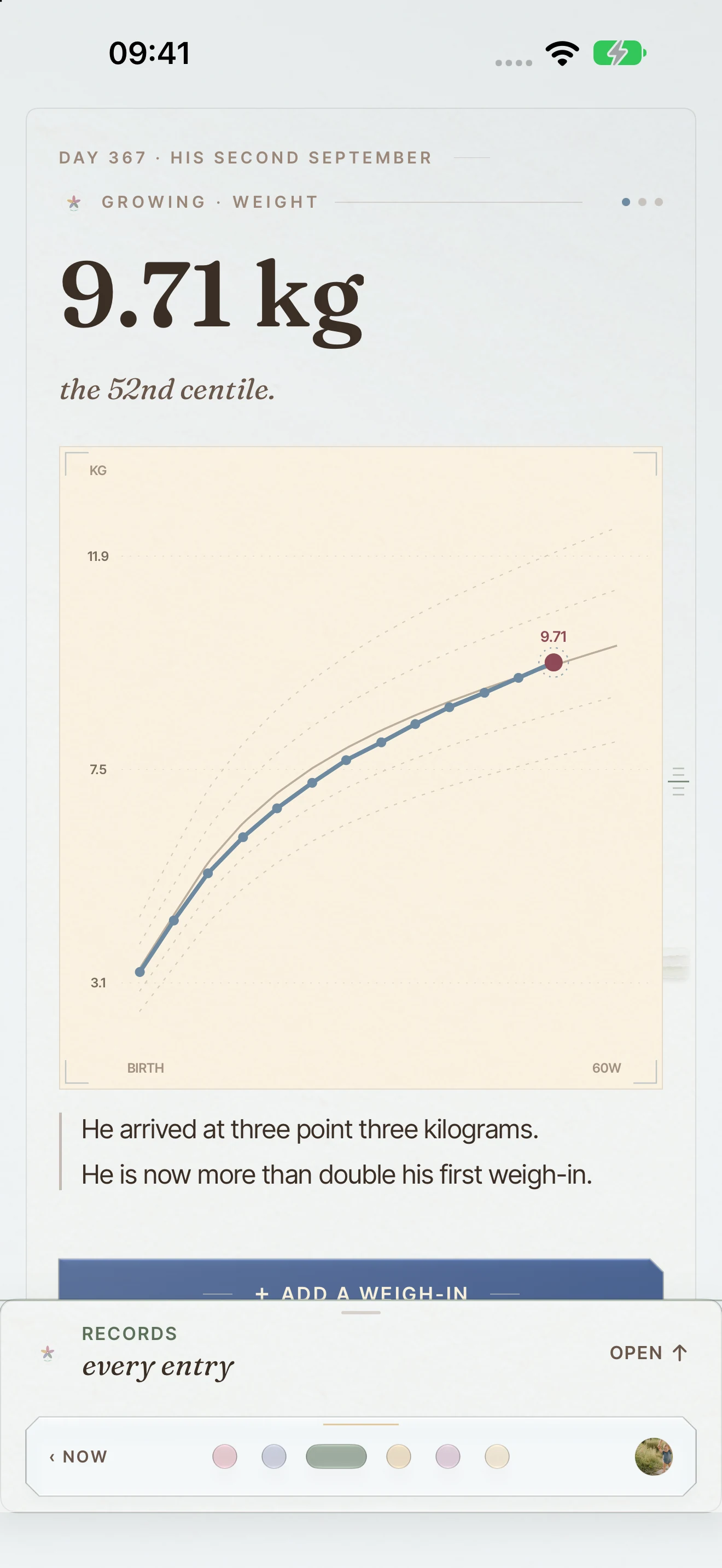
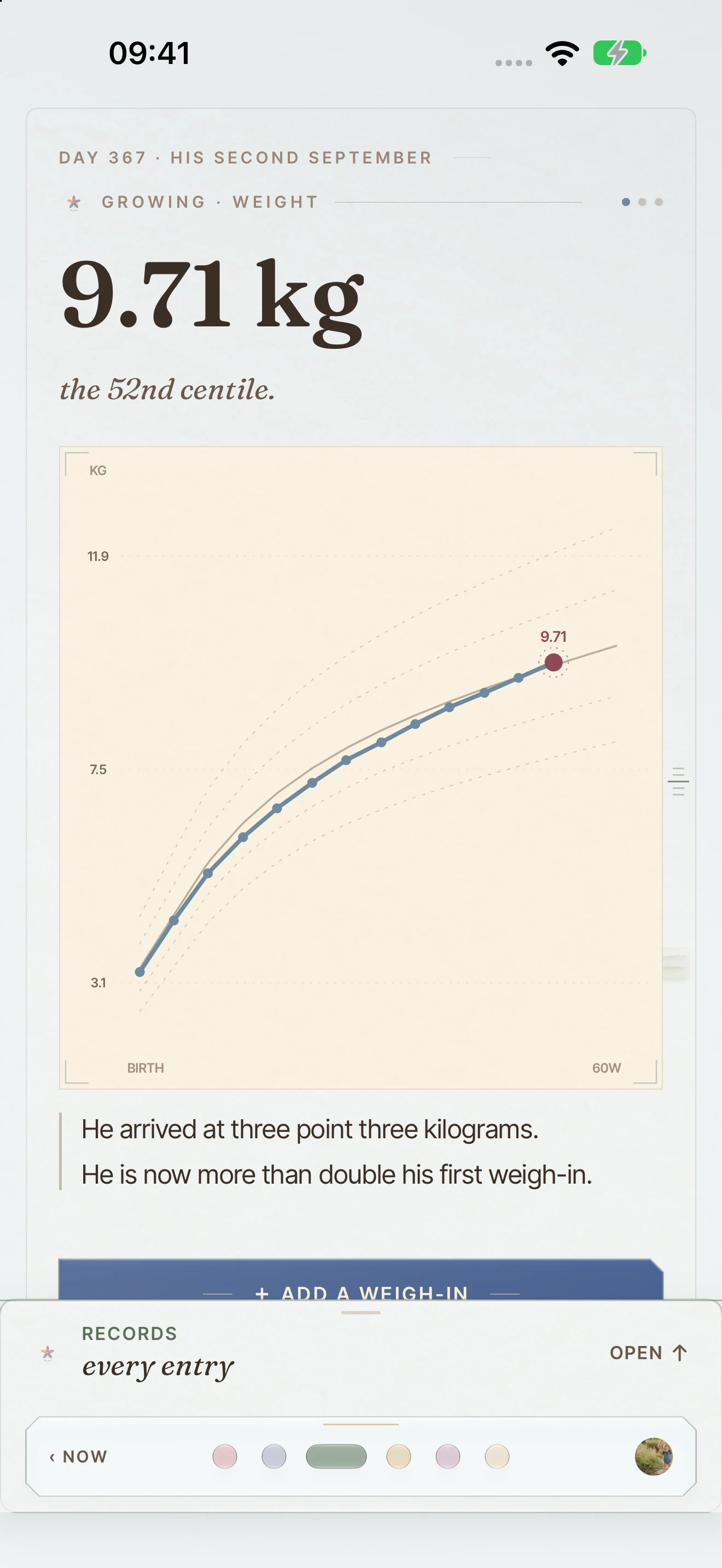
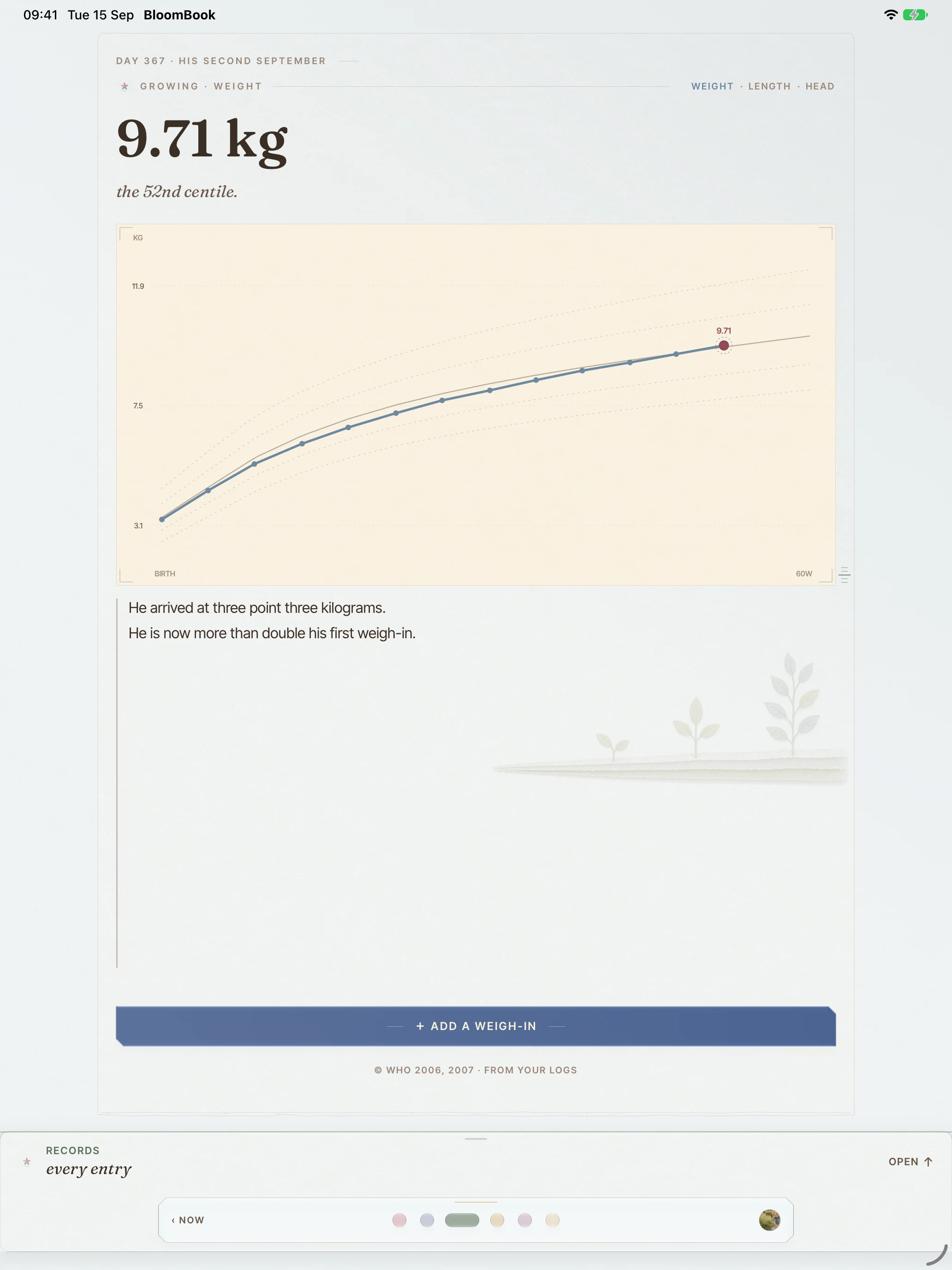
Weight, length and head circumference on growth charts, with corrected age for premature babies built in.
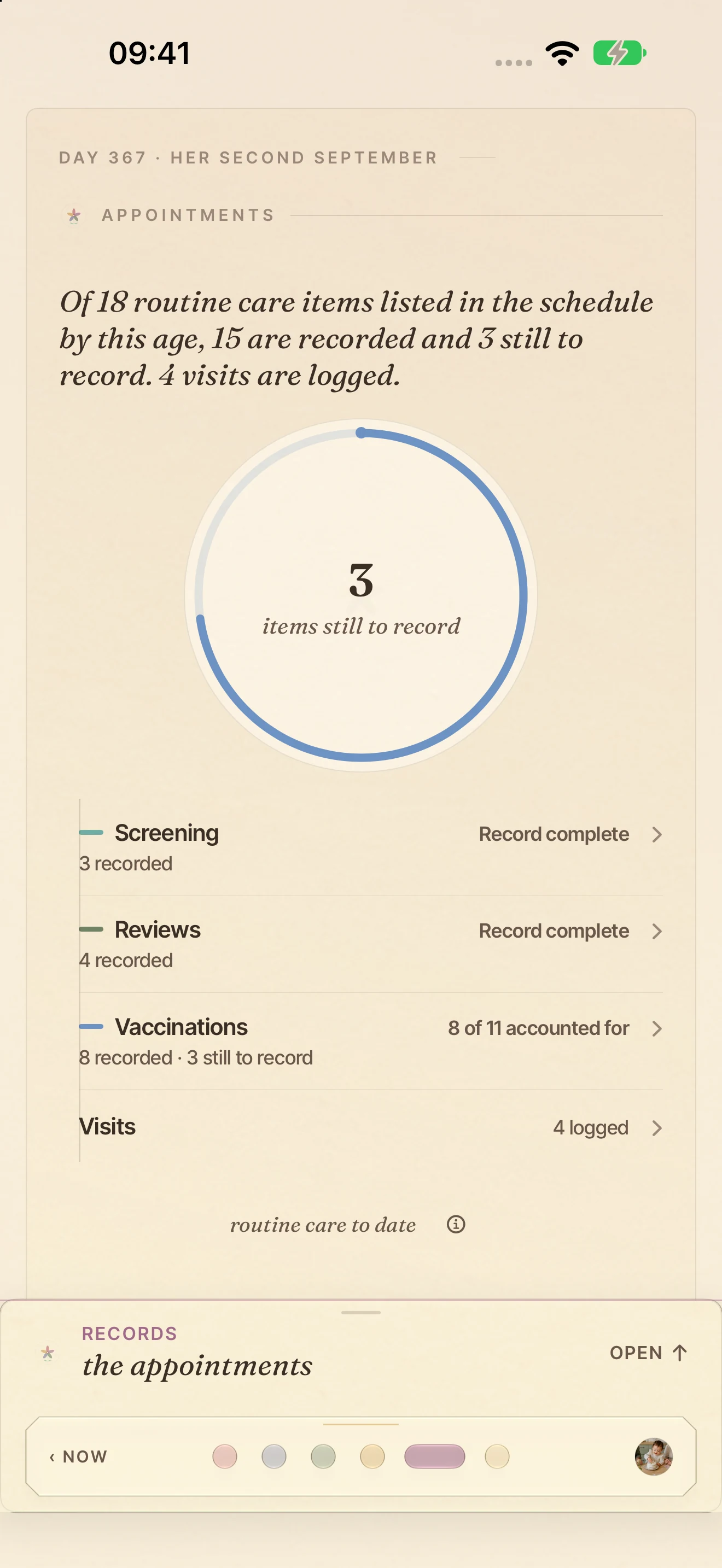
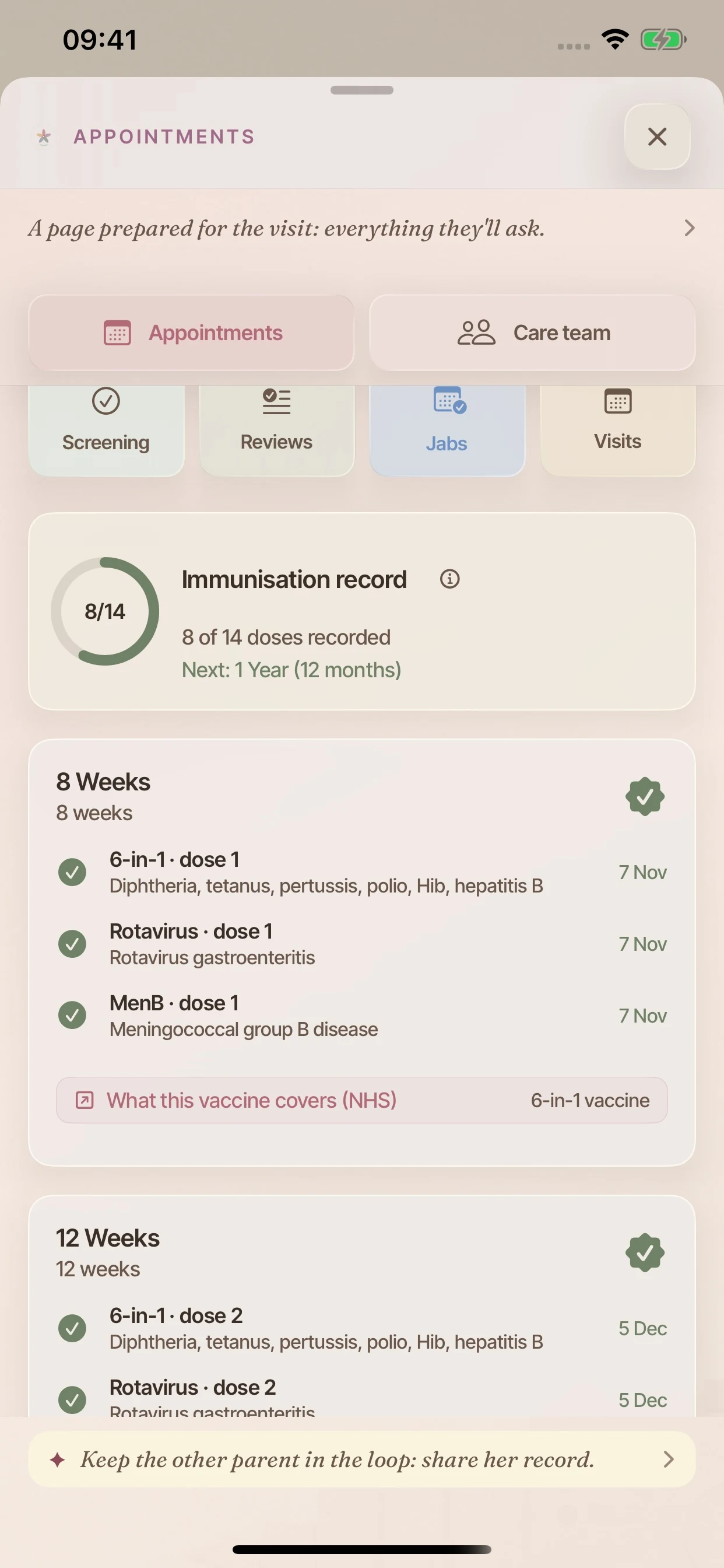
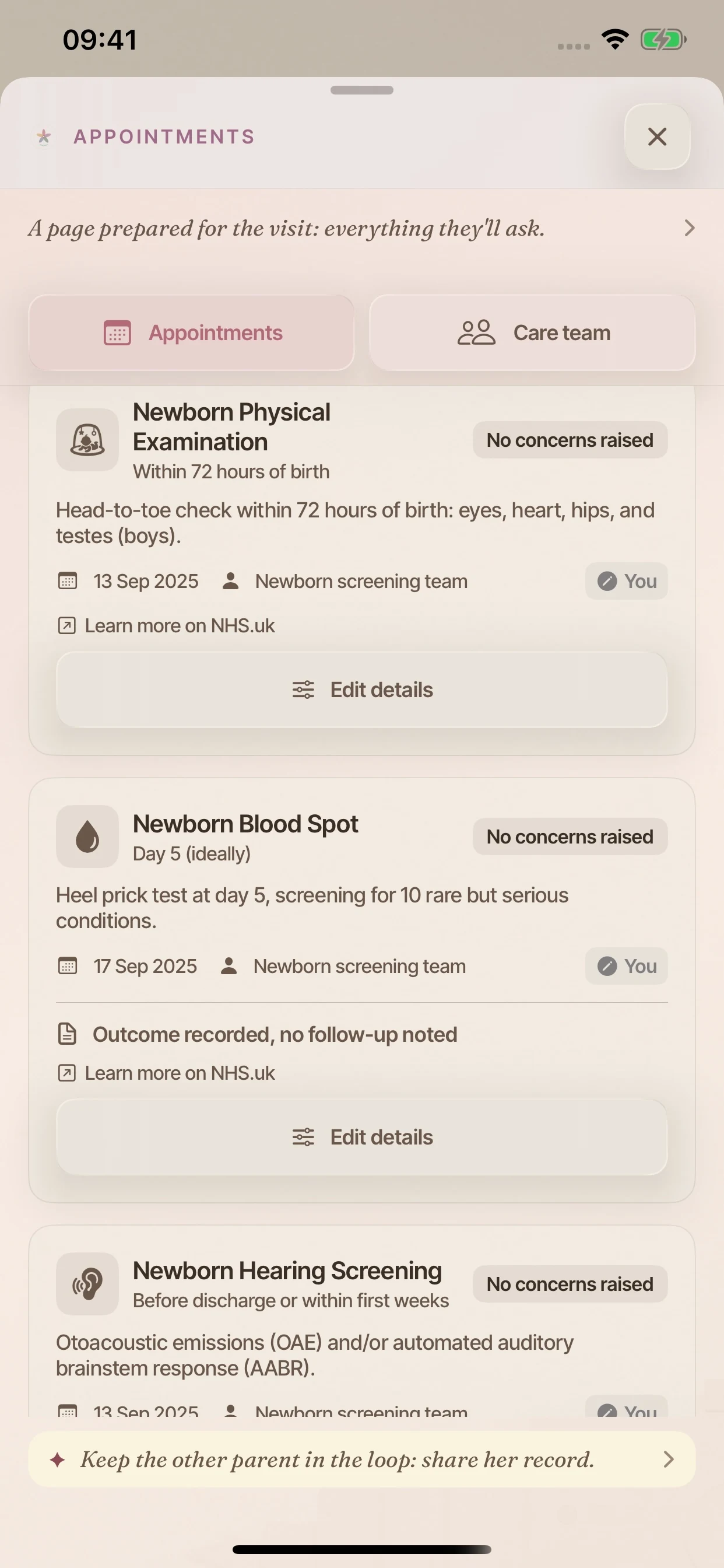
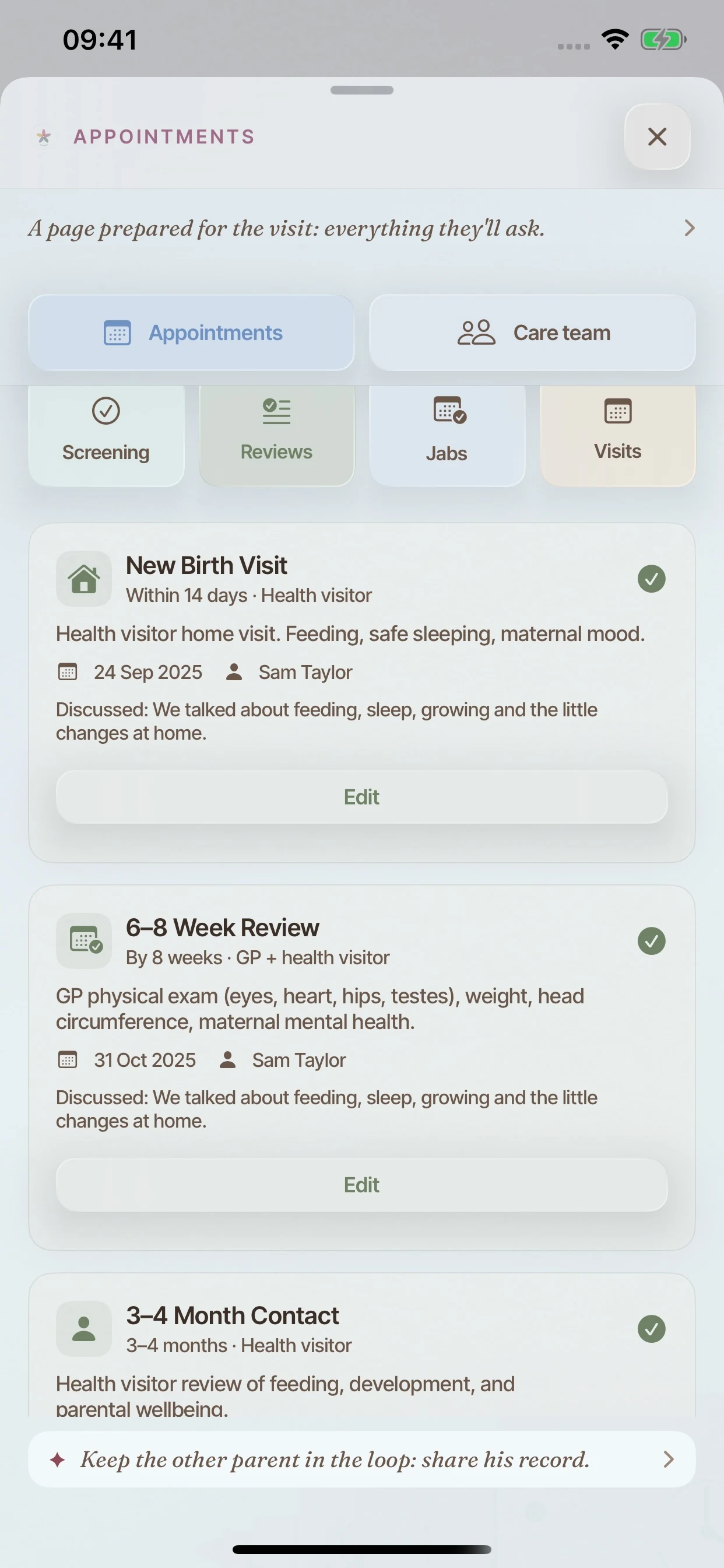
Jabs, screening, health reviews and visits, kept together with room for the details that matter.
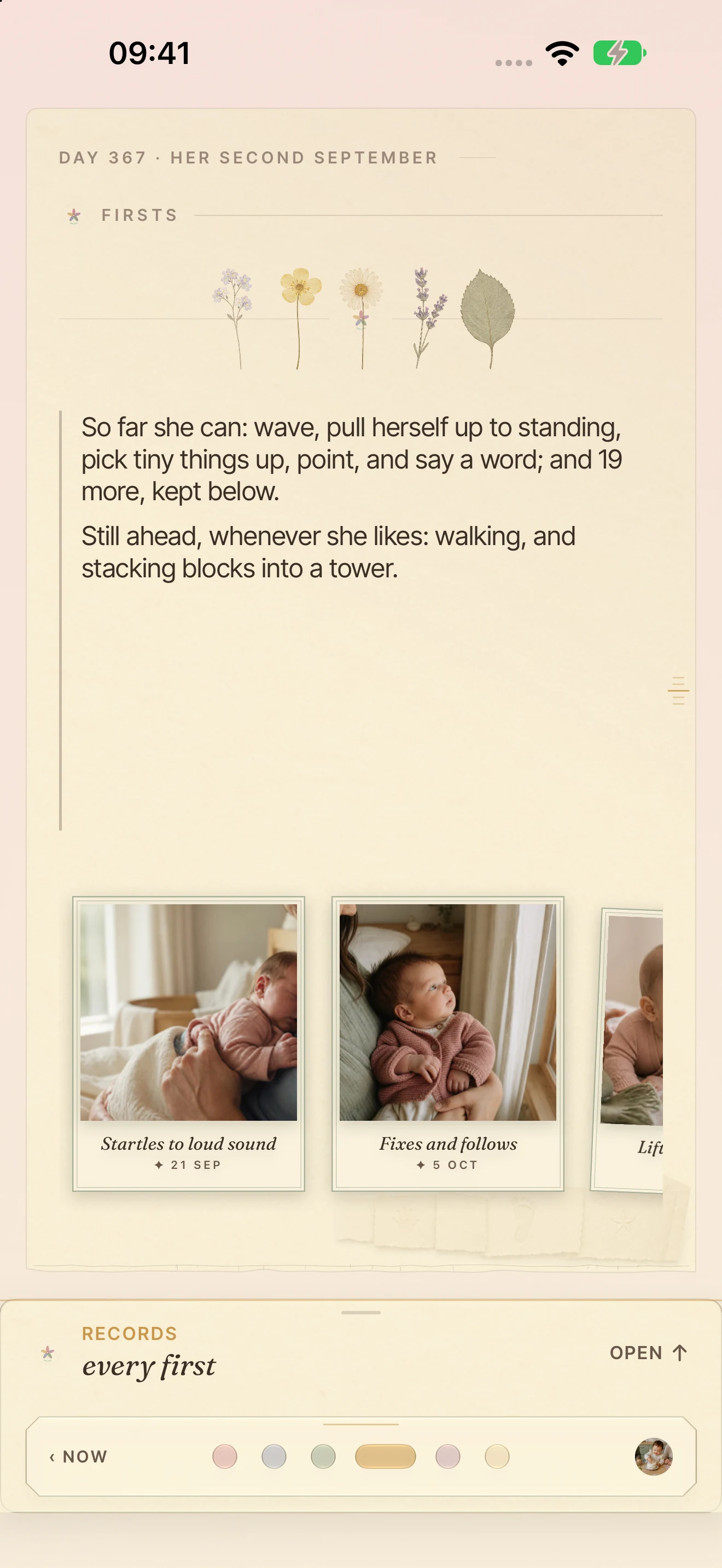
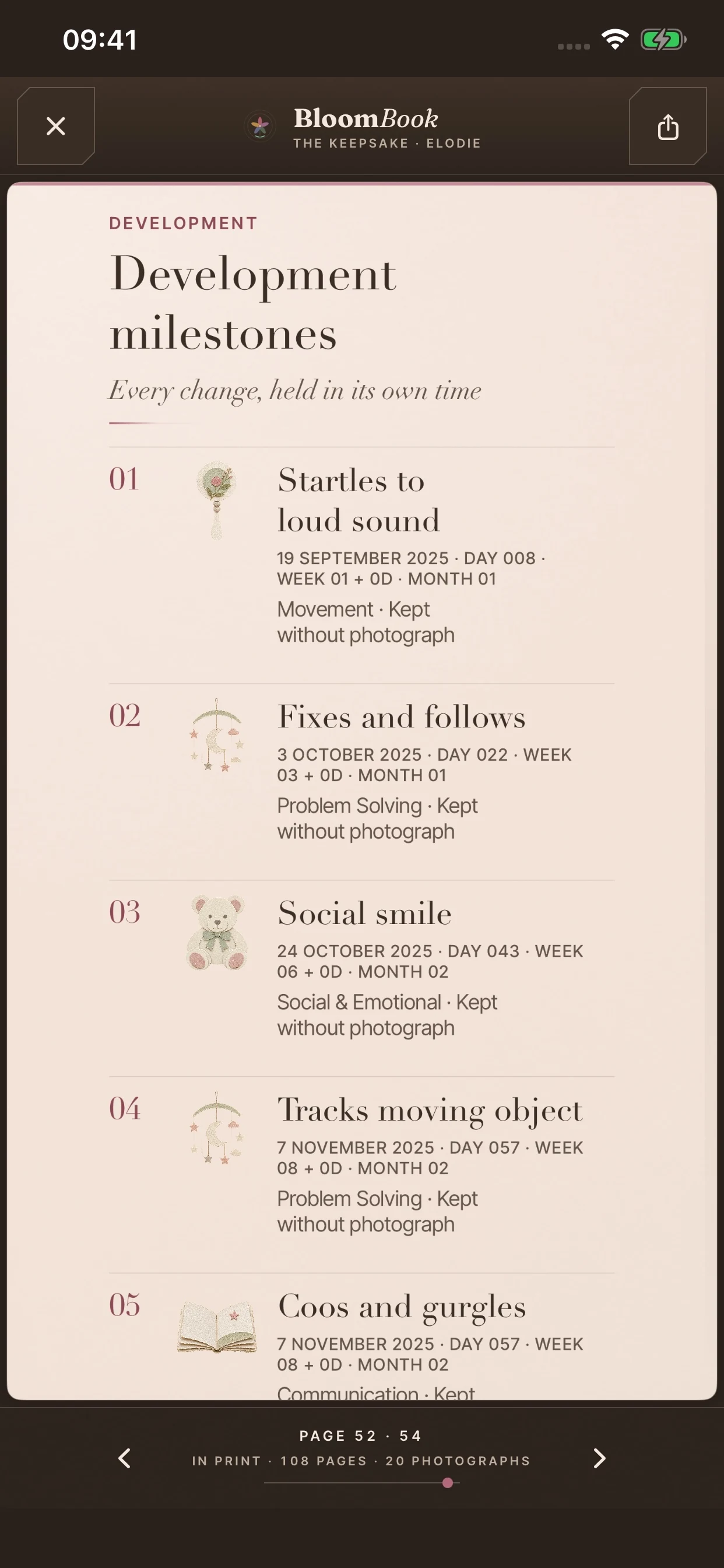
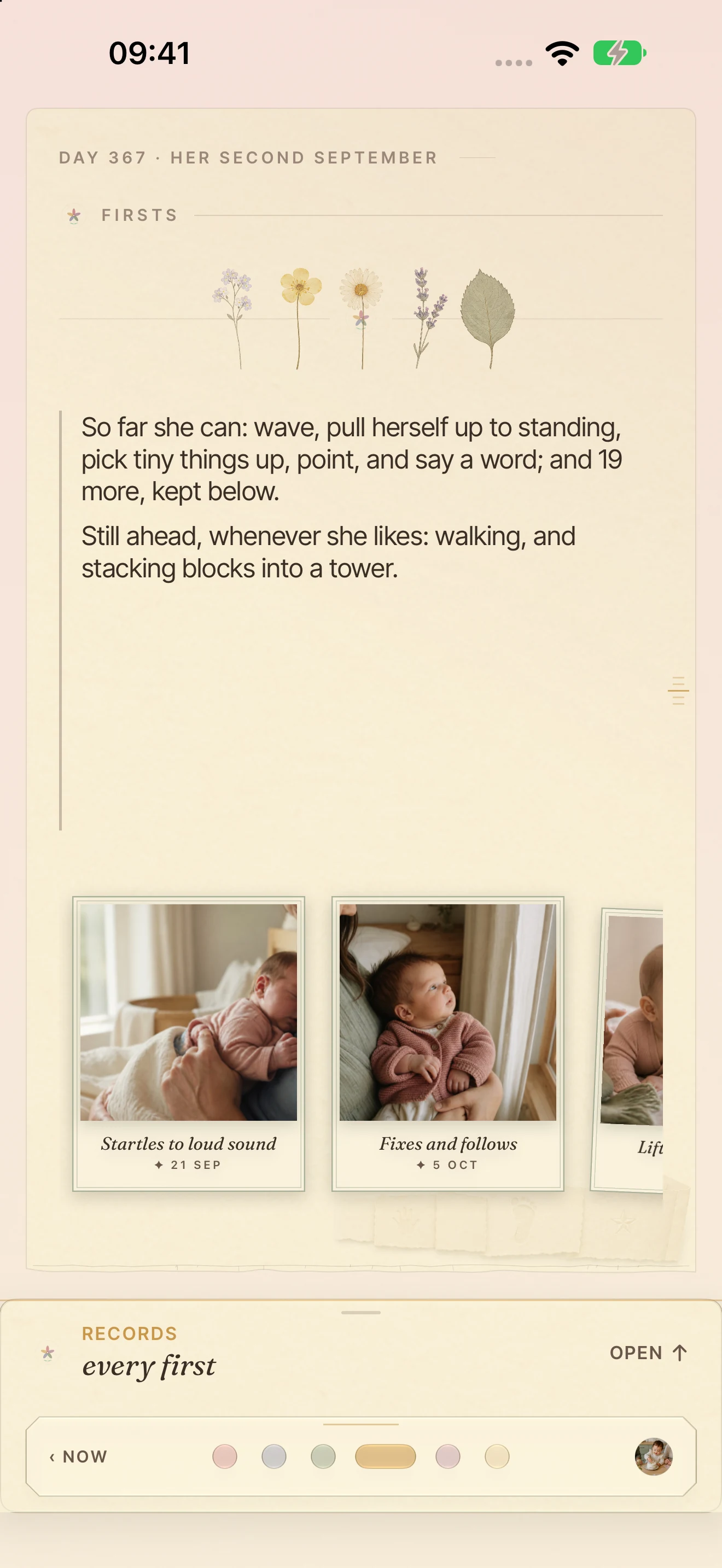
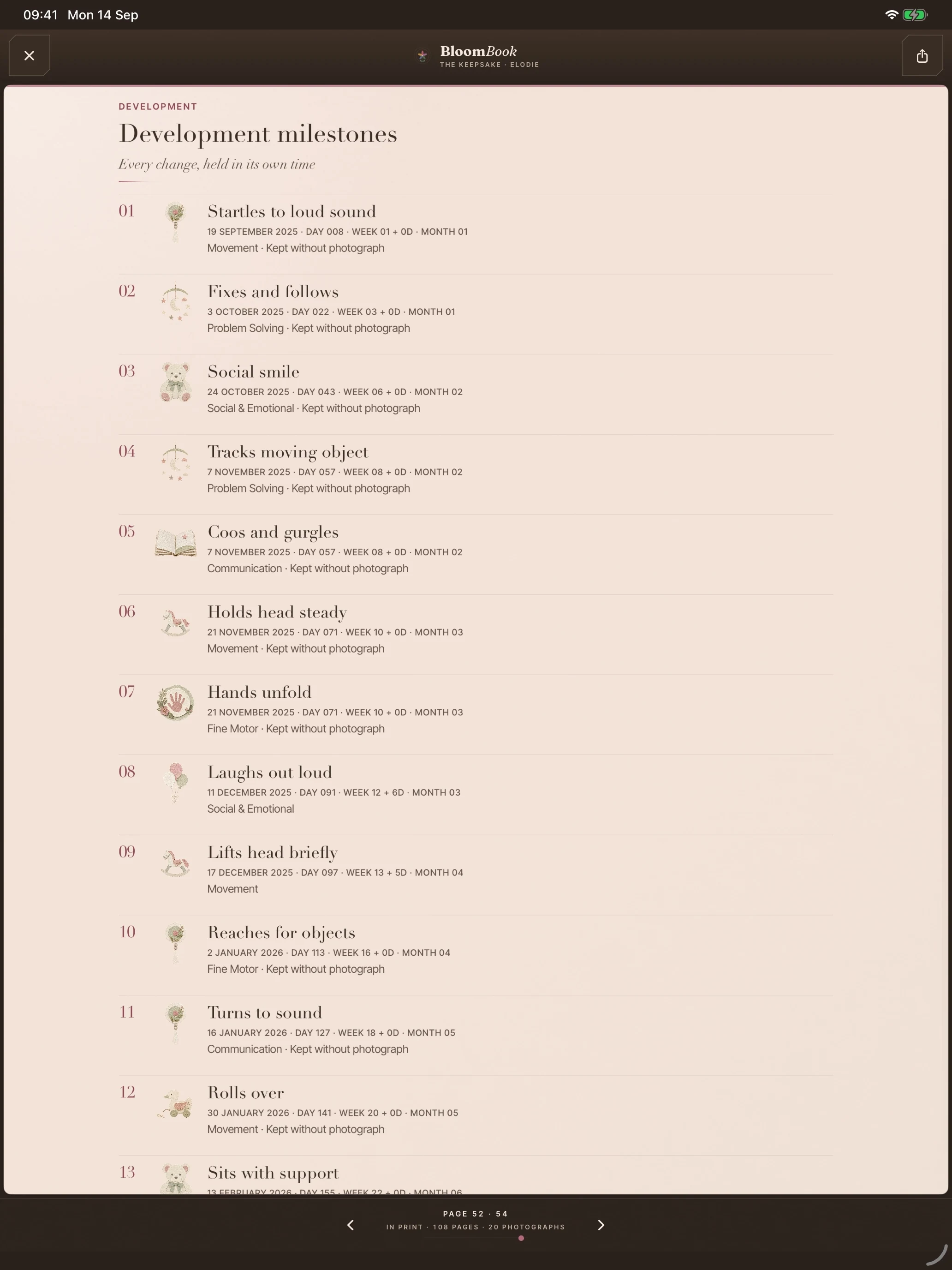
Milestones kept as pressed flowers; what comes next is an invitation, never a deadline.
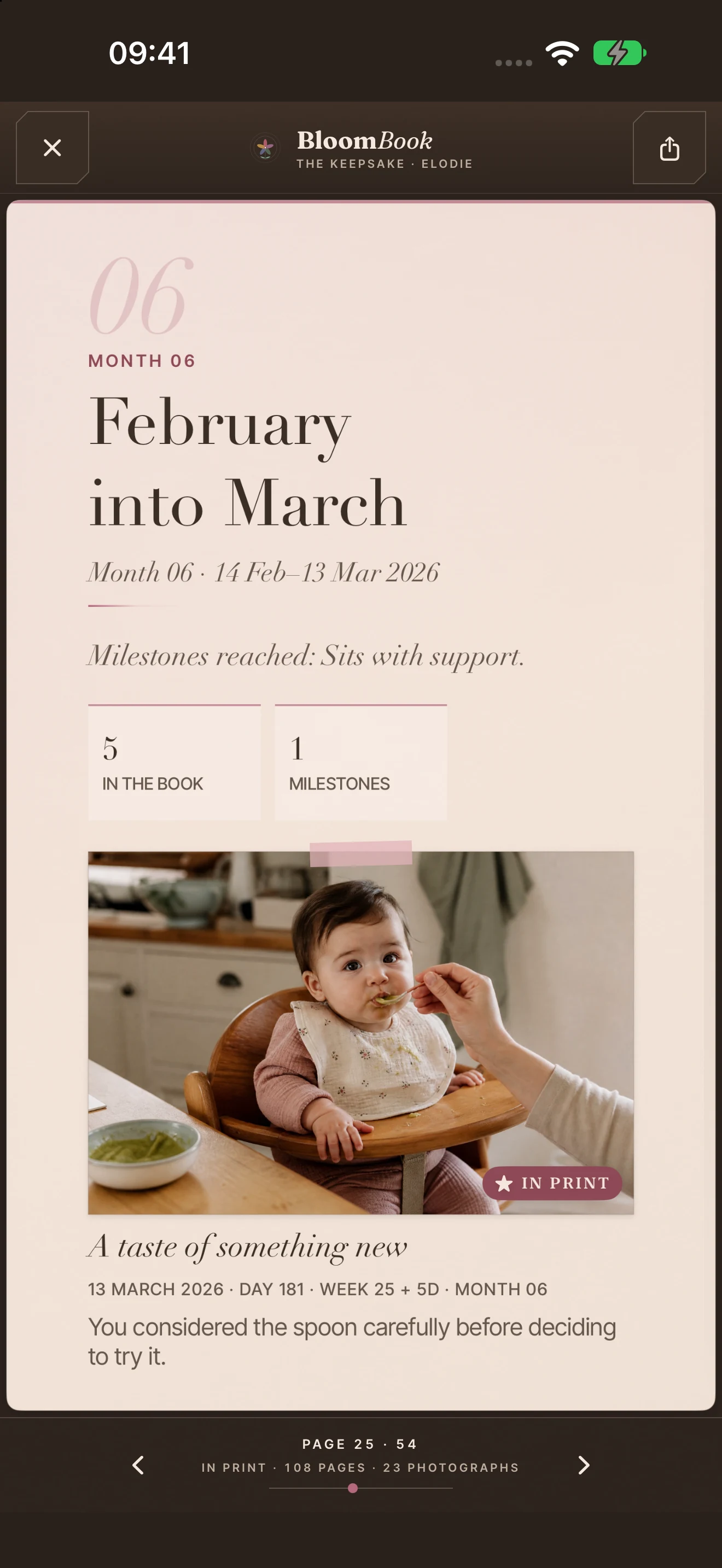
A moment, a milestone or the line you typed at 3am, with a photo only when you want one.
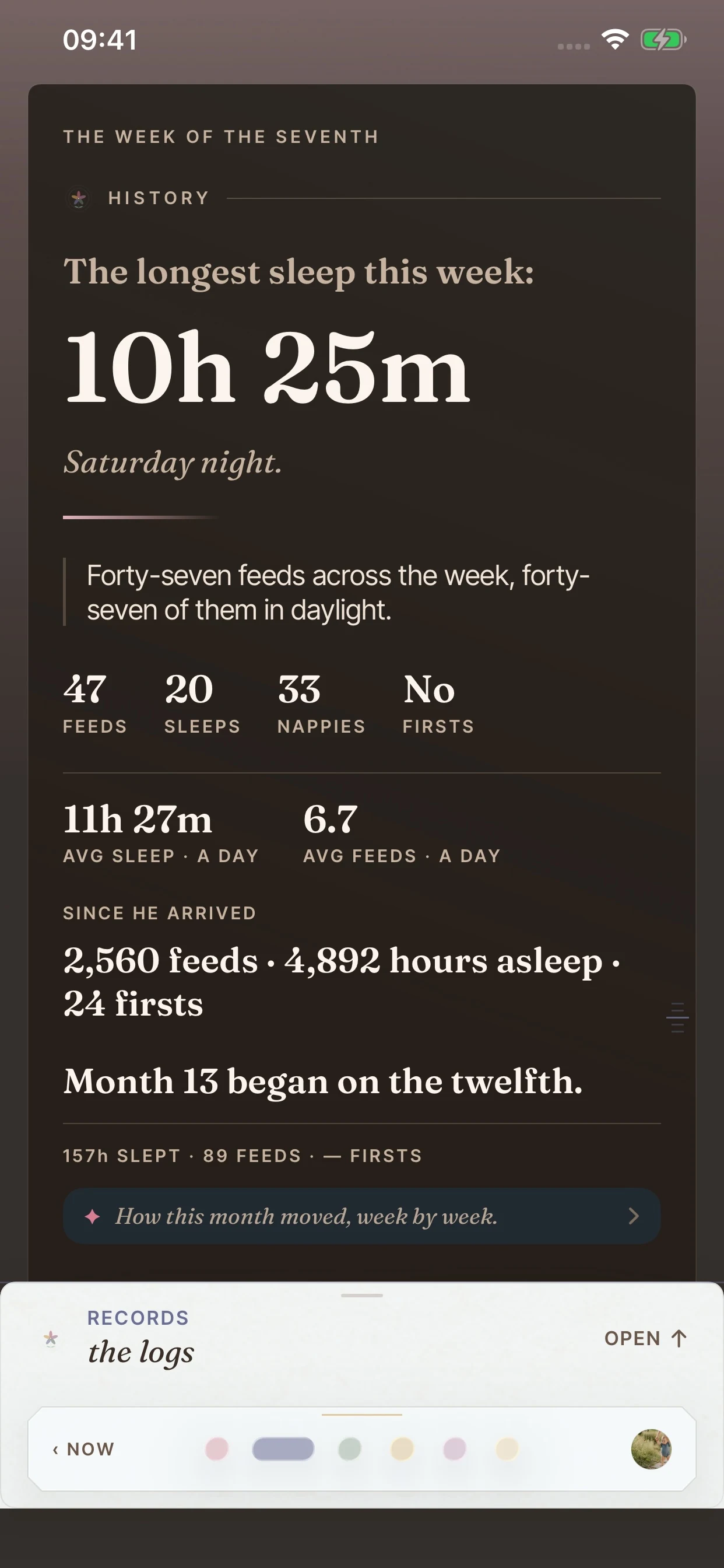
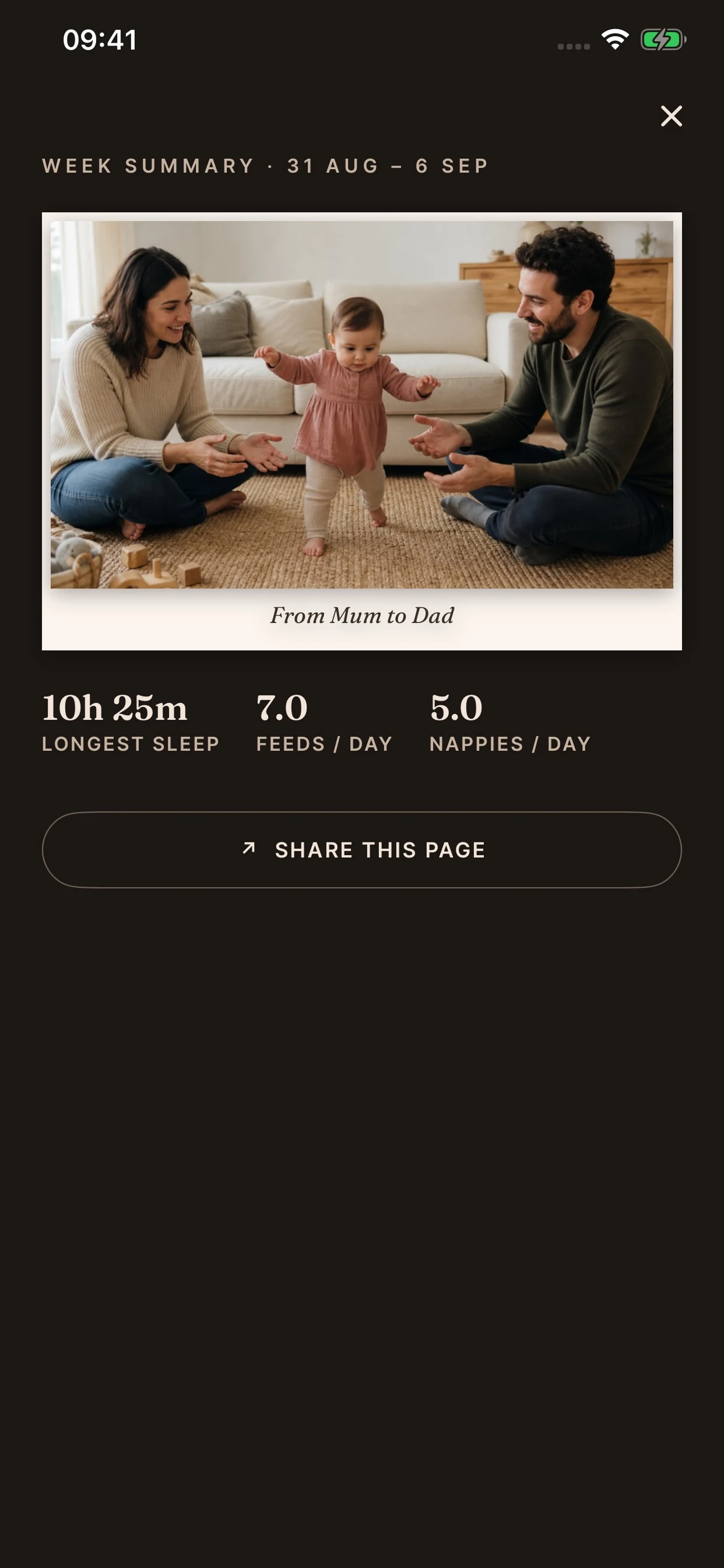
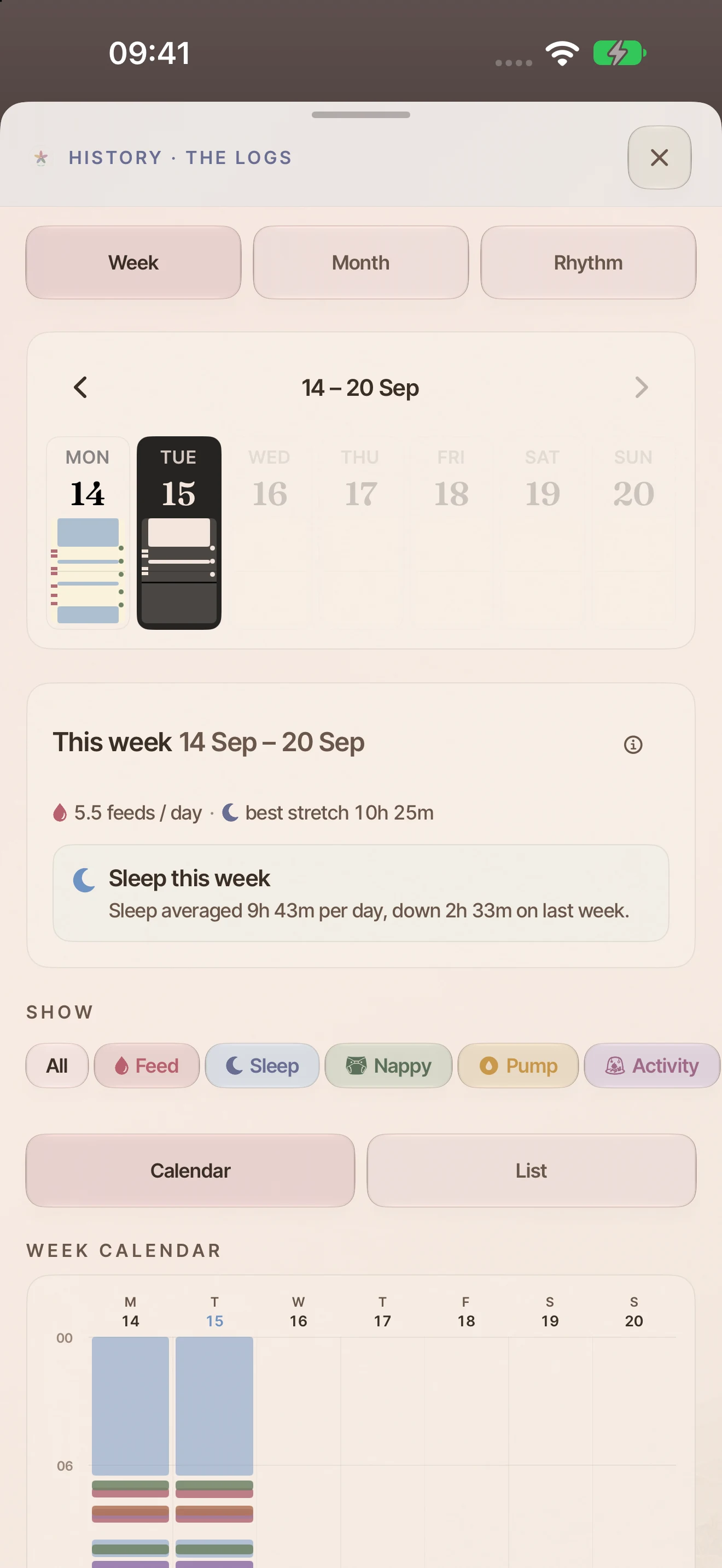
Longest sleep, averages and how the month moved, turned into a small weekly story.
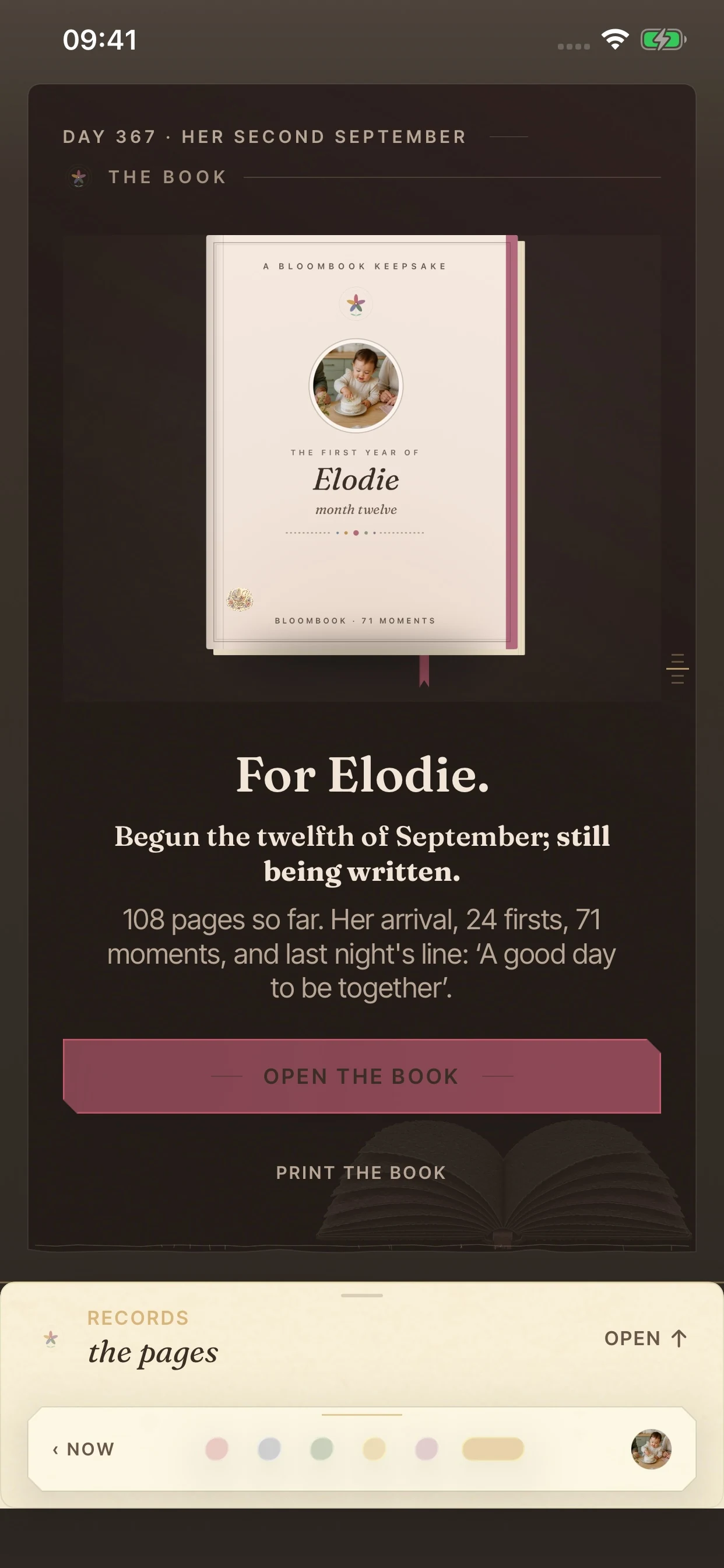
Moments and measurements become pages you can read in the app, then print and hold.
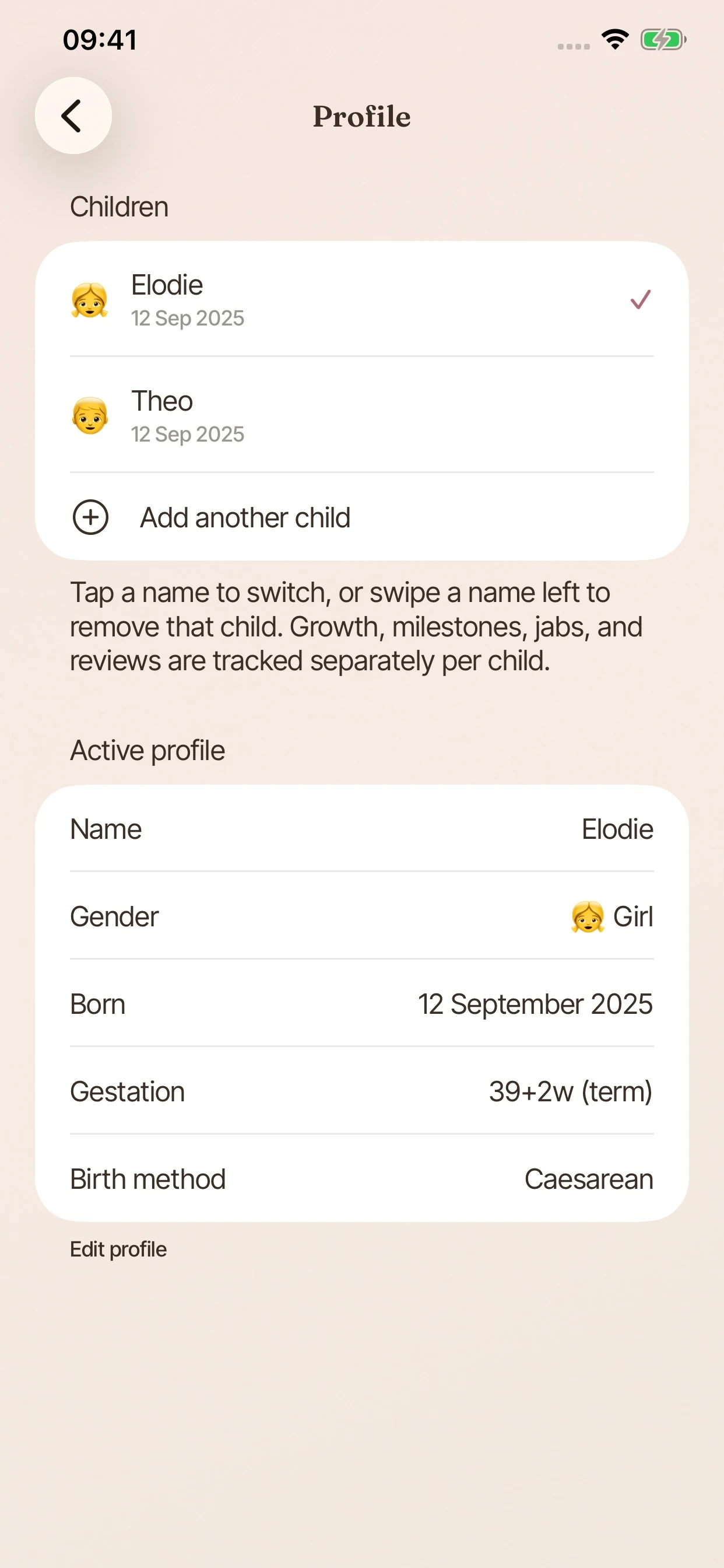
Add every child and switch between them instantly, with every entry kept in the right story.
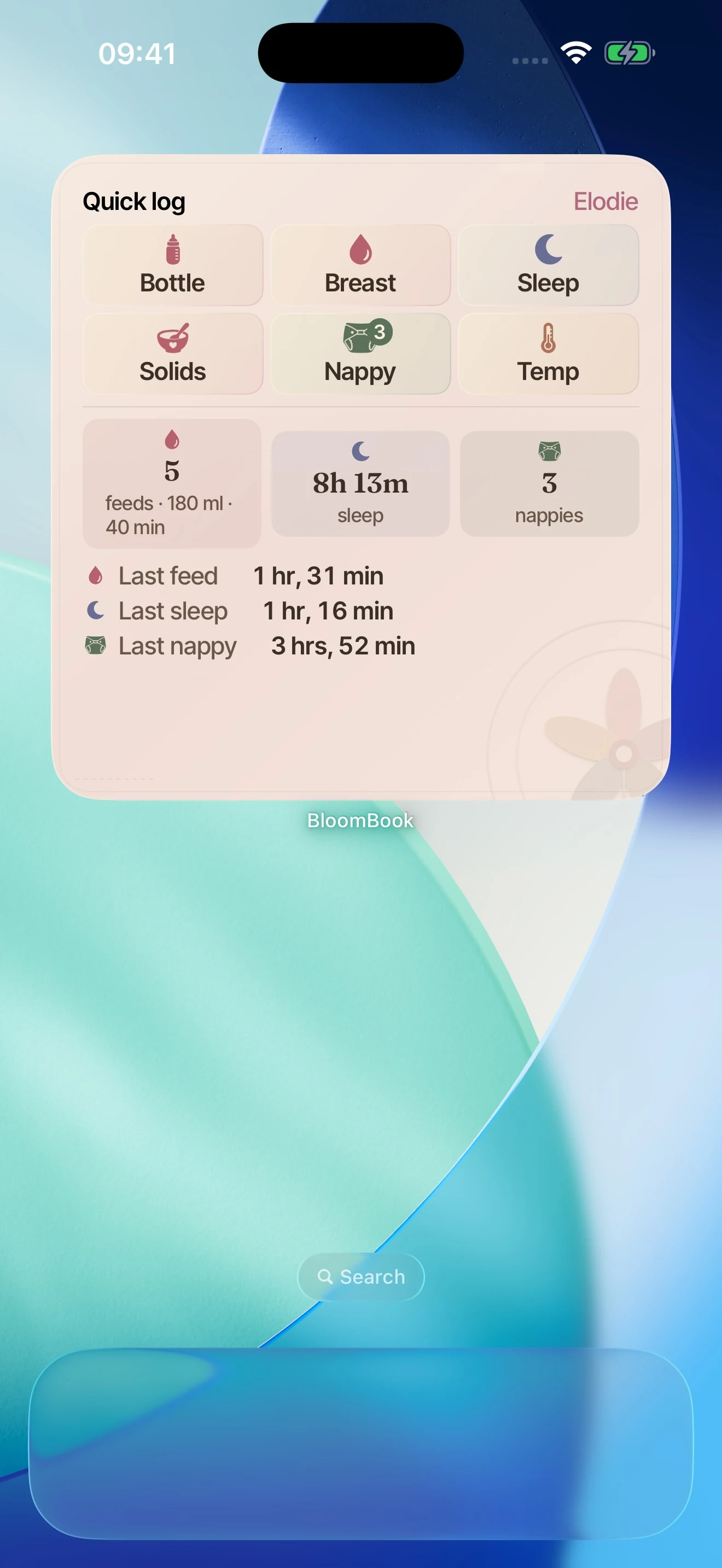
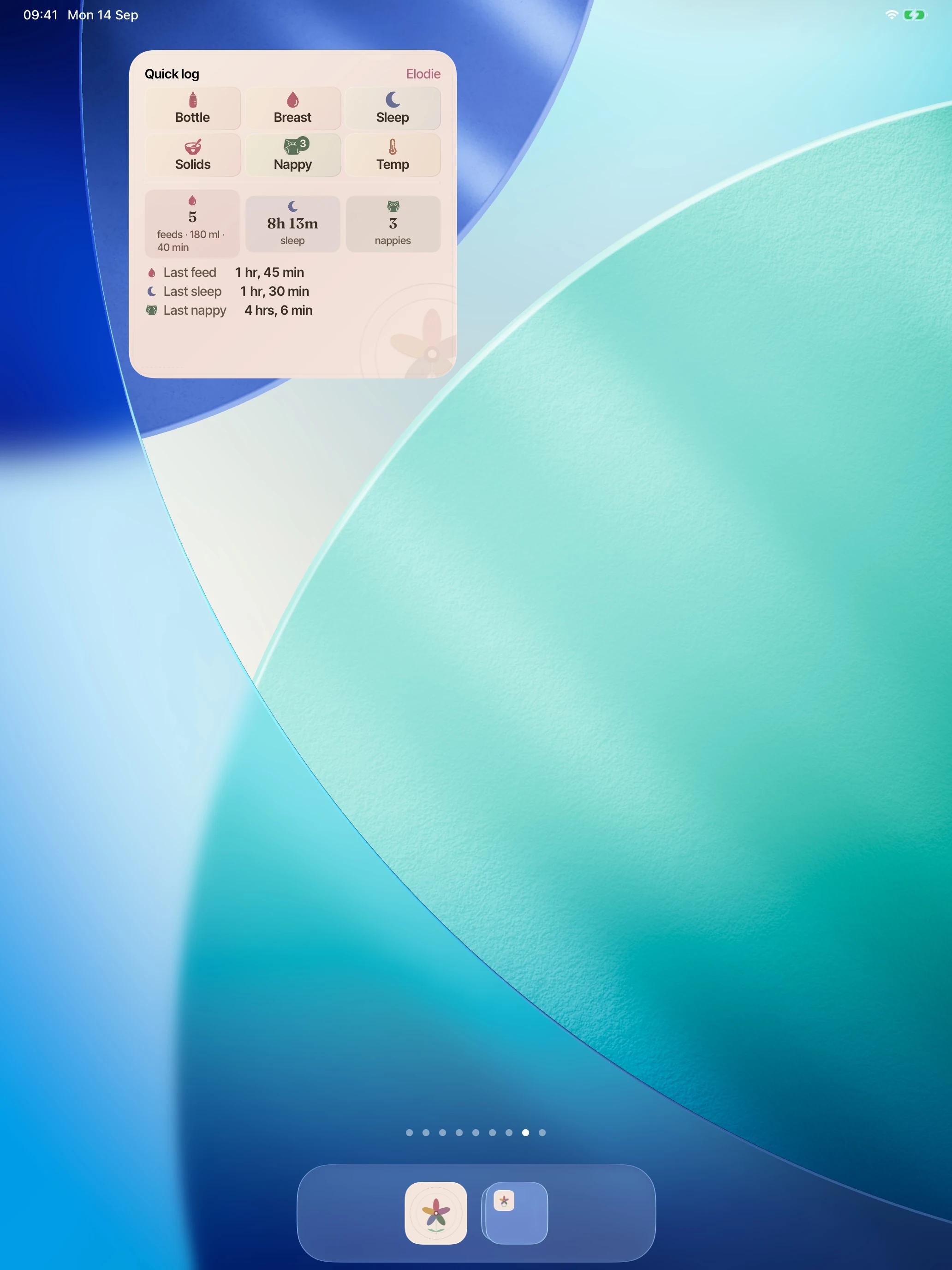
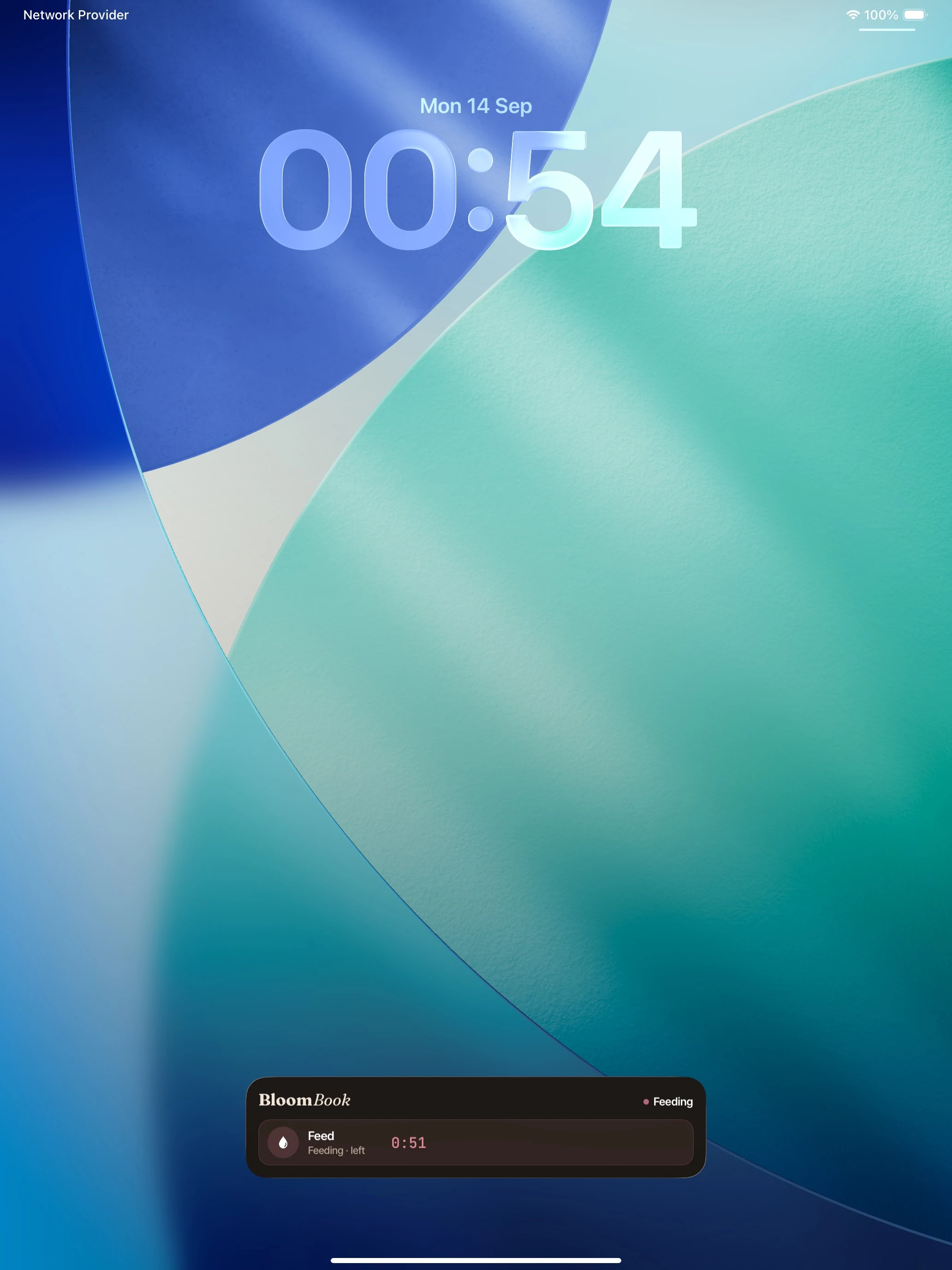
Feeds, sleep and nappies on the Home Screen, with quick-log tiles sitting beside them.
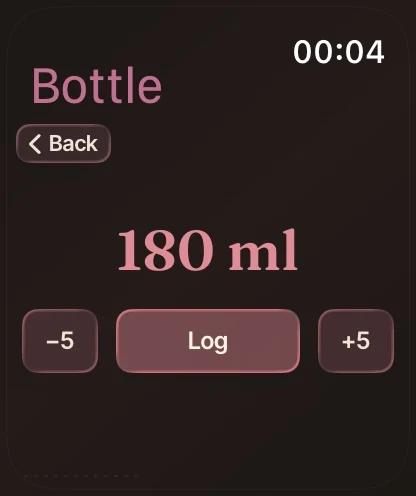
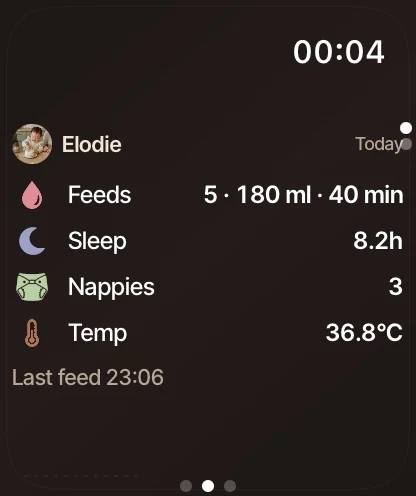
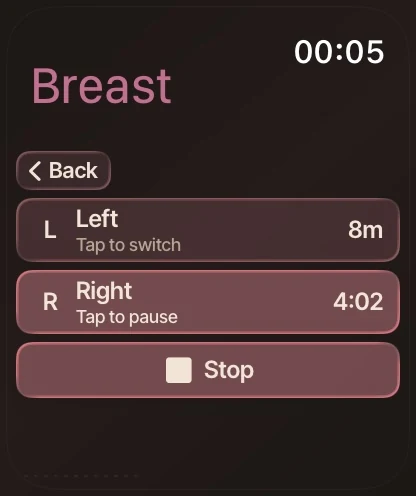
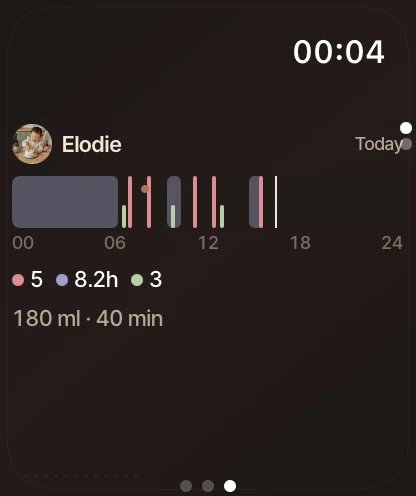
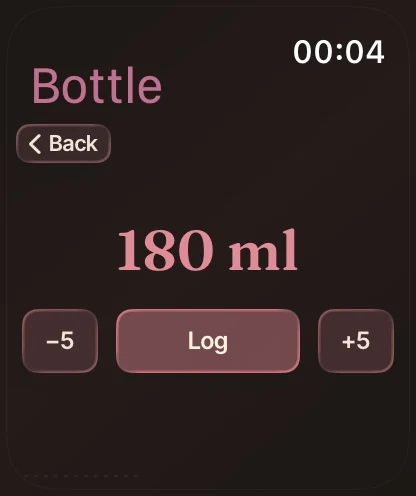
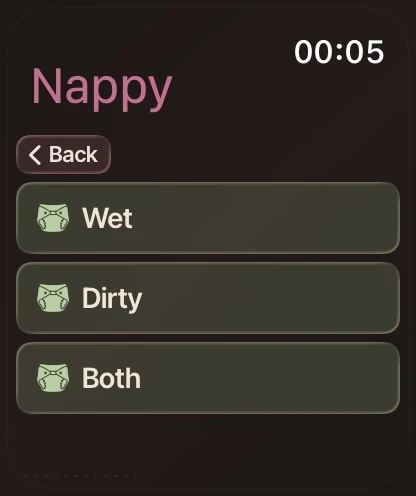
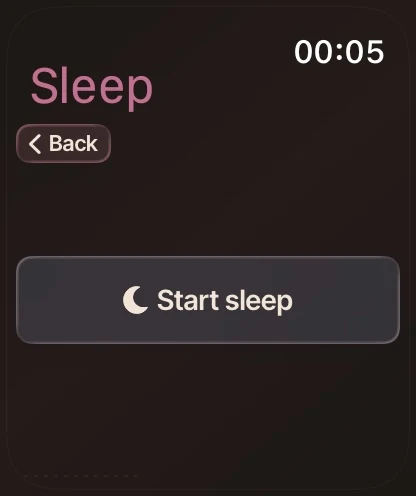
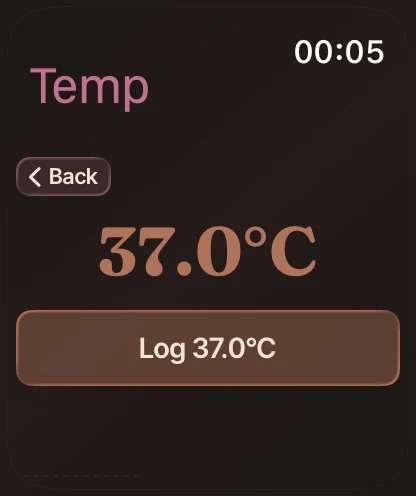
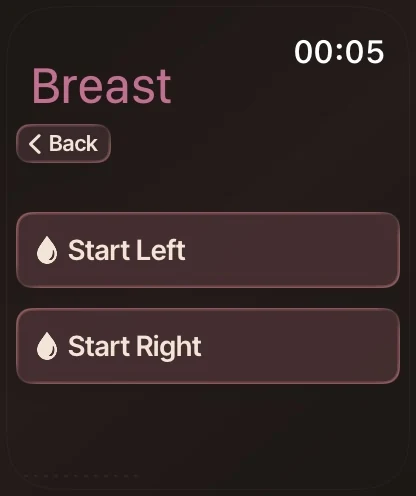
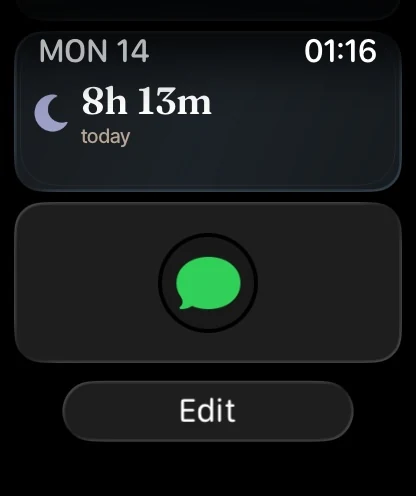
Log a bottle, a feed, a sleep, a nappy or a temperature from your wrist, and it syncs on its own.
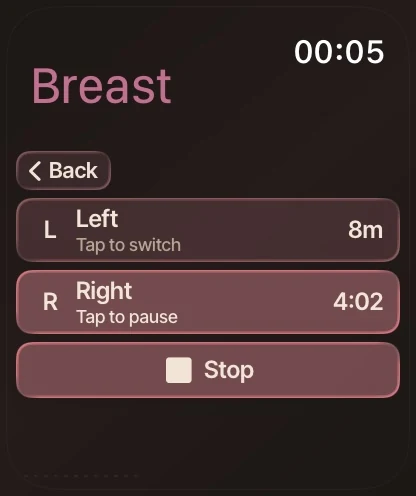
Swipe or drag sideways. You can also focus this carousel and use the left and right arrow keys.
Logging, growth, jabs, milestones and the weekly recap. Everyday logging is free.
The numbers that matter right now, six quick-log tiles, and the book’s Contents: each chapter summarised in a line of your own data.
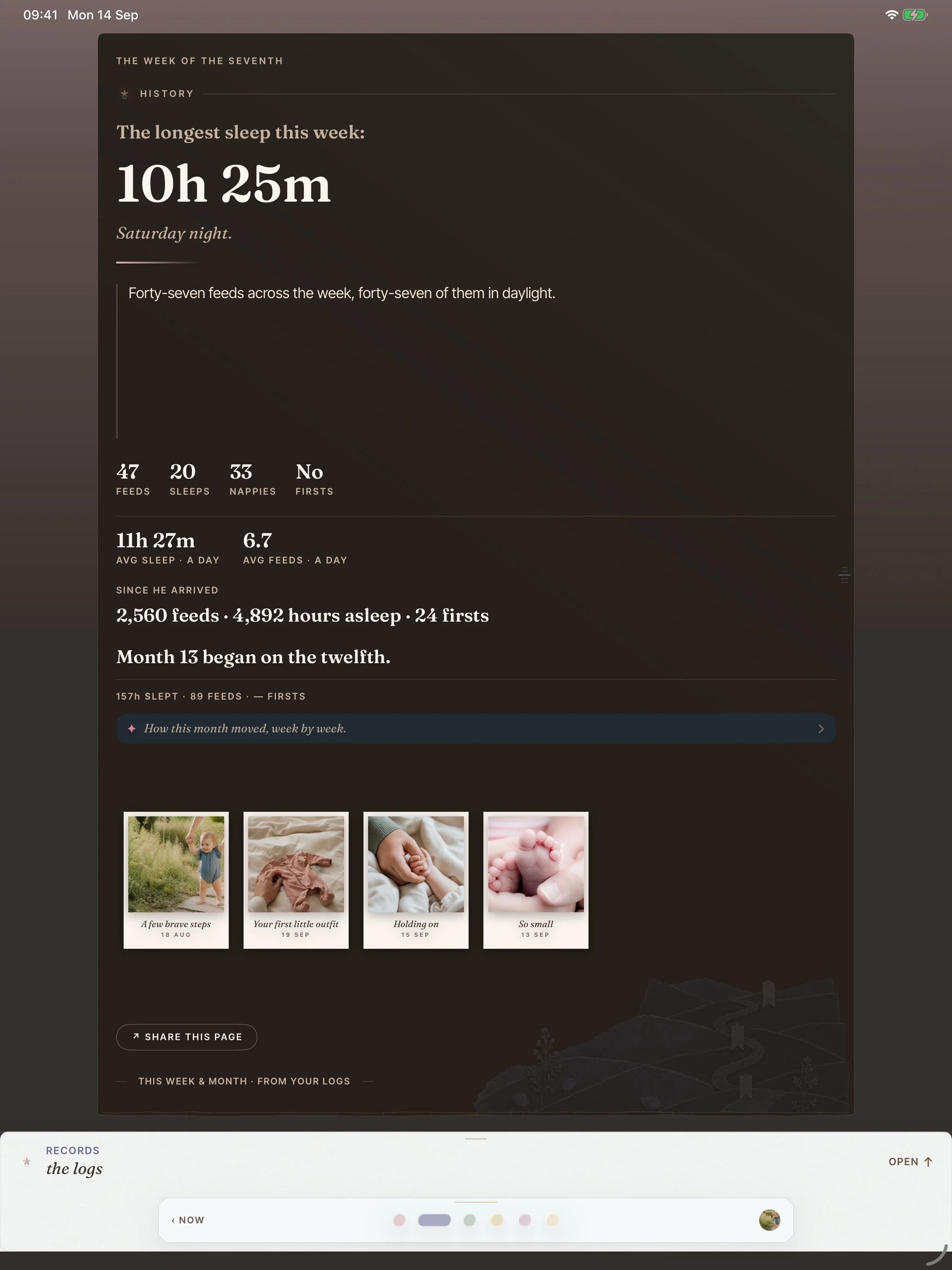
“Her longest sleep this week: 10h 25m.”
included free
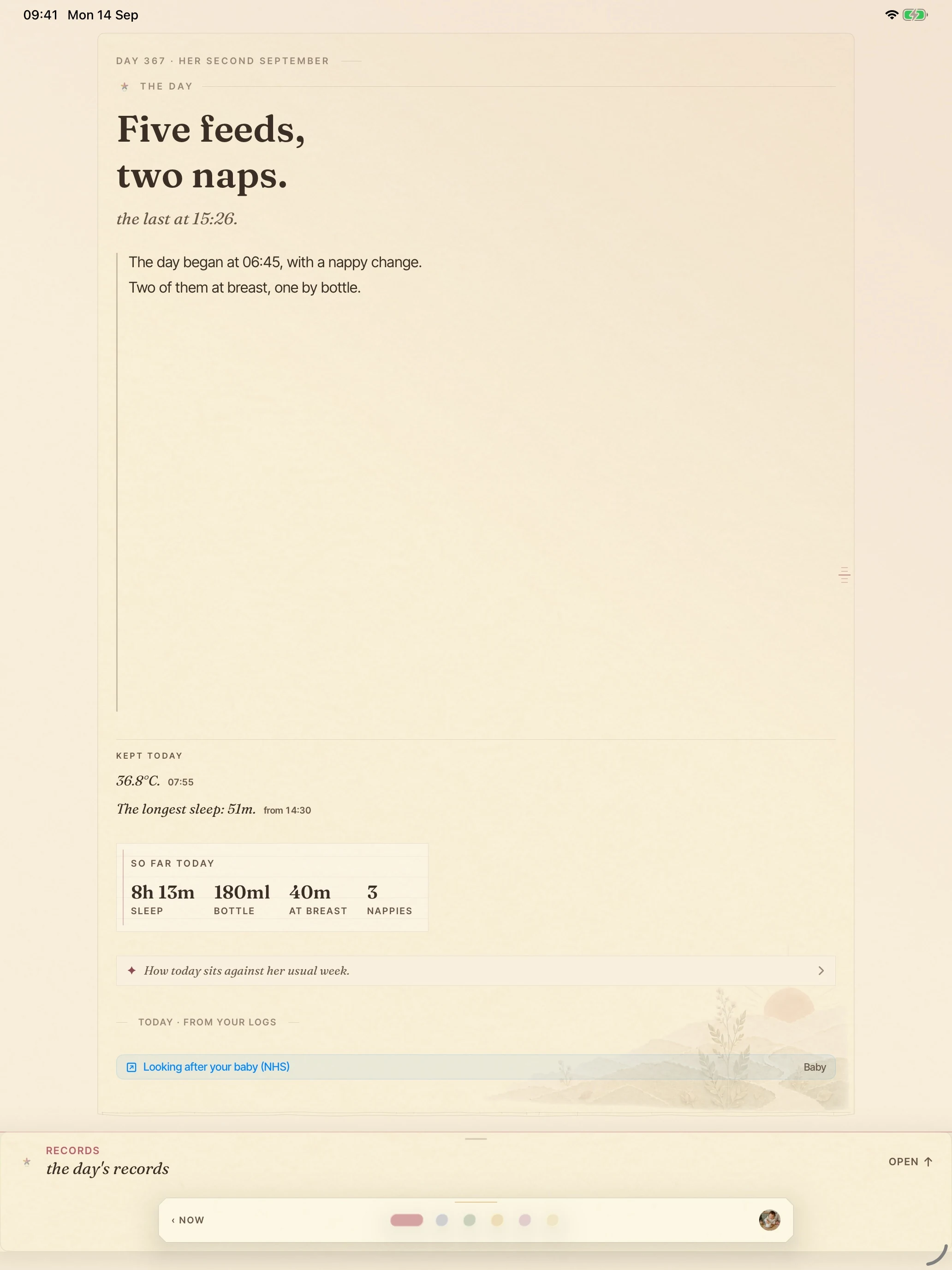
The day reads as plain words, with a so-far-today ledger underneath: sleep, bottle millilitres, time at breast, nappies.
“Five feeds, two naps. The last at 15:26.”
included free
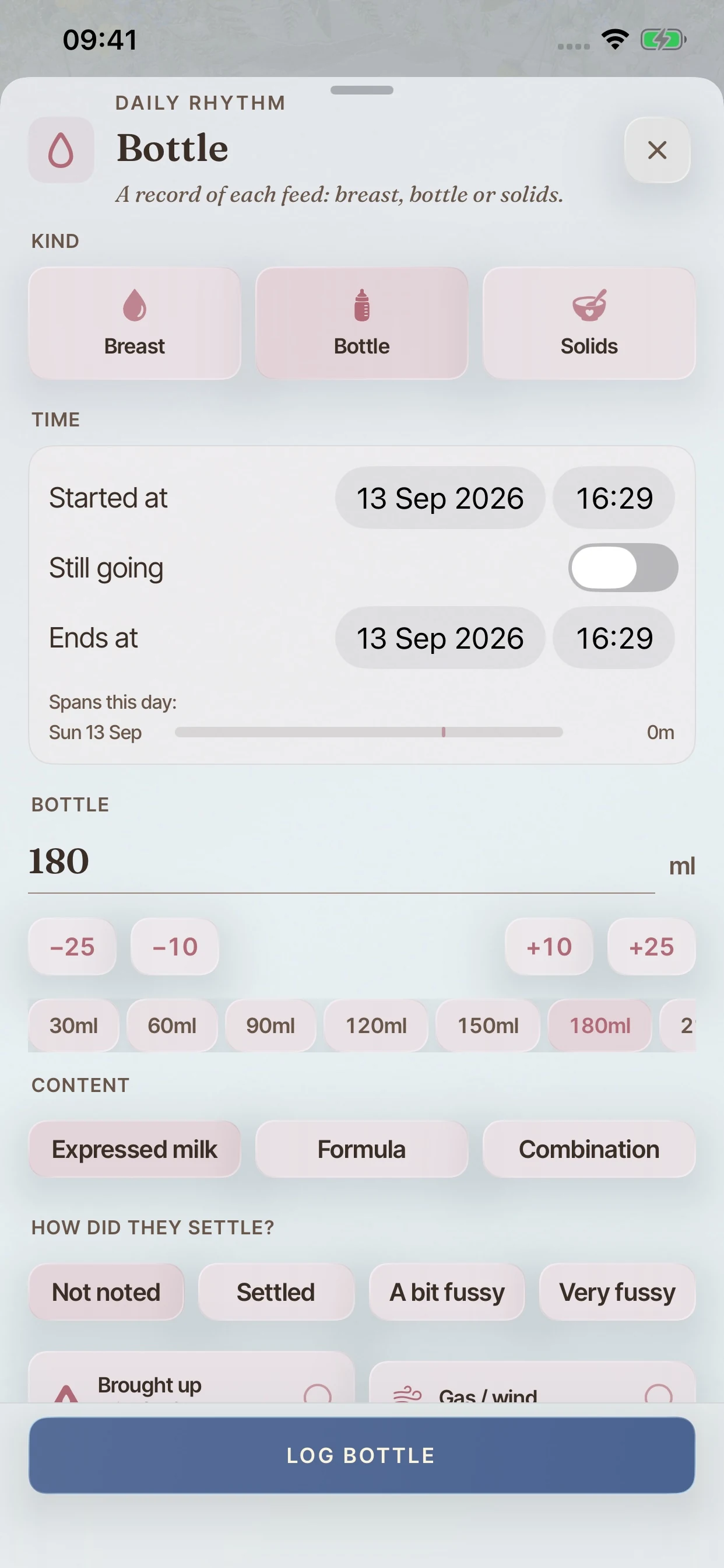
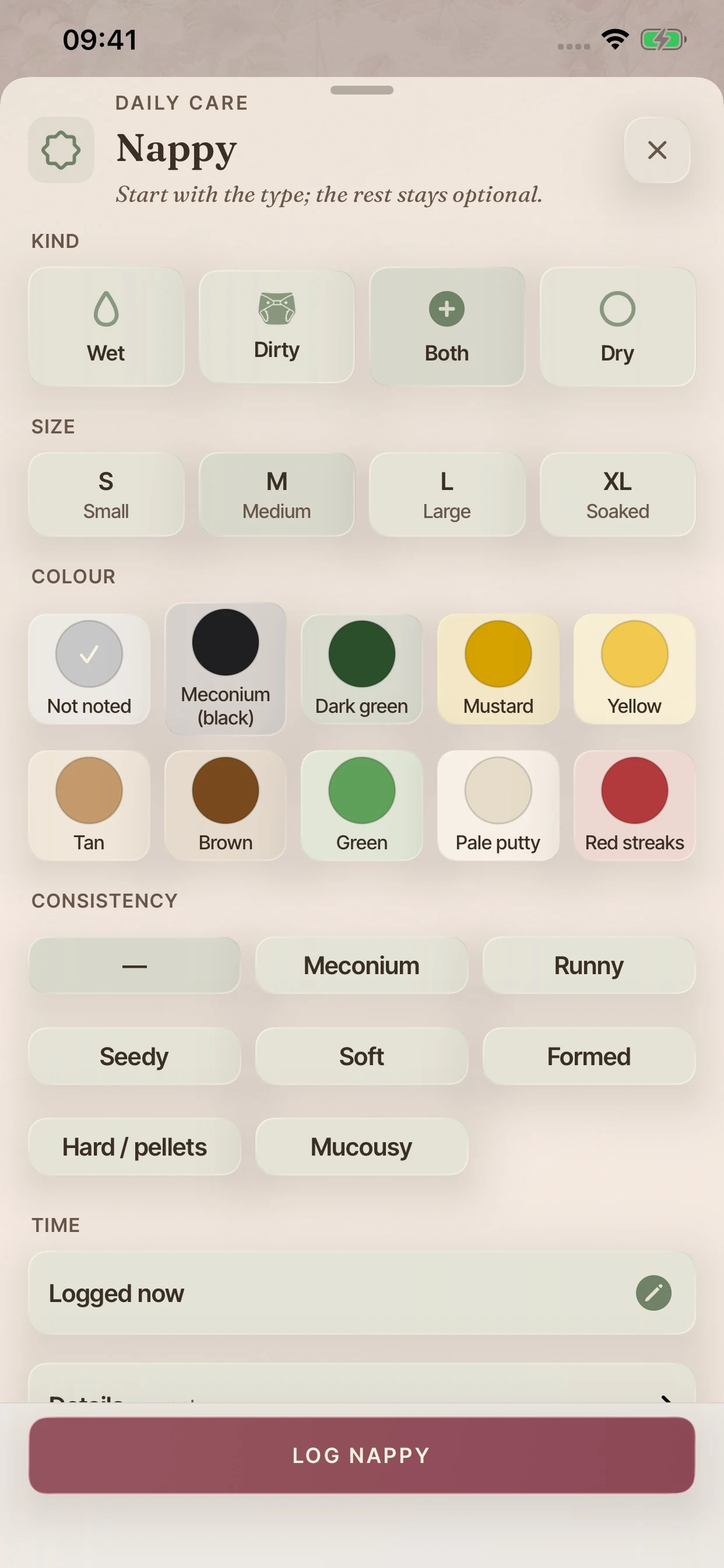
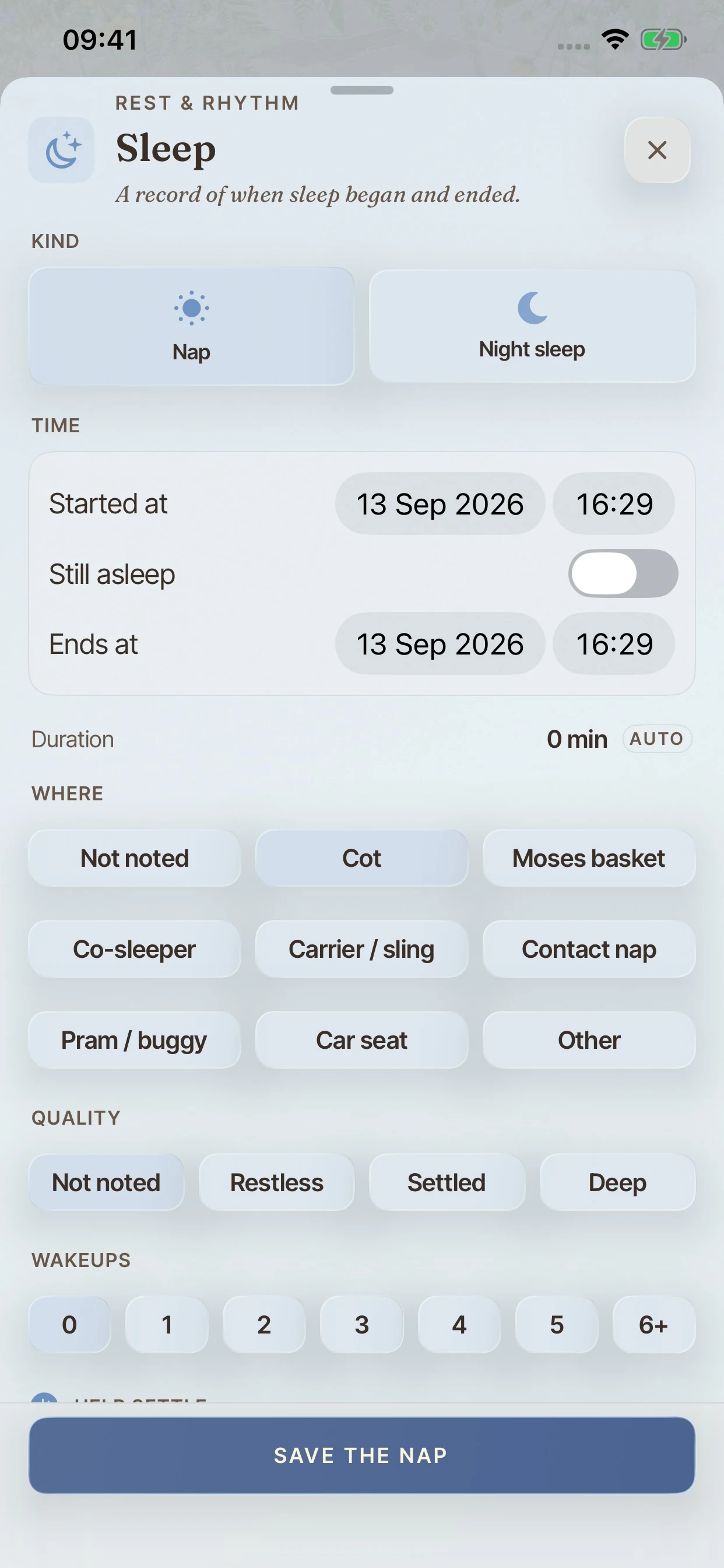
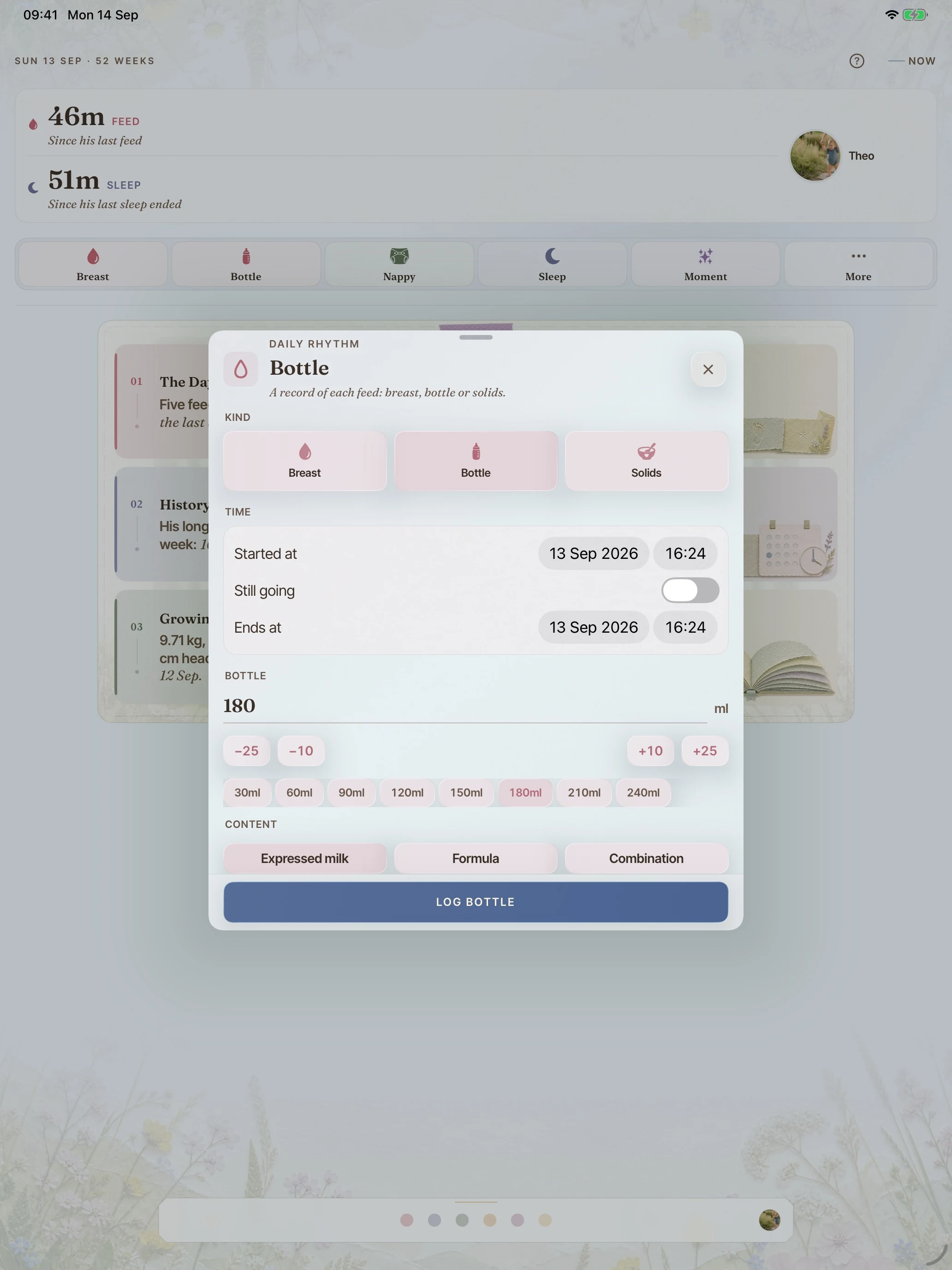
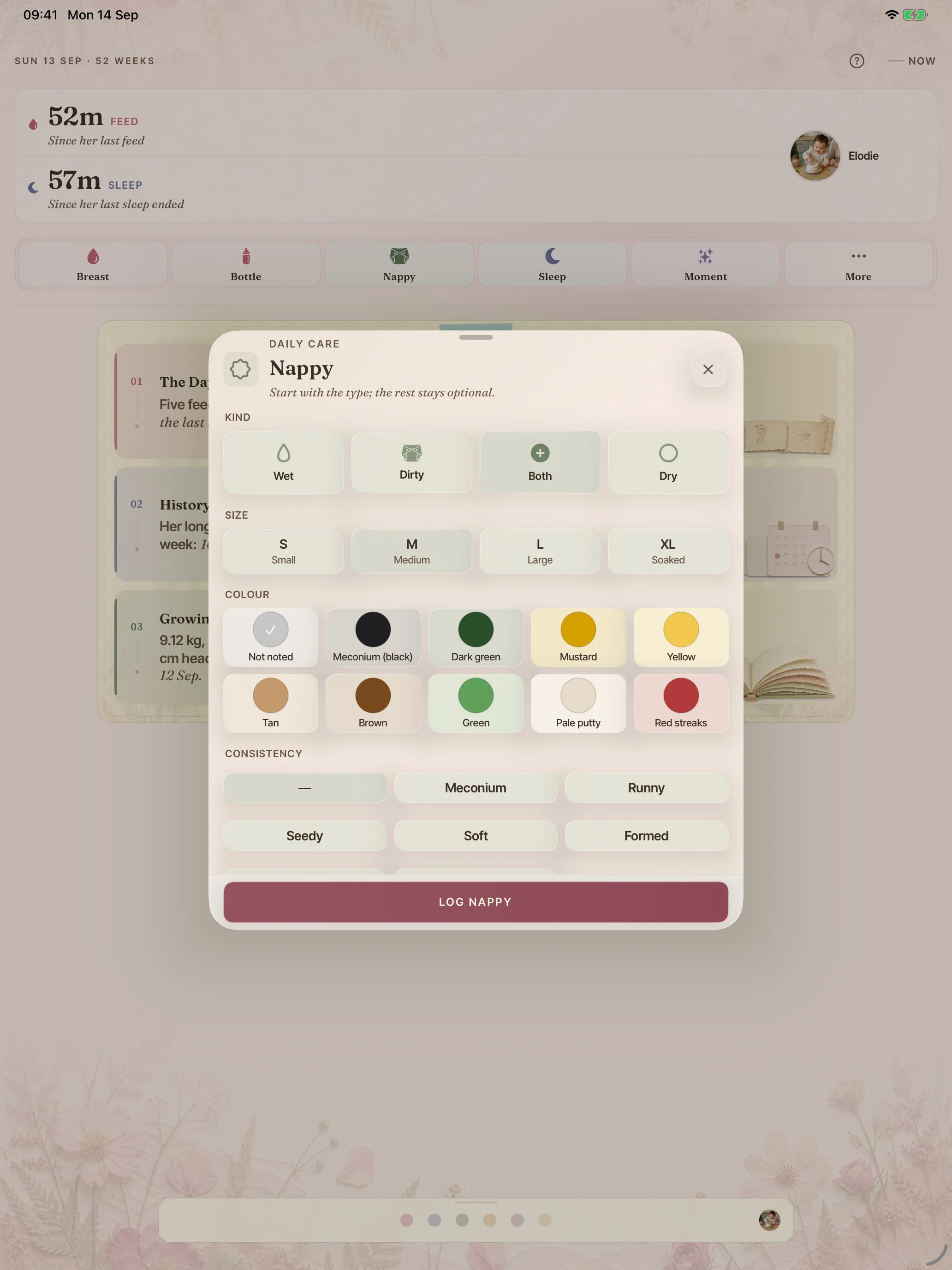
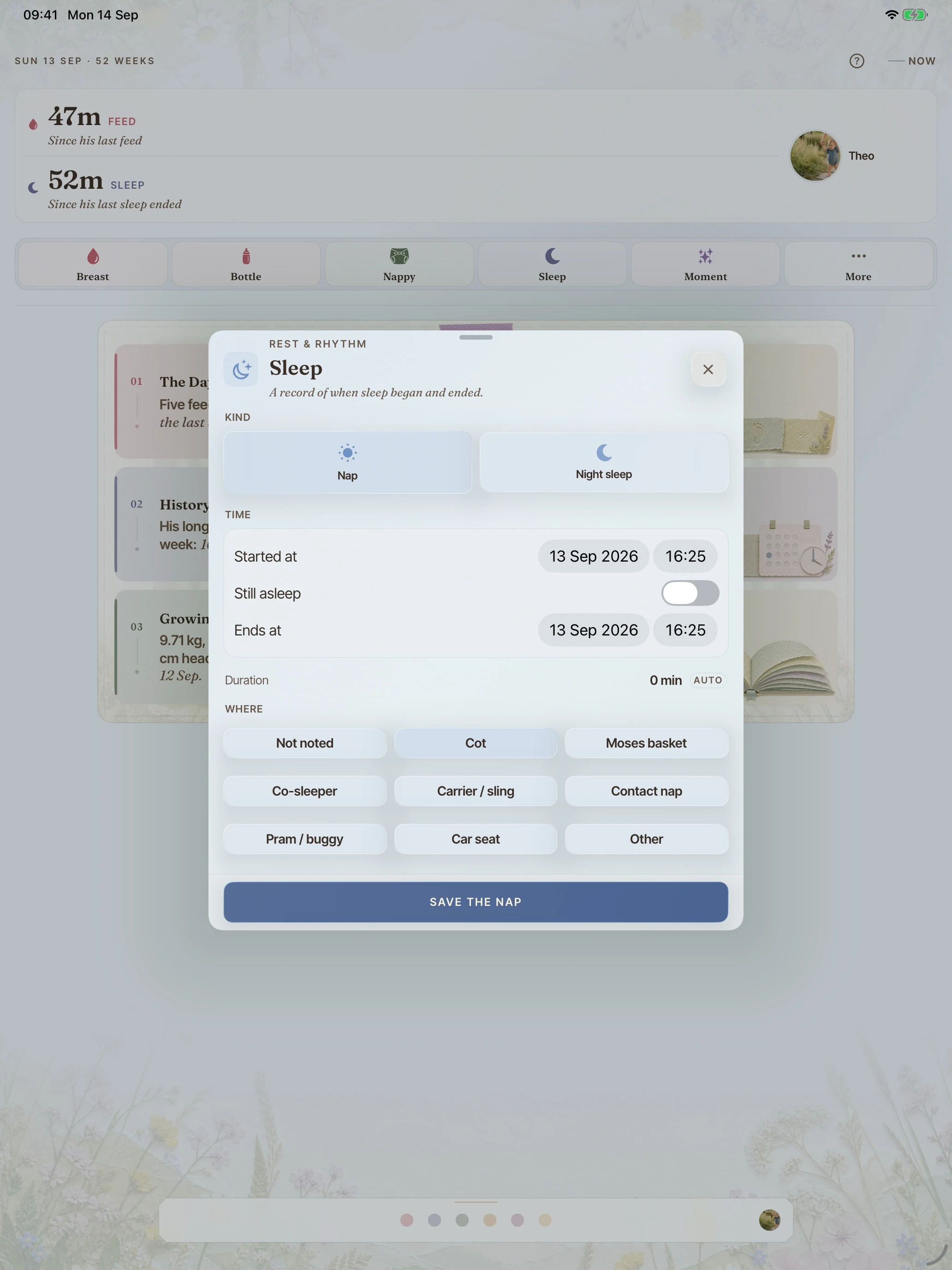
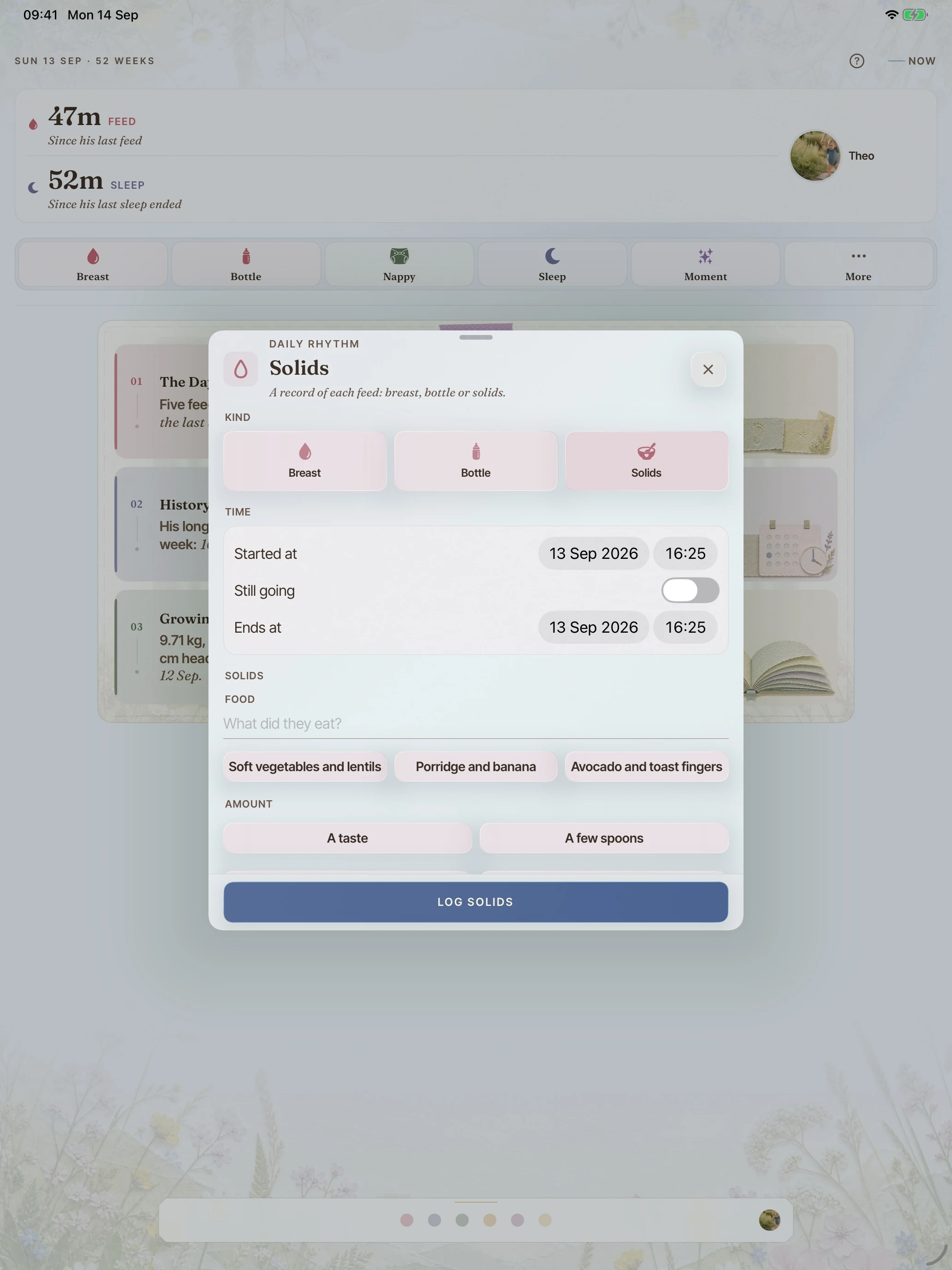
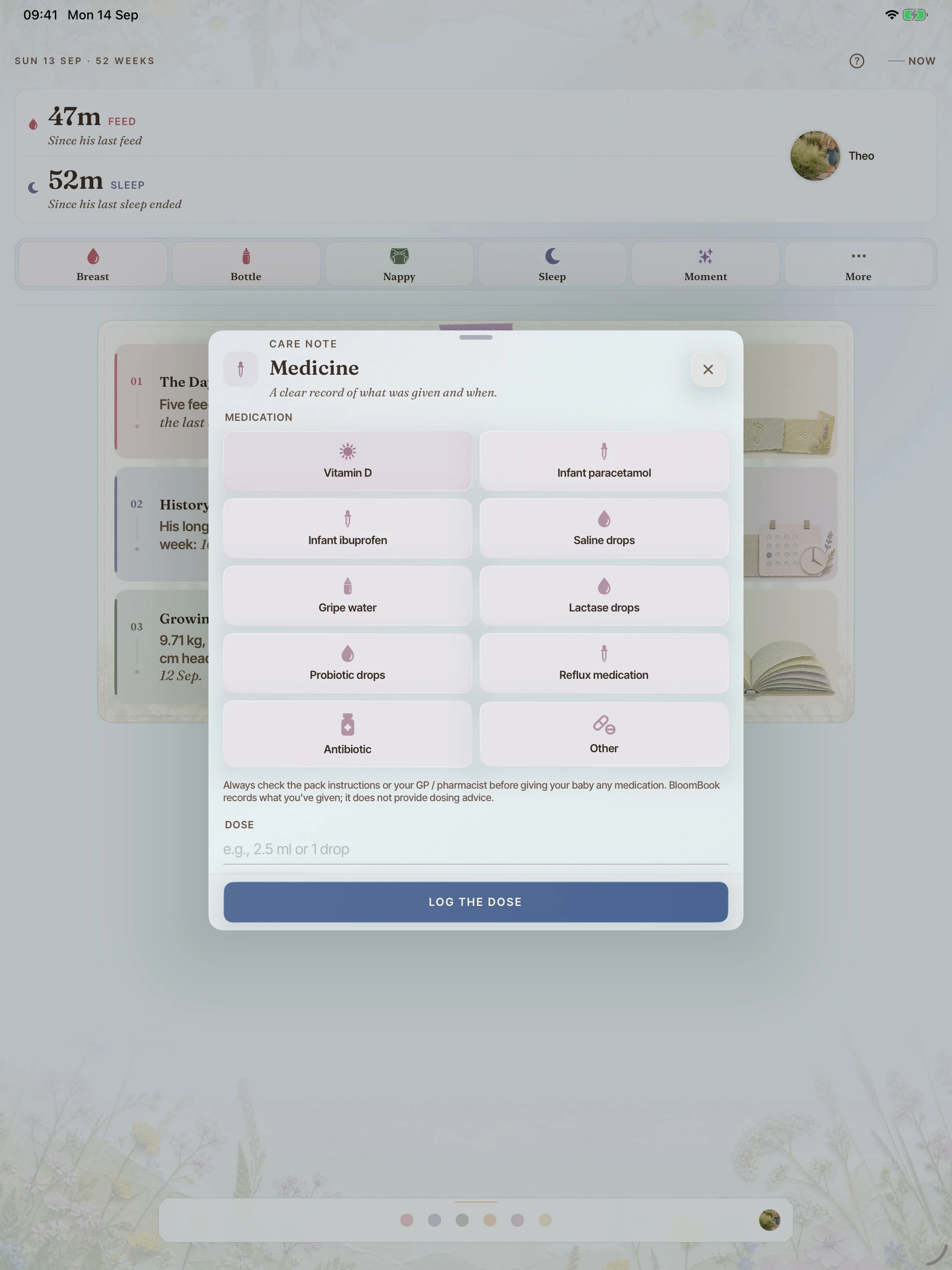
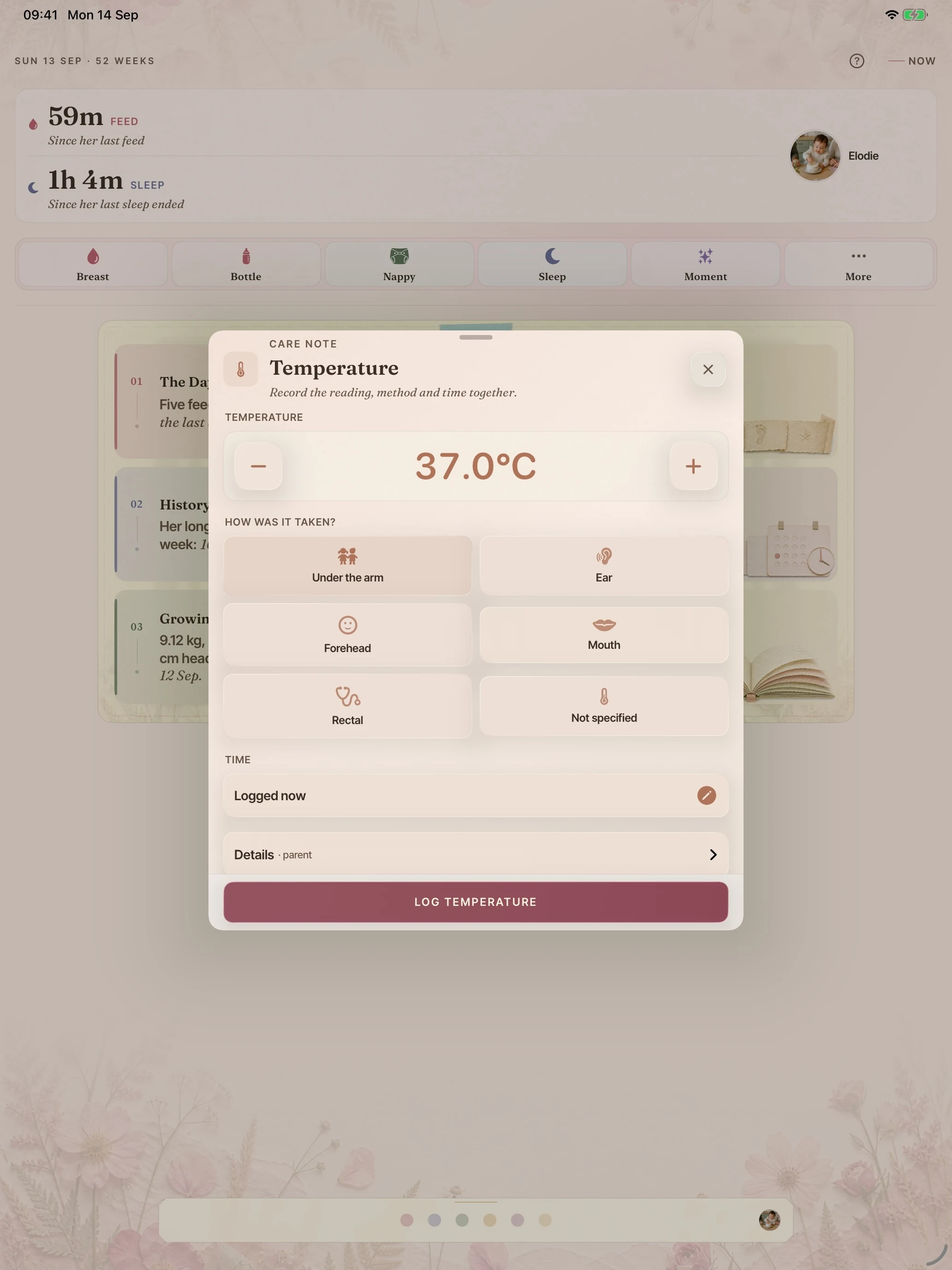
Breast, bottle and solids, sleep, nappies, pumping, medicines, temperature, tummy time and play. One tap starts a timer, two taps log a bottle at the last volume, and timers survive a relaunch. Everything can be backdated.
included free
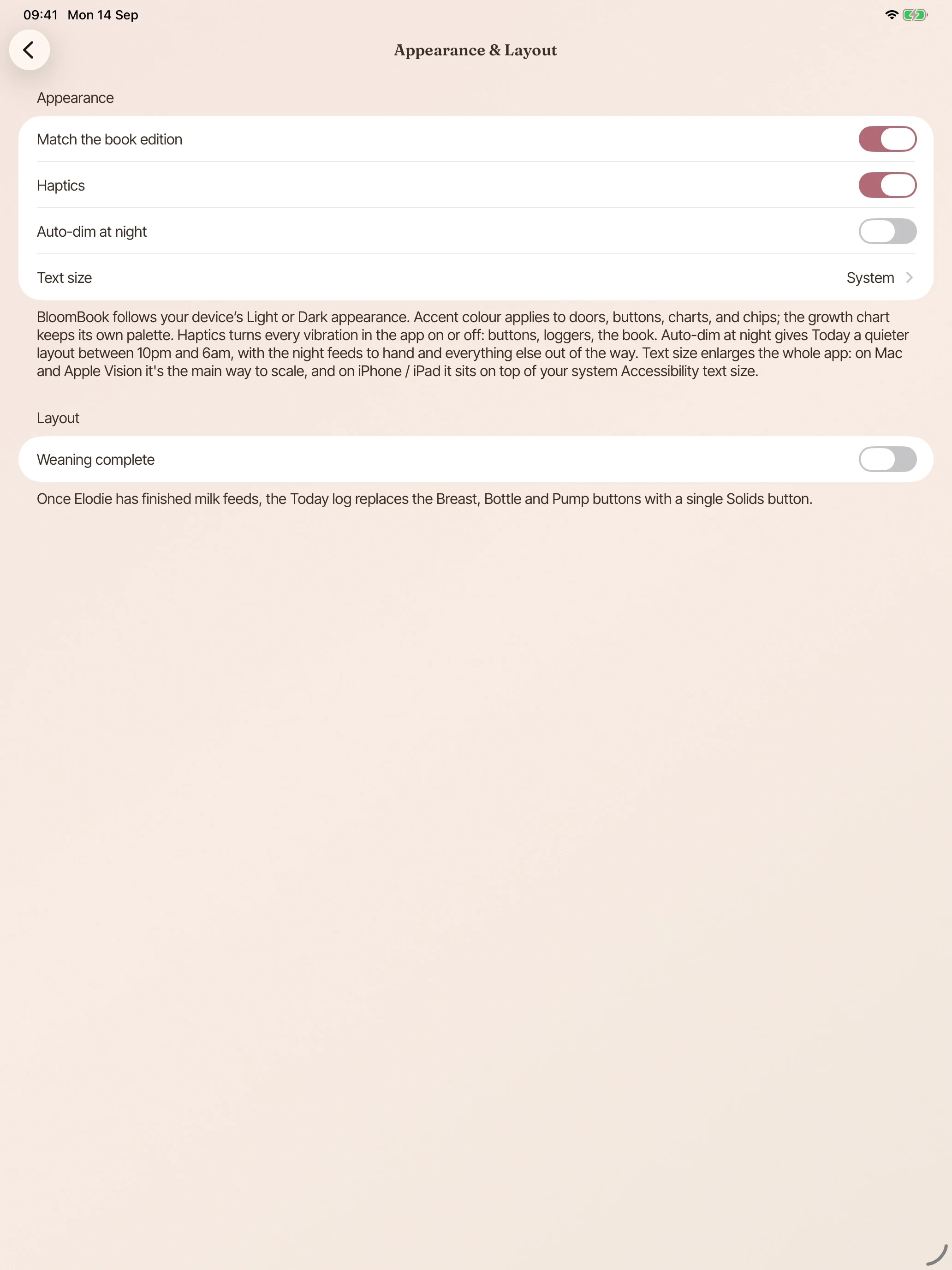
A deliberate night palette, not an inverted one. With Auto-dim at night enabled, the Today page dims after ten for the feed you do half asleep.
included free
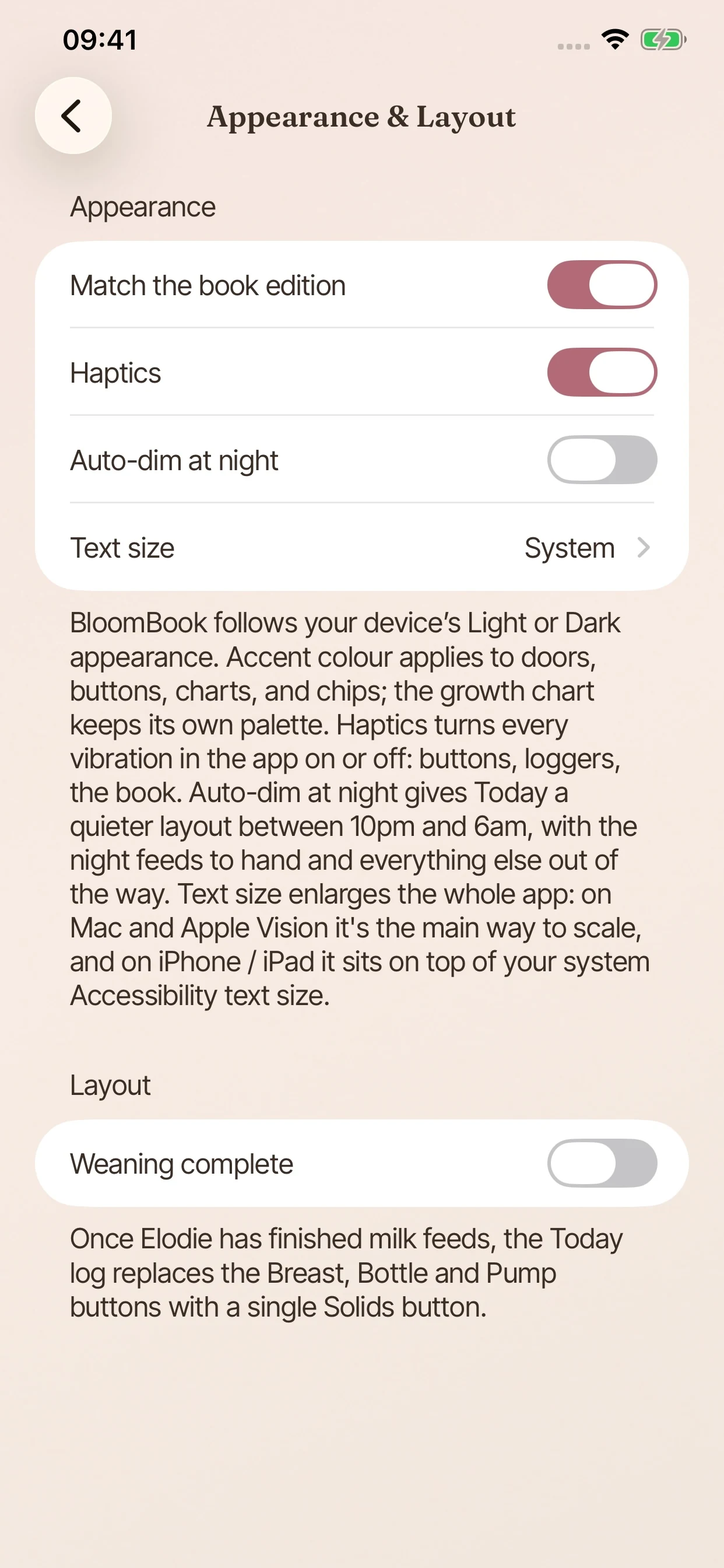
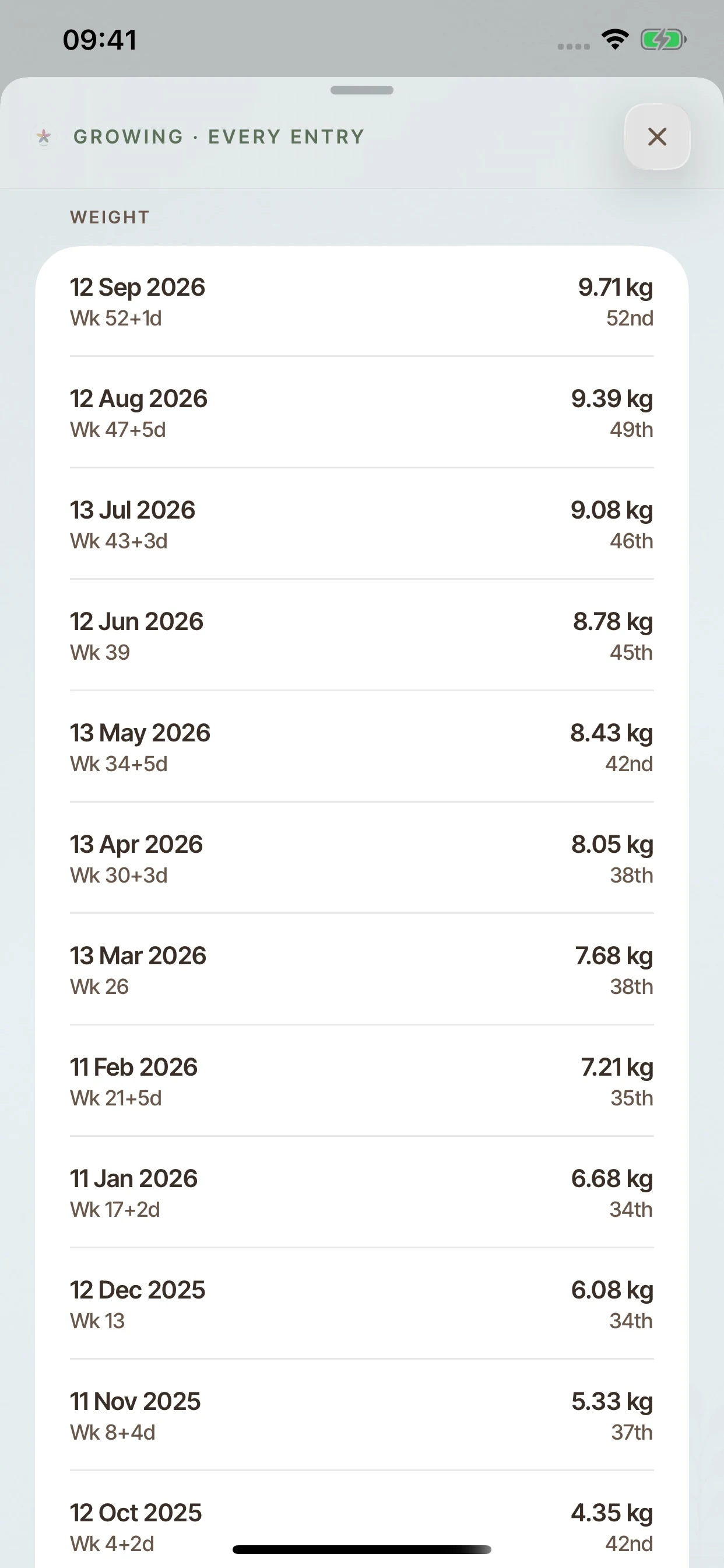
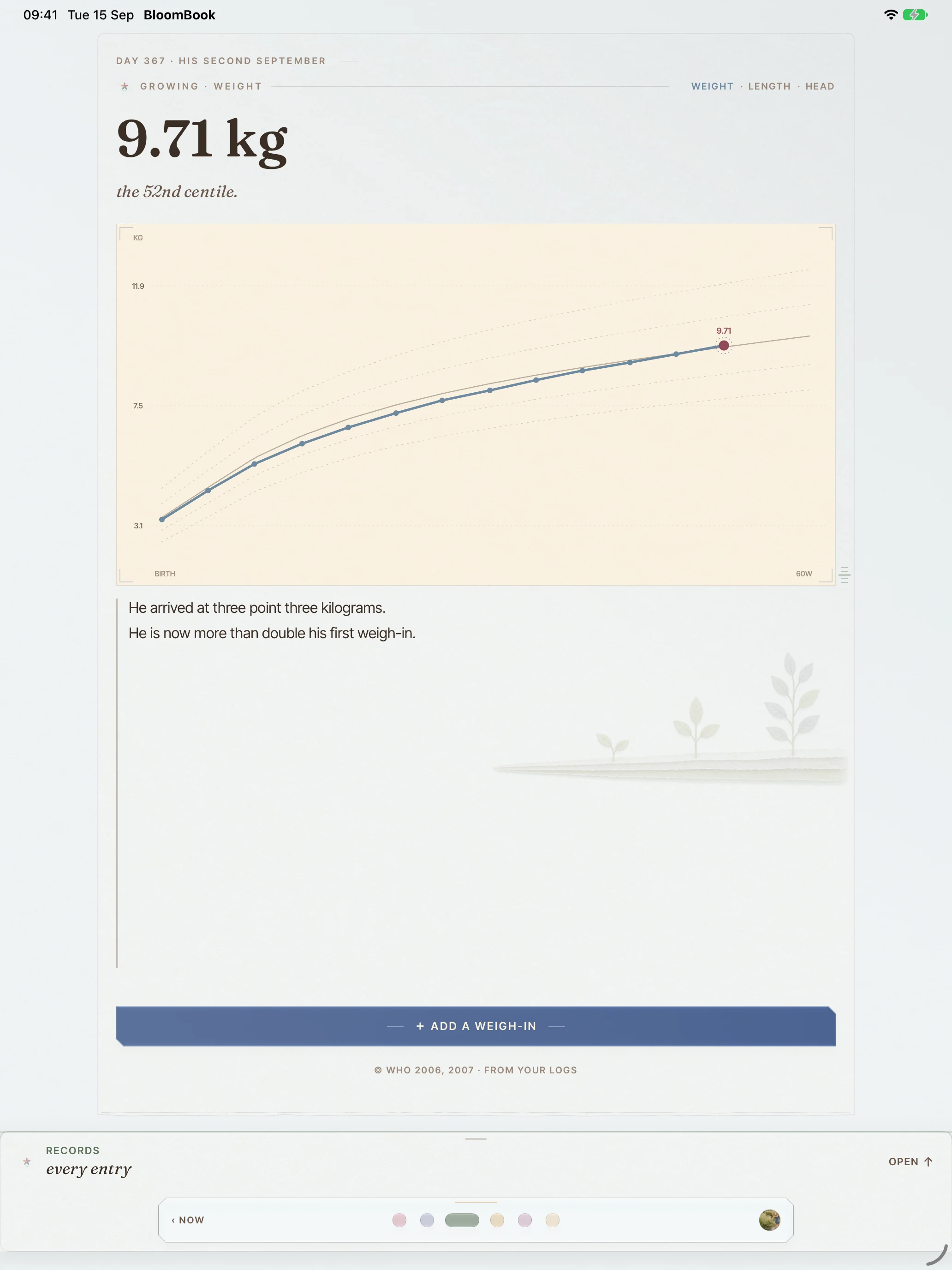
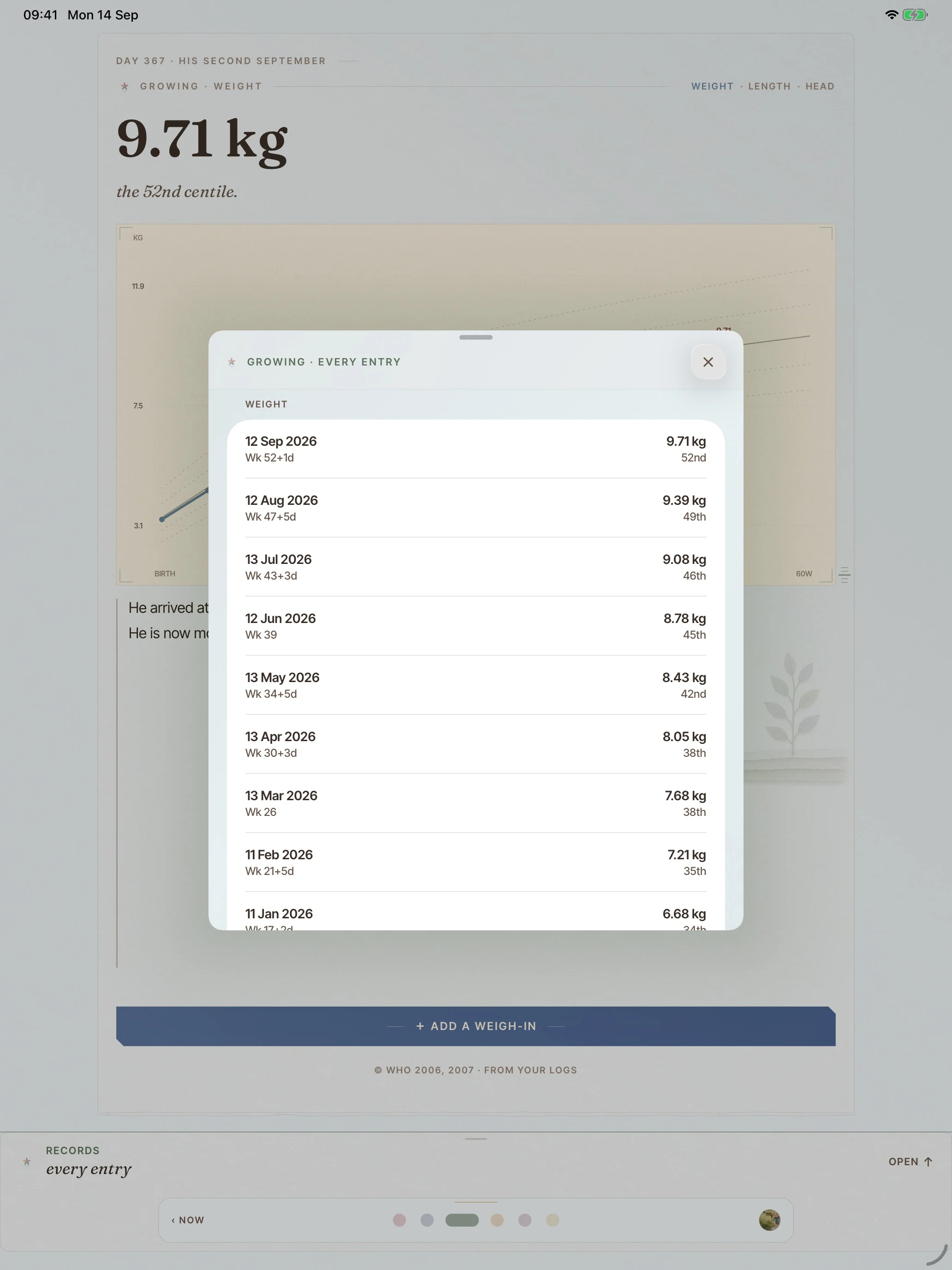
Weight, length and head circumference on growth charts, metric first, with corrected age for premature babies built in. An empty curve is still a page, never an error.
“9.71 kg, the 52nd centile.”
included free
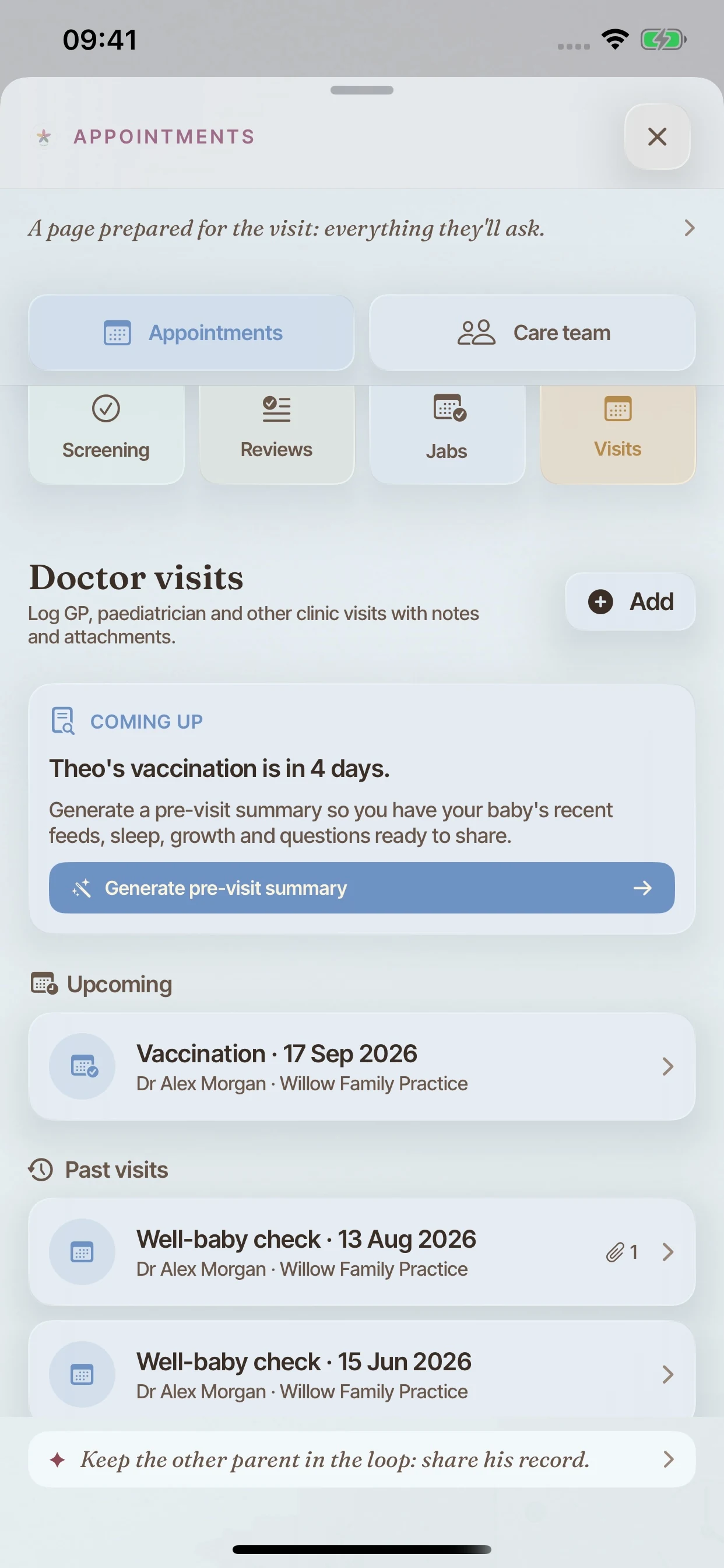
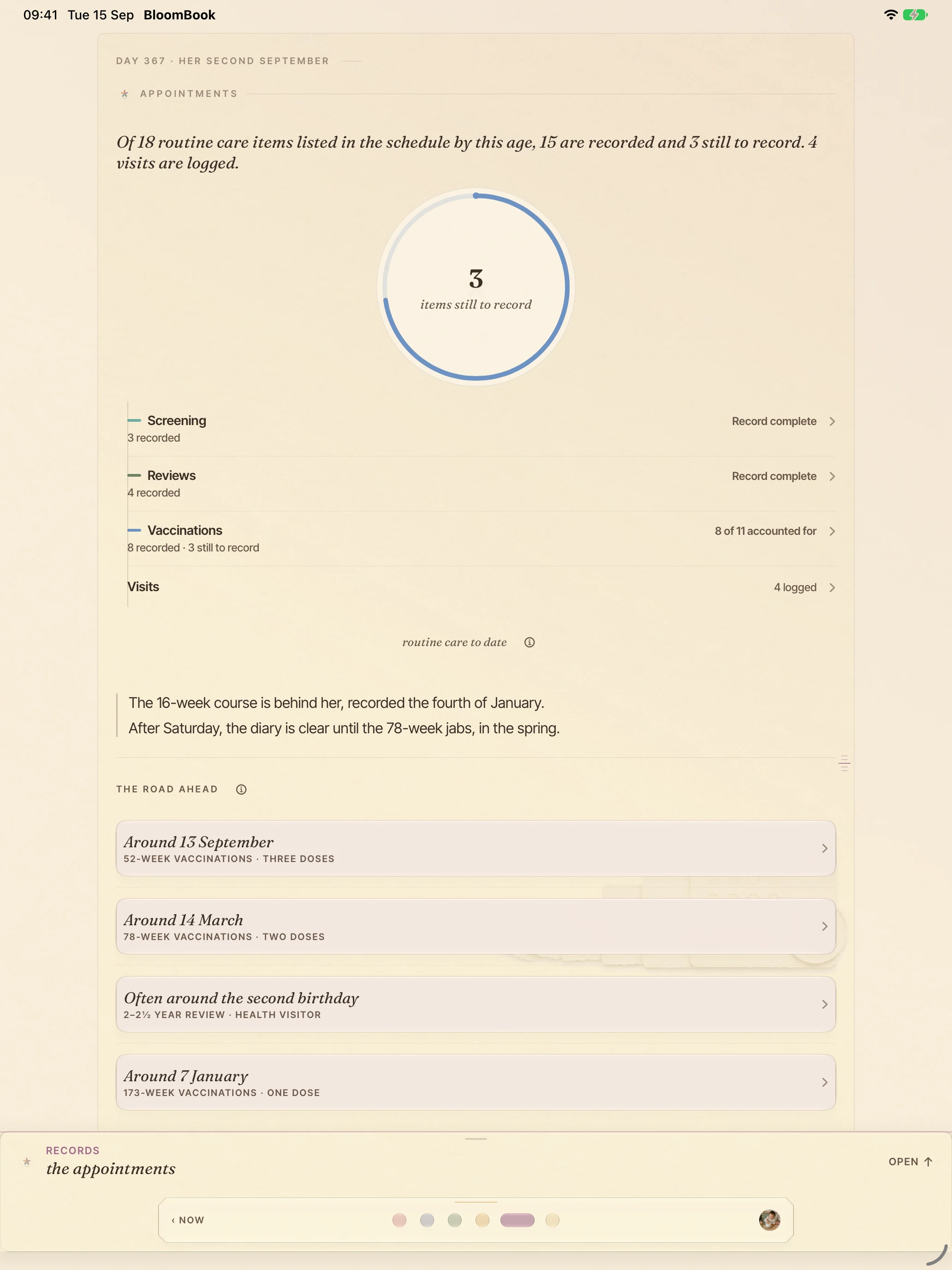
The vaccination schedule with room for batch numbers and who you saw, plus newborn screening and follow-up reviews. A visits record holds your notes, measurements and follow-ups, and folds them into a one-page summary for the next appointment. Your care team’s details sit beside it.
“Of 18 routine care items listed in the schedule by this age, 15 are recorded and 3 still to record.”
included free
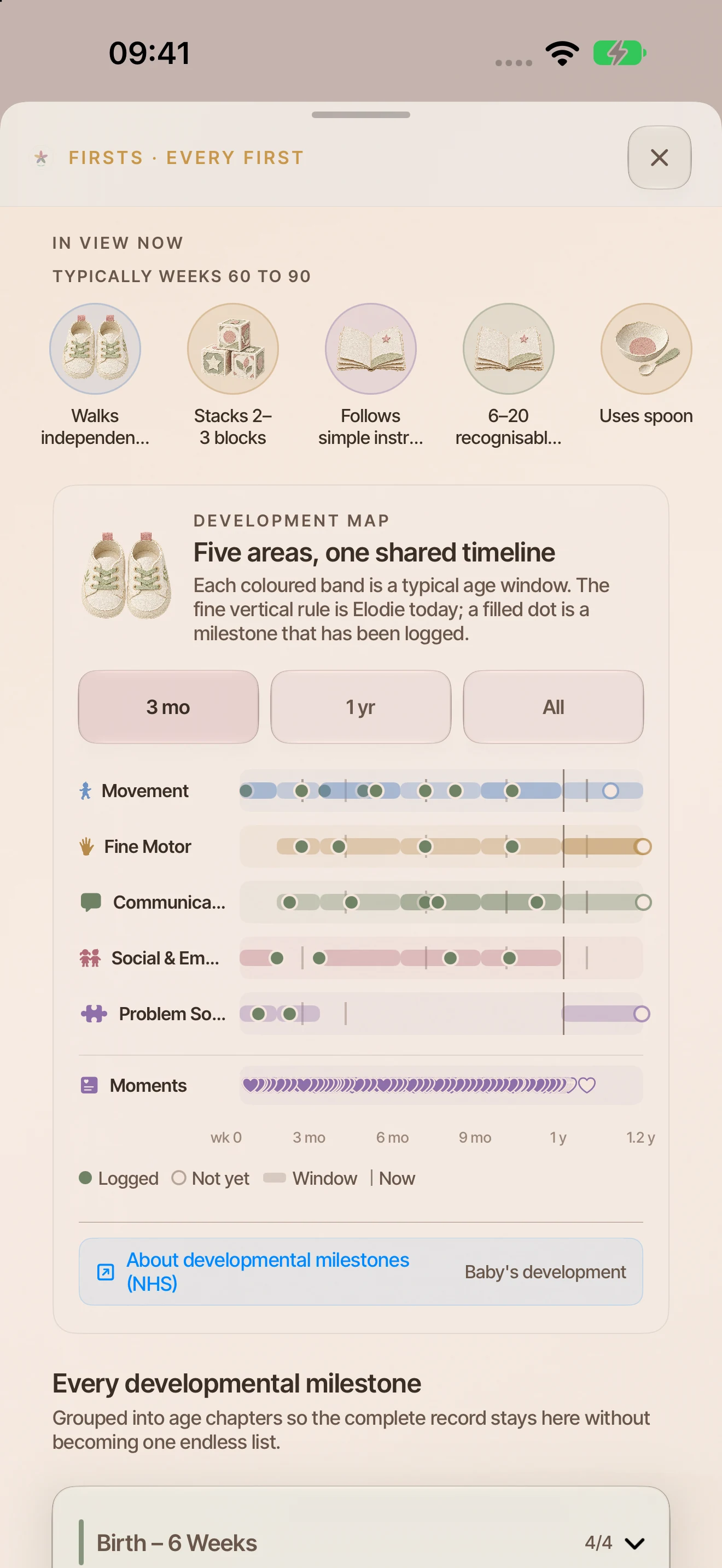
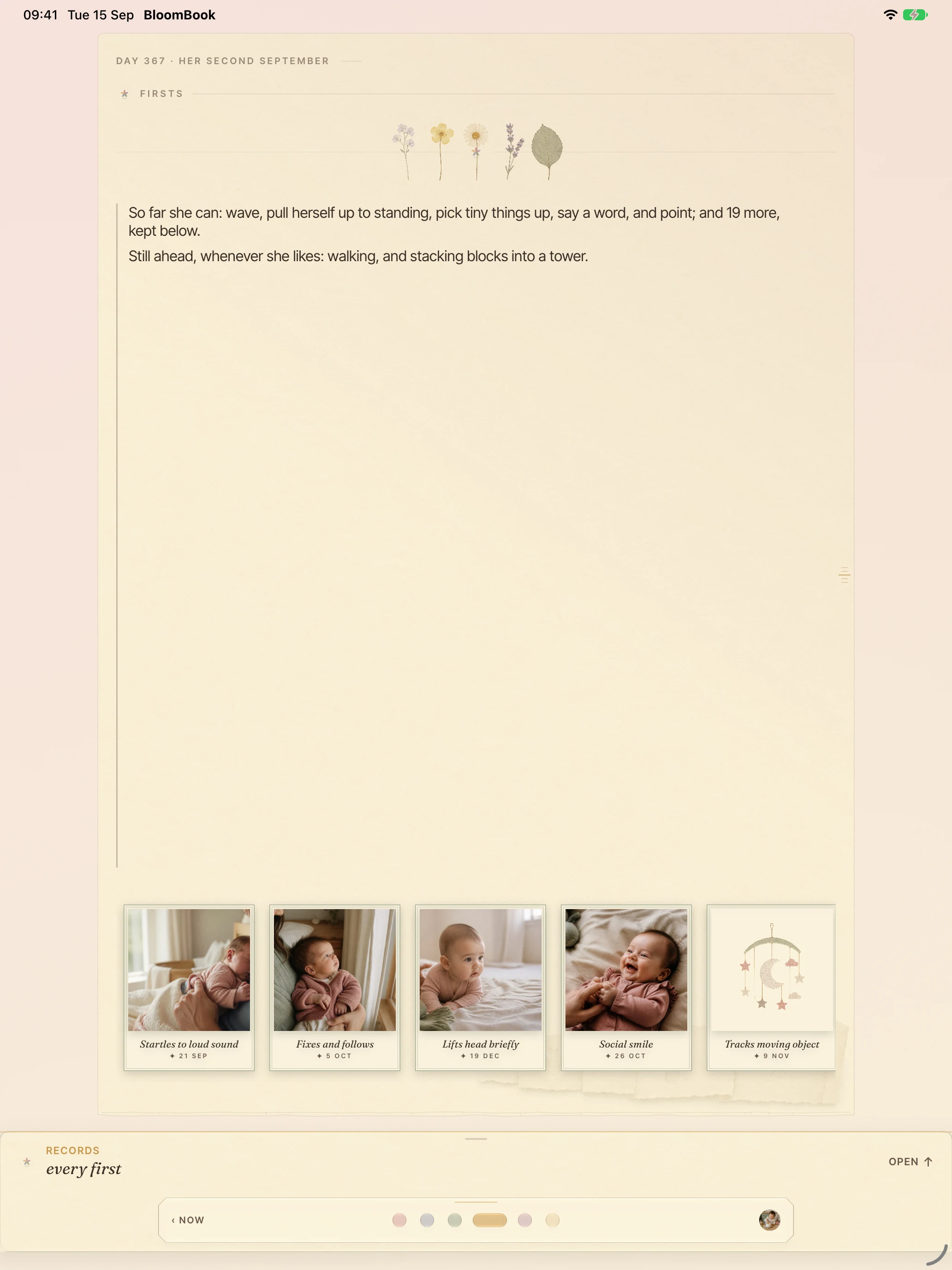
Development milestones as pressed flowers and plain sentences, with a note if you want one. What is still to come is phrased as an invitation.
“Still ahead, whenever she likes.”
included free
A moment, a milestone, or the line you typed at 3am. The photo is optional, and moments are free to keep. The book reader shown here opens with Plus.
included free
The week turned: longest sleep, averages, and how the month moved week by week, with the full logs a gesture below.
“10h 25m. The longest sleep this week, on Saturday night.”
included free
Moments are free to keep. Plus binds them into a book you can read, and print.
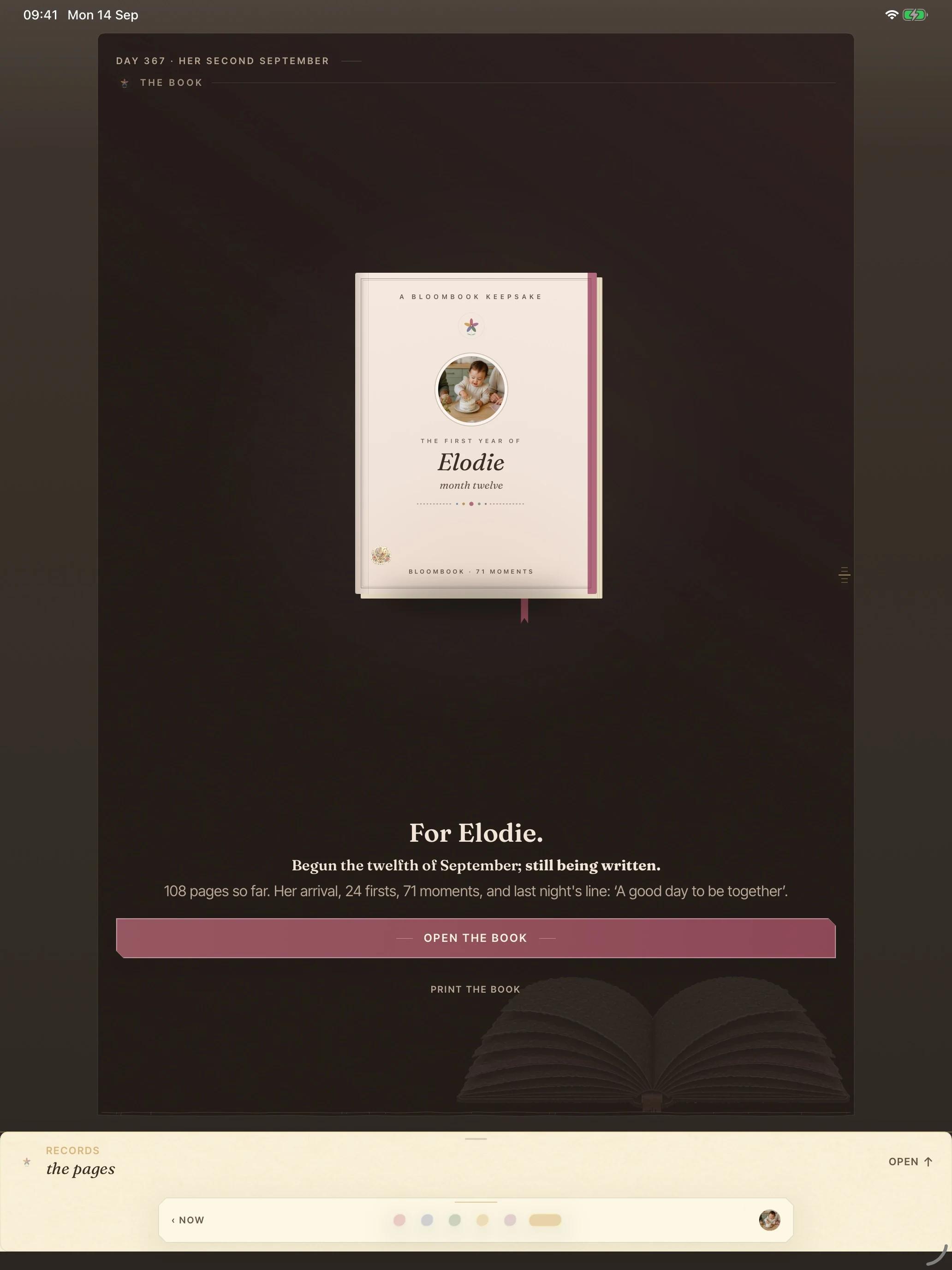
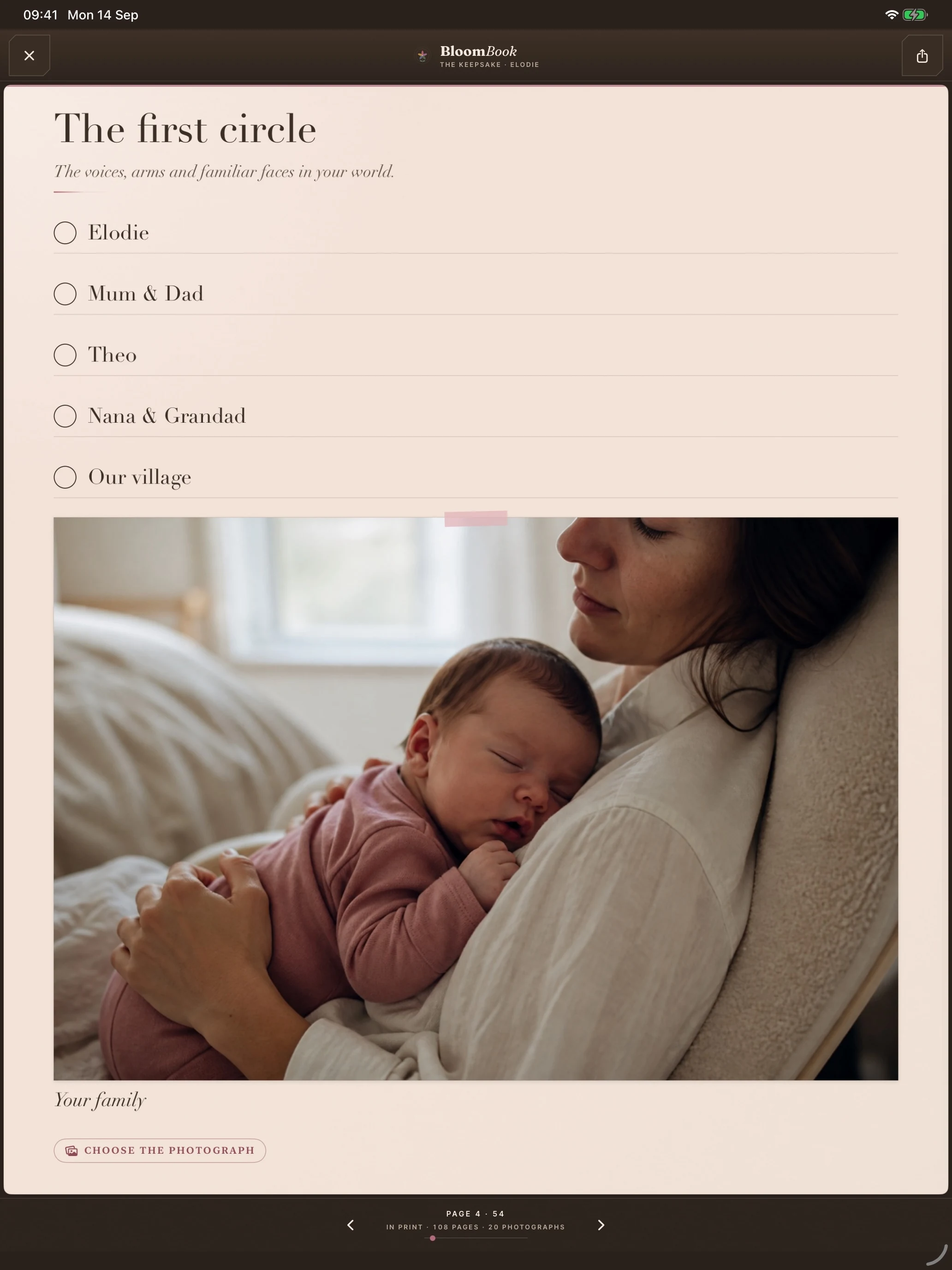
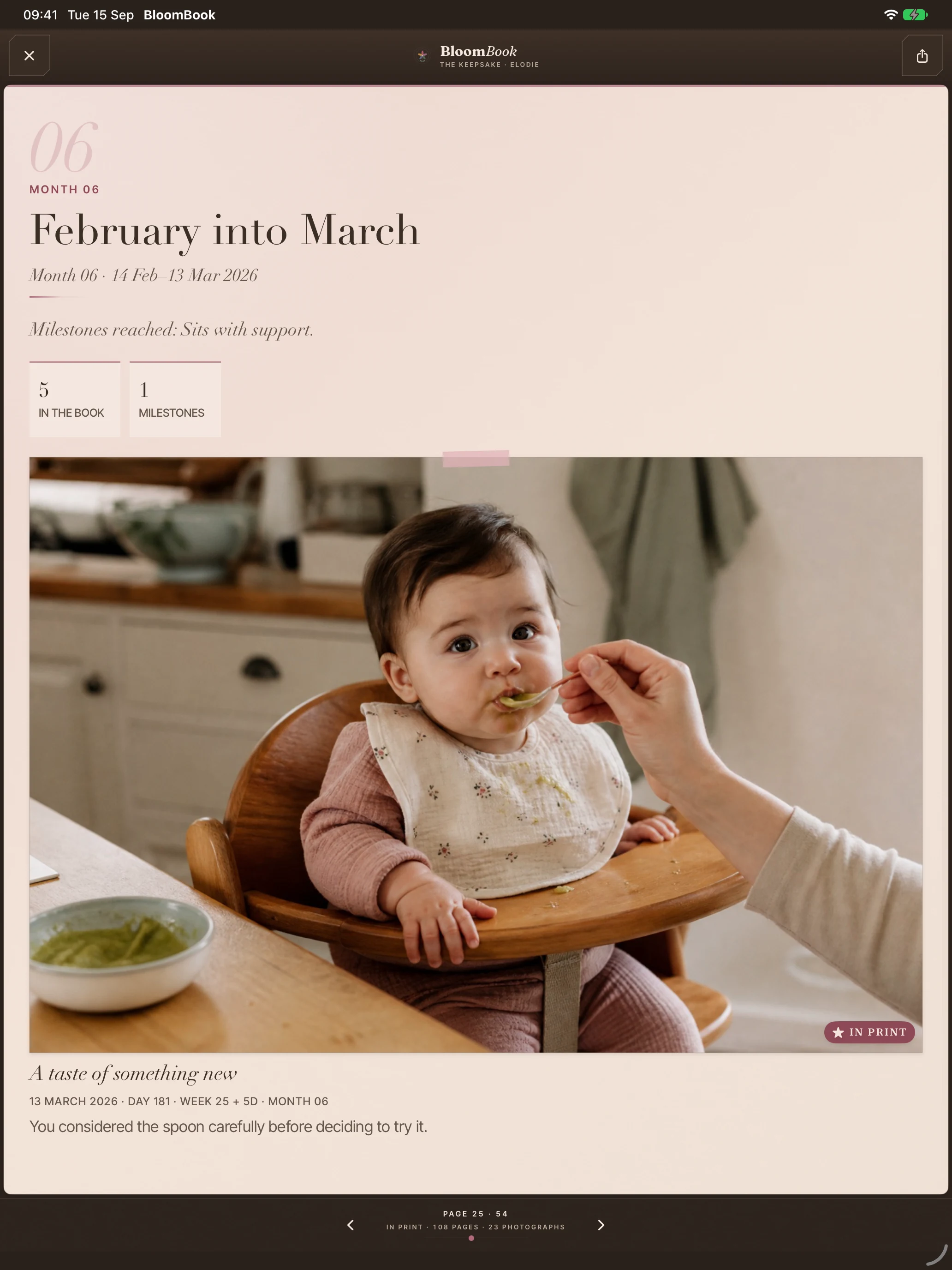
Moments are free to keep and the page count is always honest. Plus opens the reader: cover, flyleaf, rings and plates, with your photos inside the moments.
“For Elodie. Begun the twelfth of September; still being written.”
with BloomBook Plus
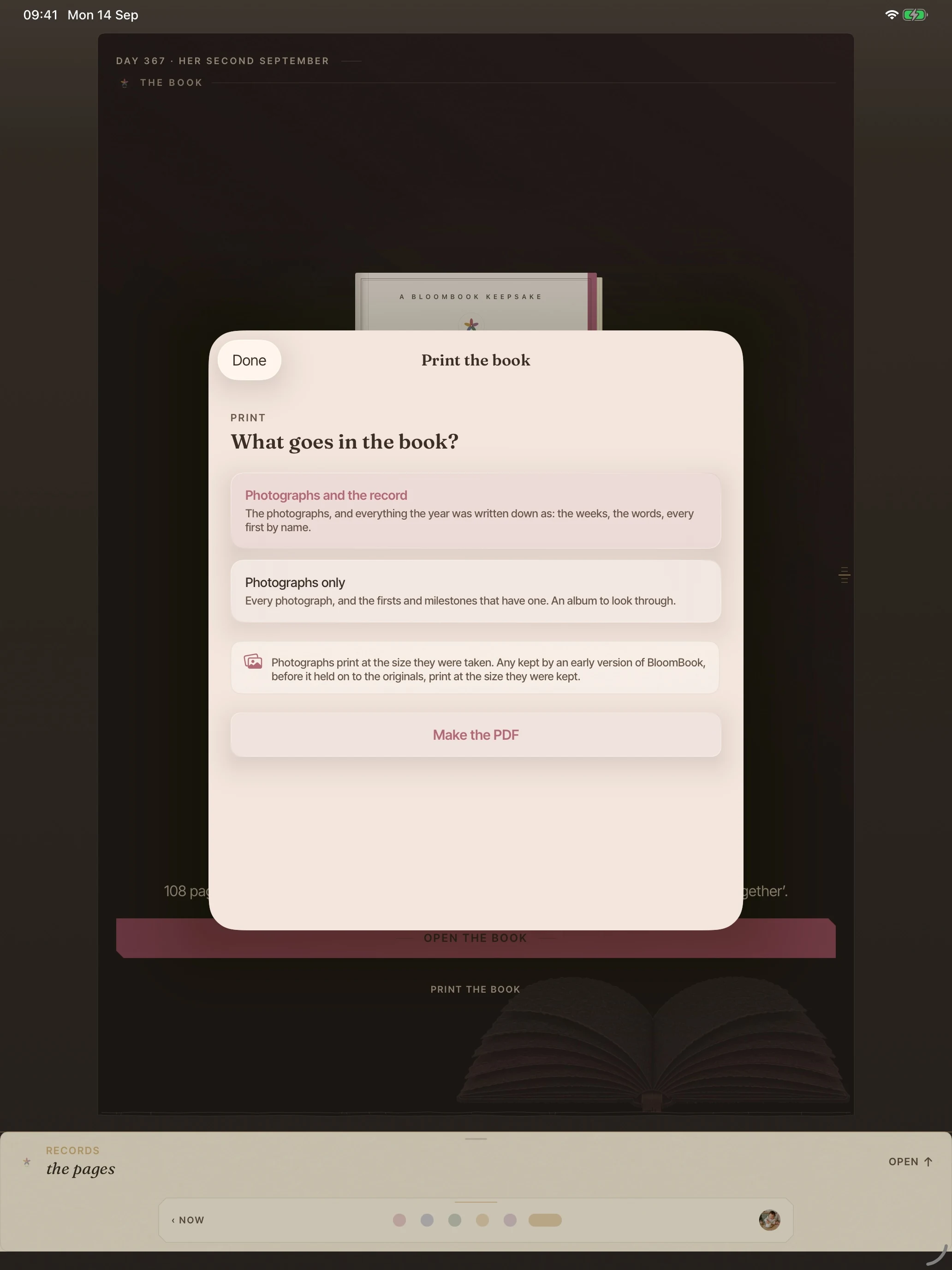
Read it in the app, page by page, then take it out as a photo PDF and have it printed.
with BloomBook Plus
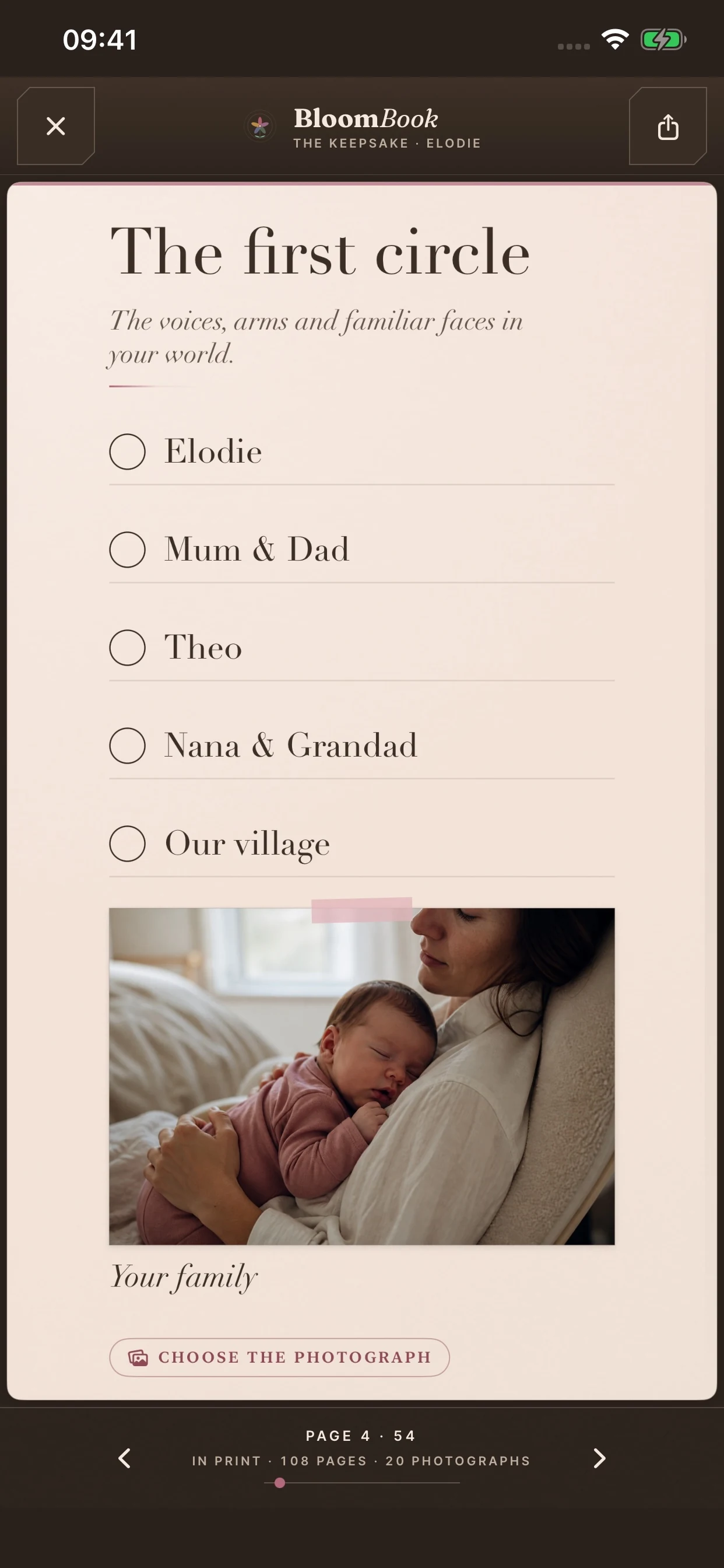
The keepsake exports as a photo PDF for printing. The health record itself, PDF and CSV both, exports free from Settings and is never held back.
with BloomBook Plus
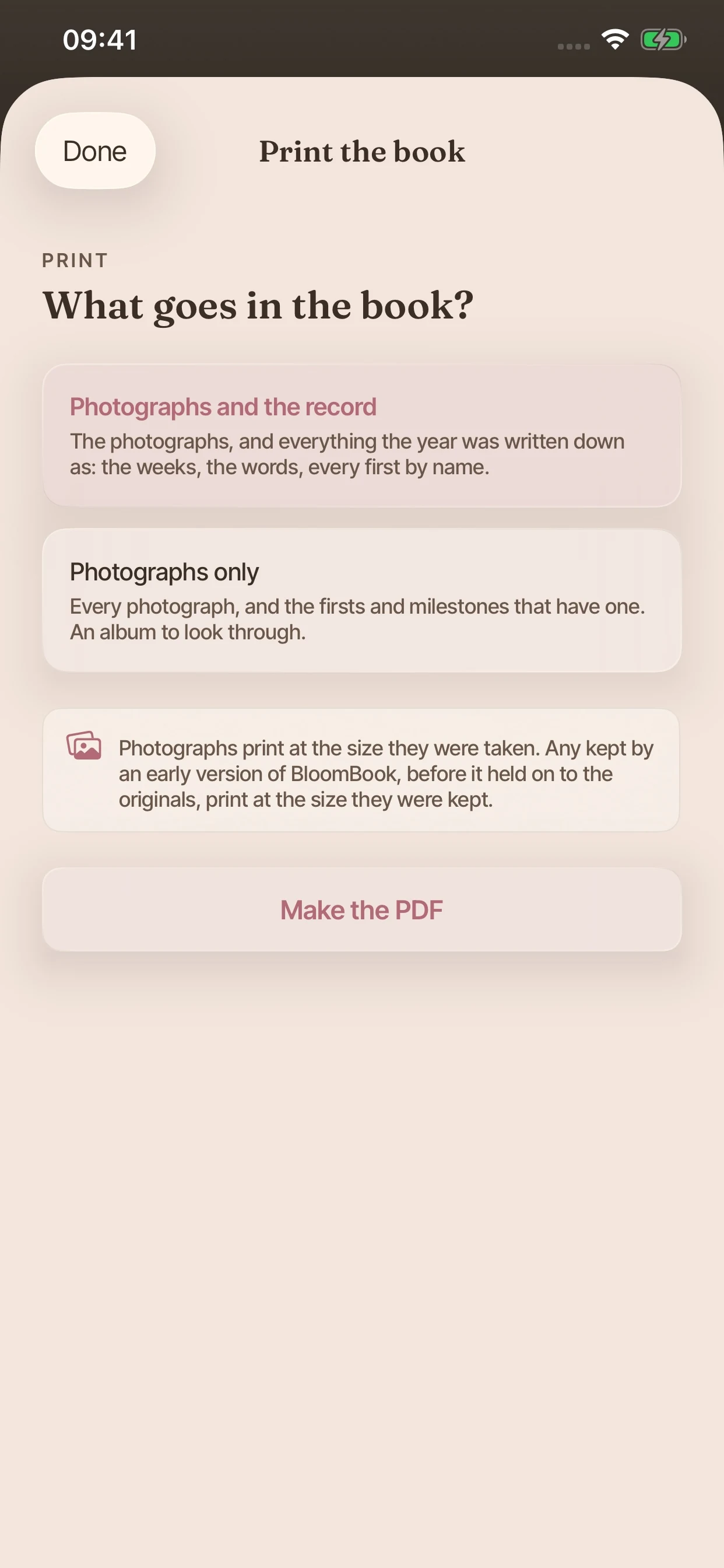
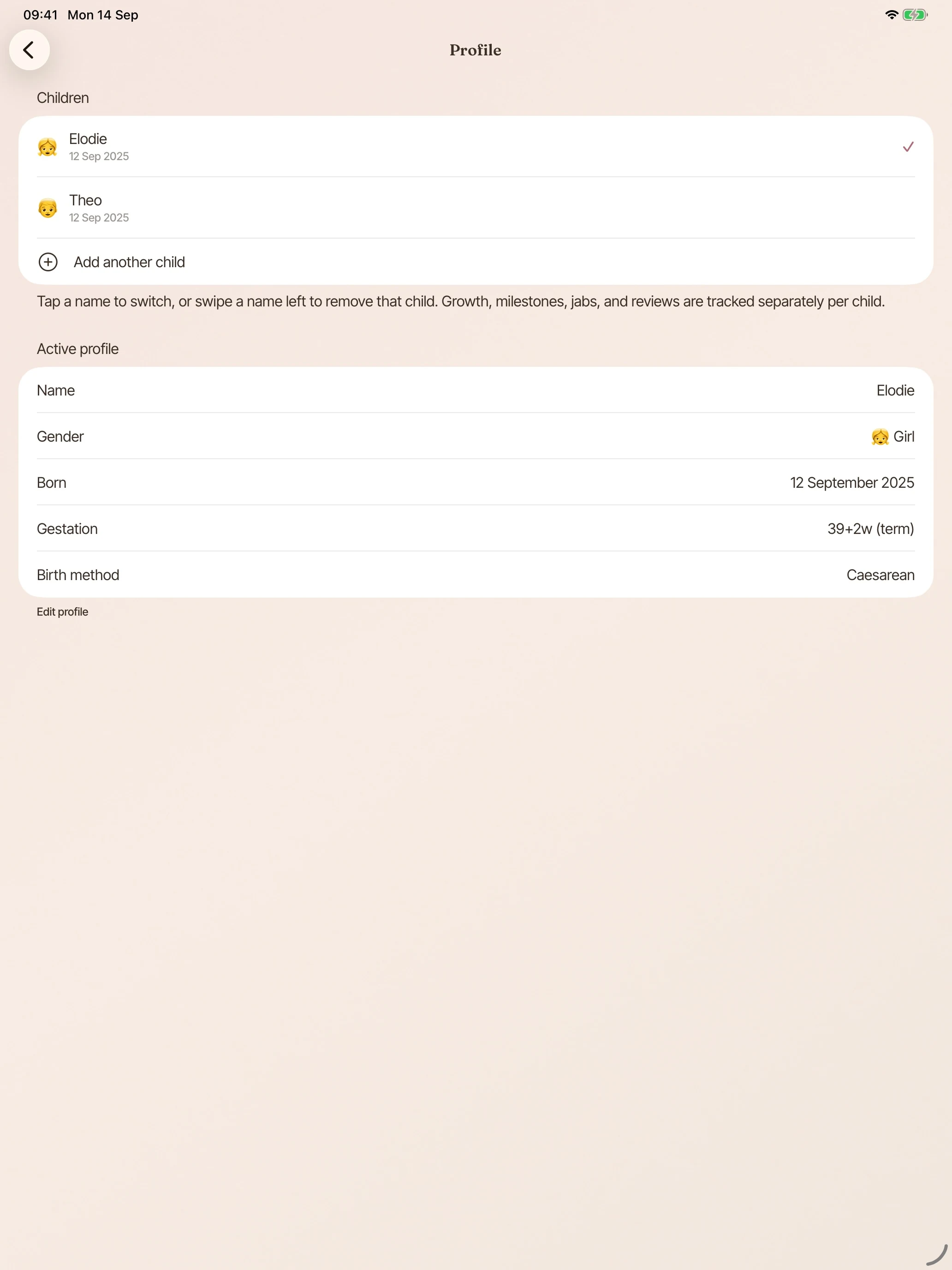
Add every child and switch between them instantly, on your iPhone and on your wrist. Widgets and watch complications can each be pinned to a different child. Growth, milestones, jabs and reviews stay separate, and every entry belongs to the right one.
with BloomBook Plus
Invite someone through your own iCloud and choose whether they can add and edit, or only view. Only the record owner needs Plus for family sharing; the invited co-parent can log without a Plus subscription. Logs appear on each other’s devices automatically. CloudKit enforces read-only or read-write access; the app reserves inviting, deletion and export to the owner. BloomBook never sees the participants list.
The child’s name and photographs never travel to participants. Neither do the journal stories, the files attached to doctor visits, or your care-team contacts.
with BloomBook Plus
Feeding rhythms, how sleep is settling into the night, fussy patches by time of day, and the development timeline ahead.
Settle sounds sit where you log the night feed: lullabies and gentle noise for the small hours.
with BloomBook Plus
Today’s feeds, sleep and nappies in small and medium widgets, with quick-log tiles beside them. Reading them costs nothing; logging from a tile comes with Plus.
included free
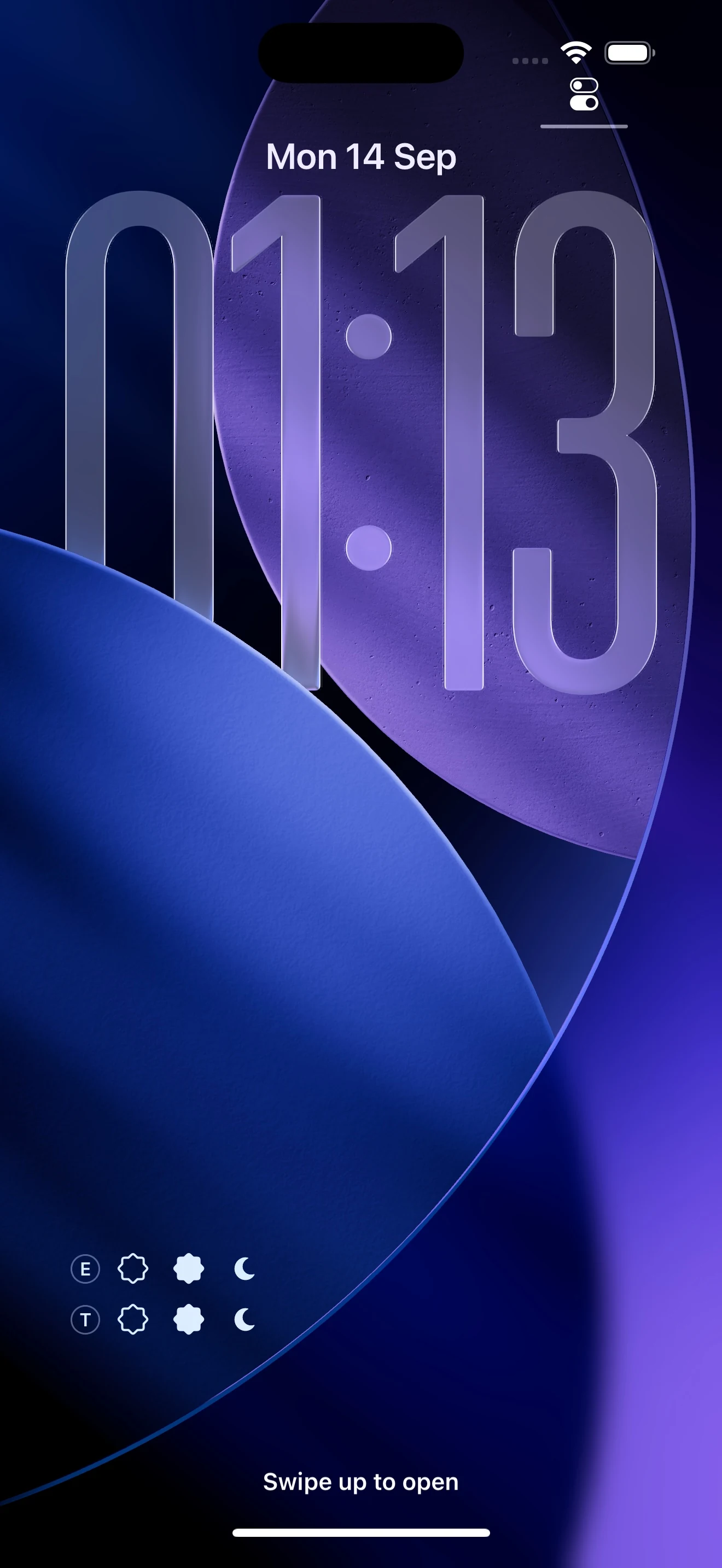
The Lock Screen widget keeps quick-log buttons under the time, with each child’s initial. With Plus, you can log without unlocking.
with BloomBook Plus
Log a bottle, a breast feed, a sleep, a nappy or a temperature from the watch, with a Today page keeping the numbers. It syncs on its own.
with BloomBook Plus
Every page of the record on the larger screen, and the keepsake at something closer to its real size.
included free
Log bottles, nappies and medicines, start and finish breastfeeding and sleep timers, or switch feeding sides.
Apple handles spoken requests under your Siri and Dictation settings. Read about Siri and privacy.
routine logging with BloomBook Plus
Dictate a memory, star your latest moment for print, or hear a summary of your recorded day. BloomBook answers from the record on your device.
Day questions, narrated moments and starring a moment are free; your device needs to be unlocked.
included free
Everything around the appointments, not just the appointments themselves.
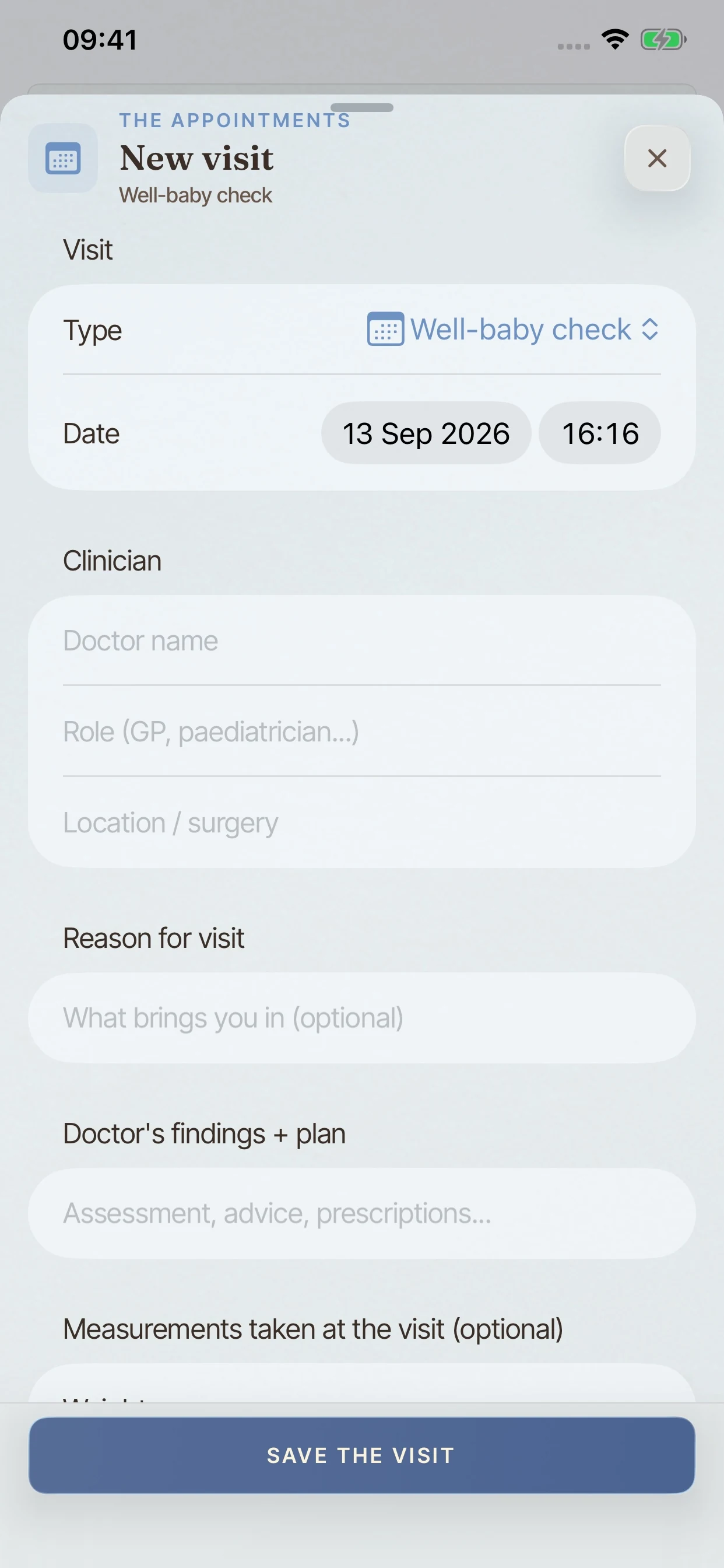
Each appointment gets its own page: who you saw, the measurements taken, what was said, and the follow-up. It stays with the child's record rather than on the back of an envelope.
included free
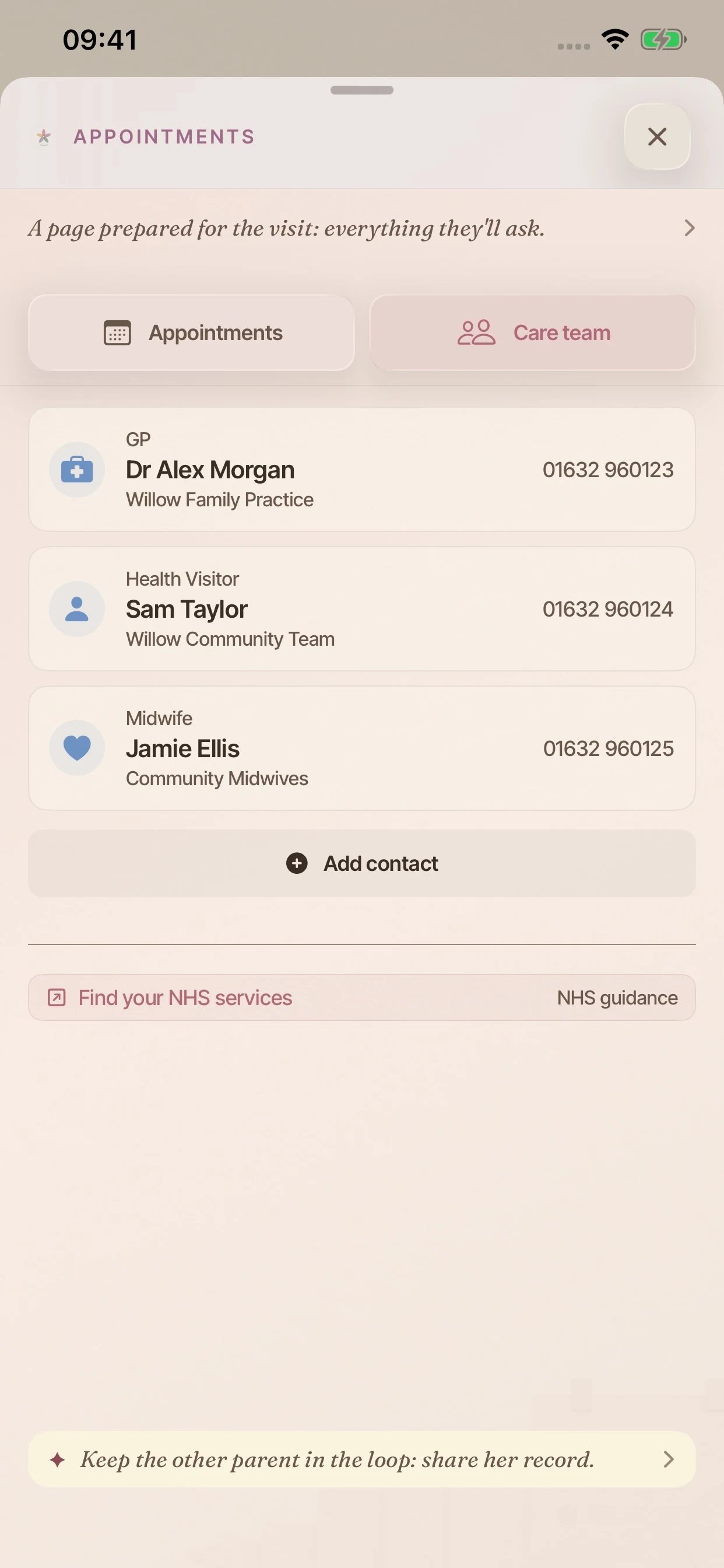
The doctor, the clinic, the specialist. Names and numbers kept beside the record, so you are not hunting for them at the wrong moment.
included free
BloomBook gathers what has happened since the last visit into one page you can take in with you: the growth, the firsts, the pattern of the last few weeks. Begin from the visits record shown here.
with BloomBook Plus
What has happened, and what usually comes next.
A plan of what usually comes next, laid out by window rather than by deadline: logged, not yet, and the range it usually falls in. It is there if you want it, and easy to ignore if you do not.
with BloomBook Plus
The keepsake is more than a cover.
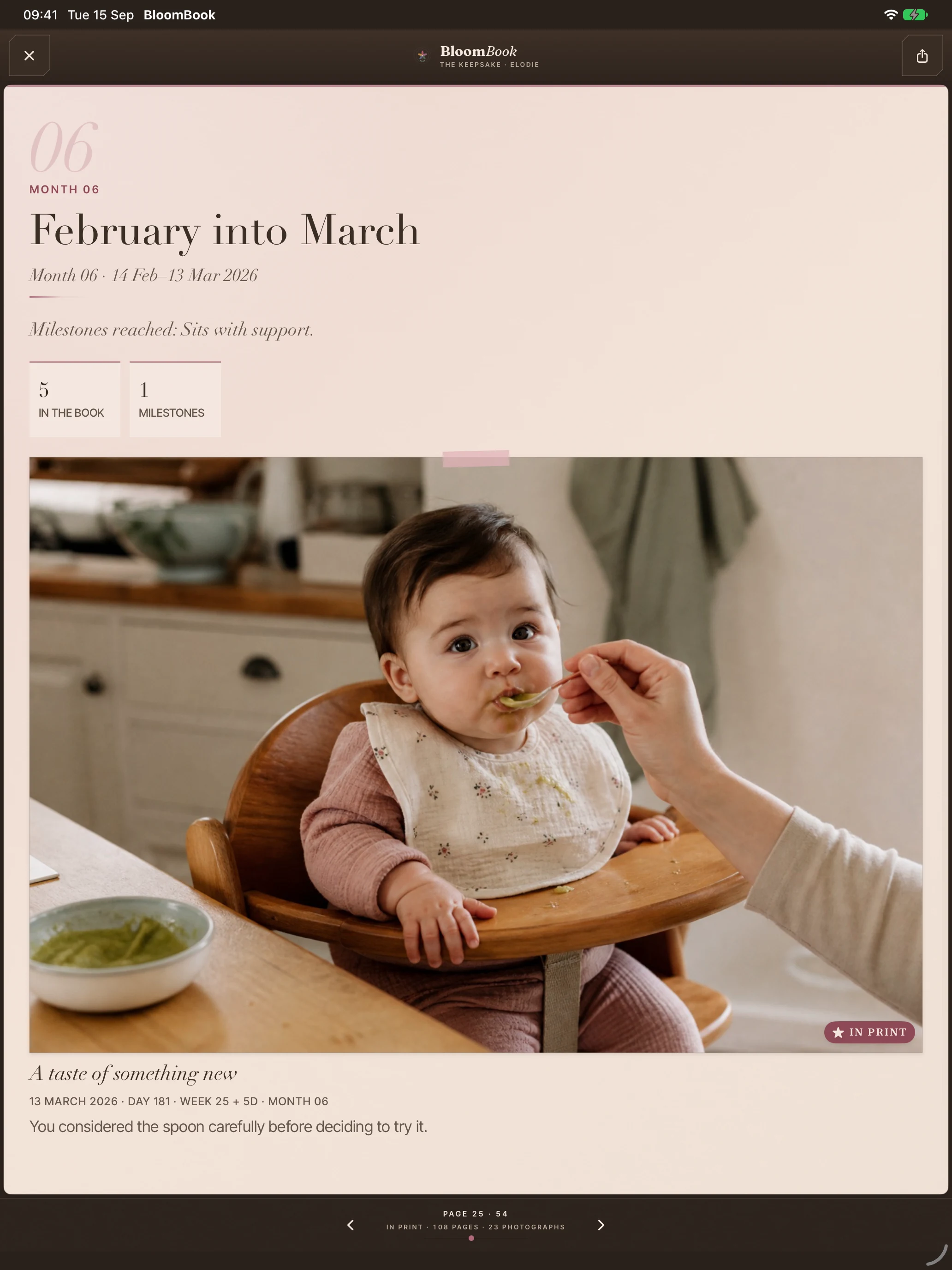
Photographs and written memories, gathered into the book’s monthly pages.
with BloomBook Plus
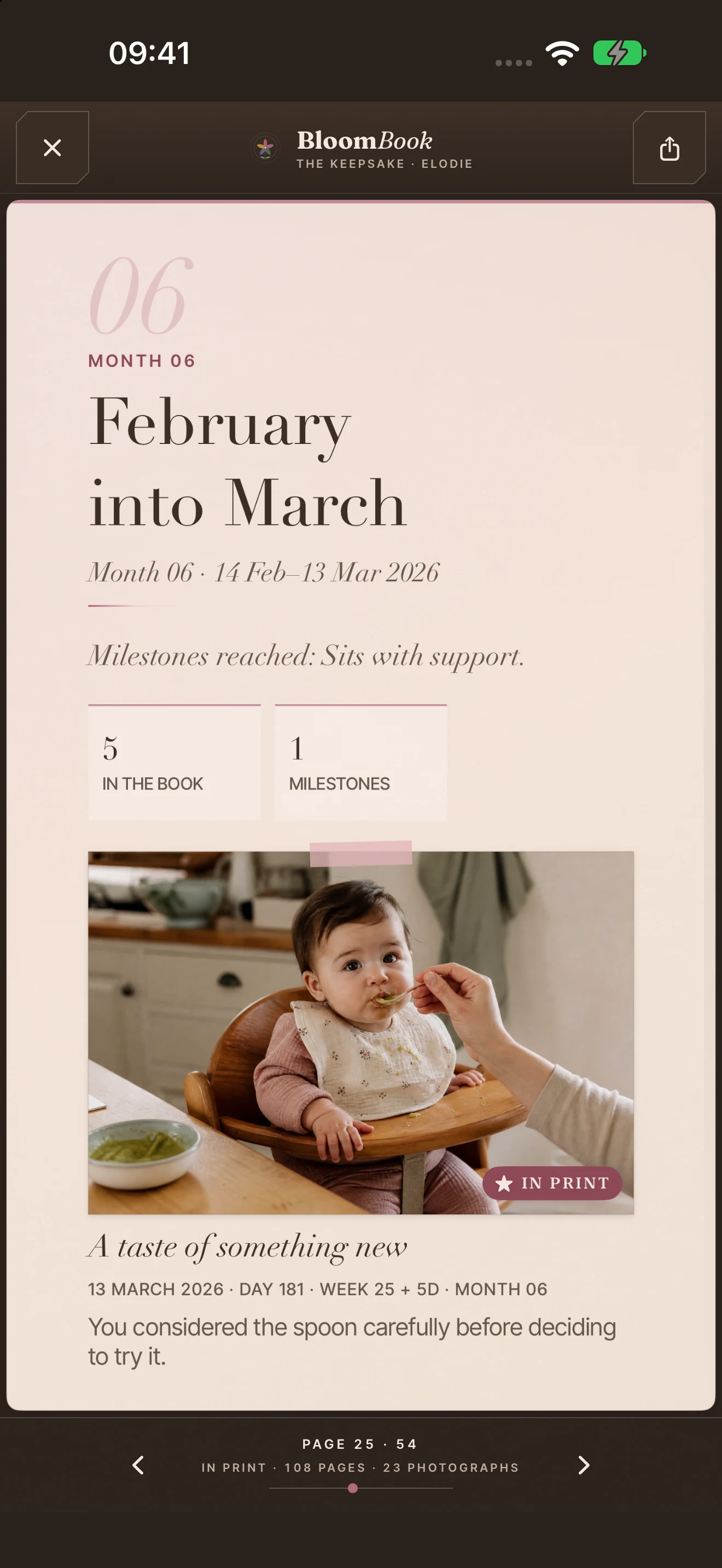
Each month closes with its own page in the book, so the first year reads as twelve chapters rather than one long list.
with BloomBook Plus
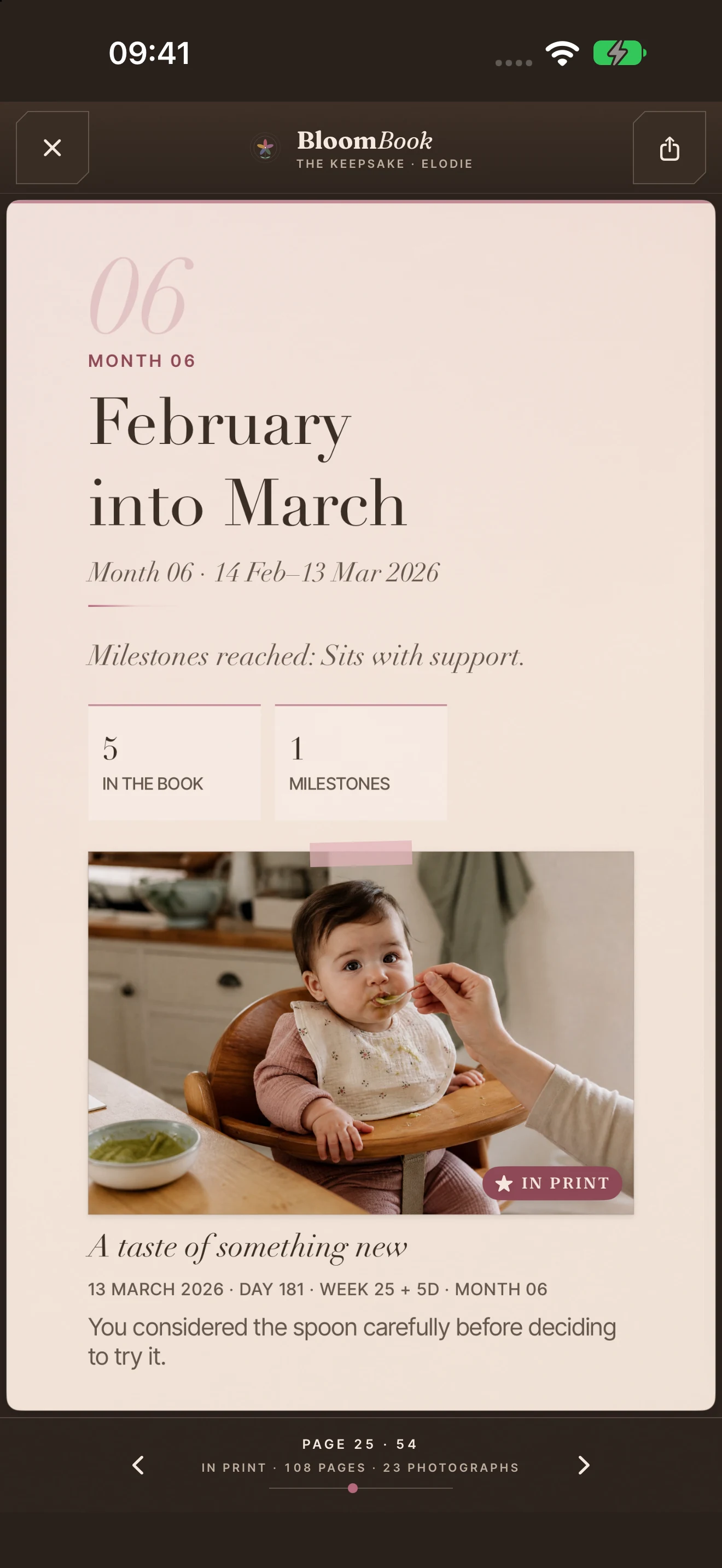
The week becomes a keepsake page: the longest sleep, feeds and nappies, alongside a photograph and a few words.
with BloomBook Plus
Choose a device, then swipe sideways through every real capture from the app. Nothing here is a mock-up.
Swipe or drag sideways. The next and previous screens remain visible at the edges, just like the carousel inside BloomBook.
Feeds, sleep and care notes, with the day’s record close by.
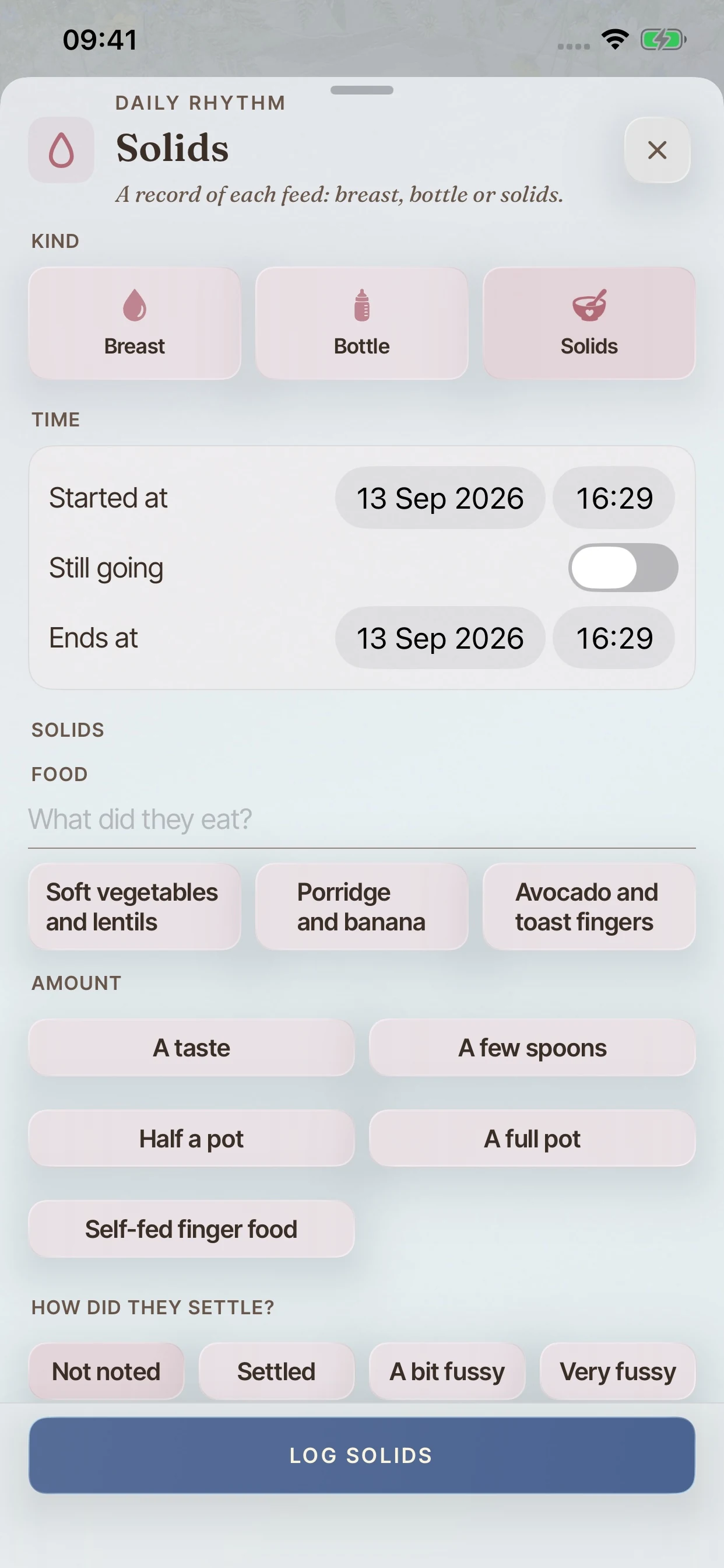
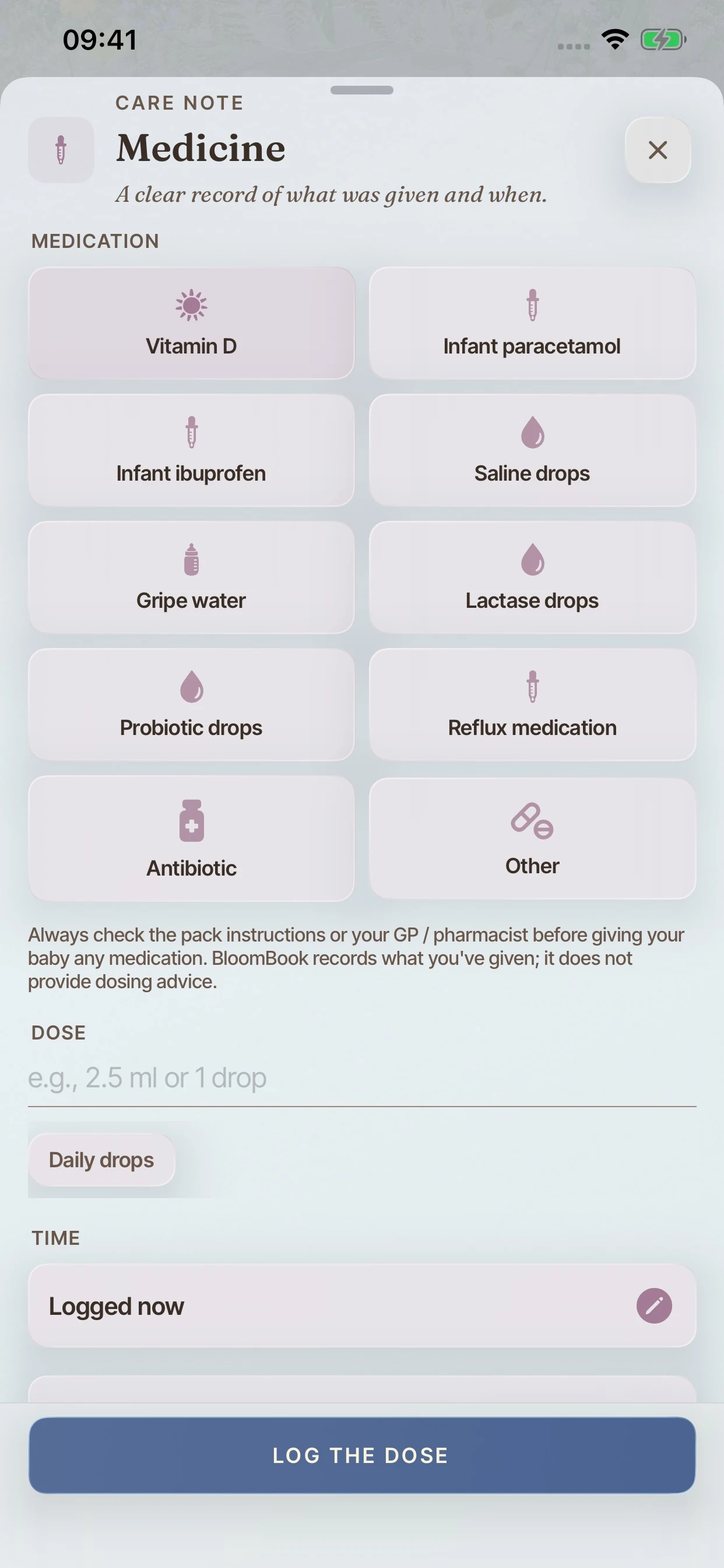
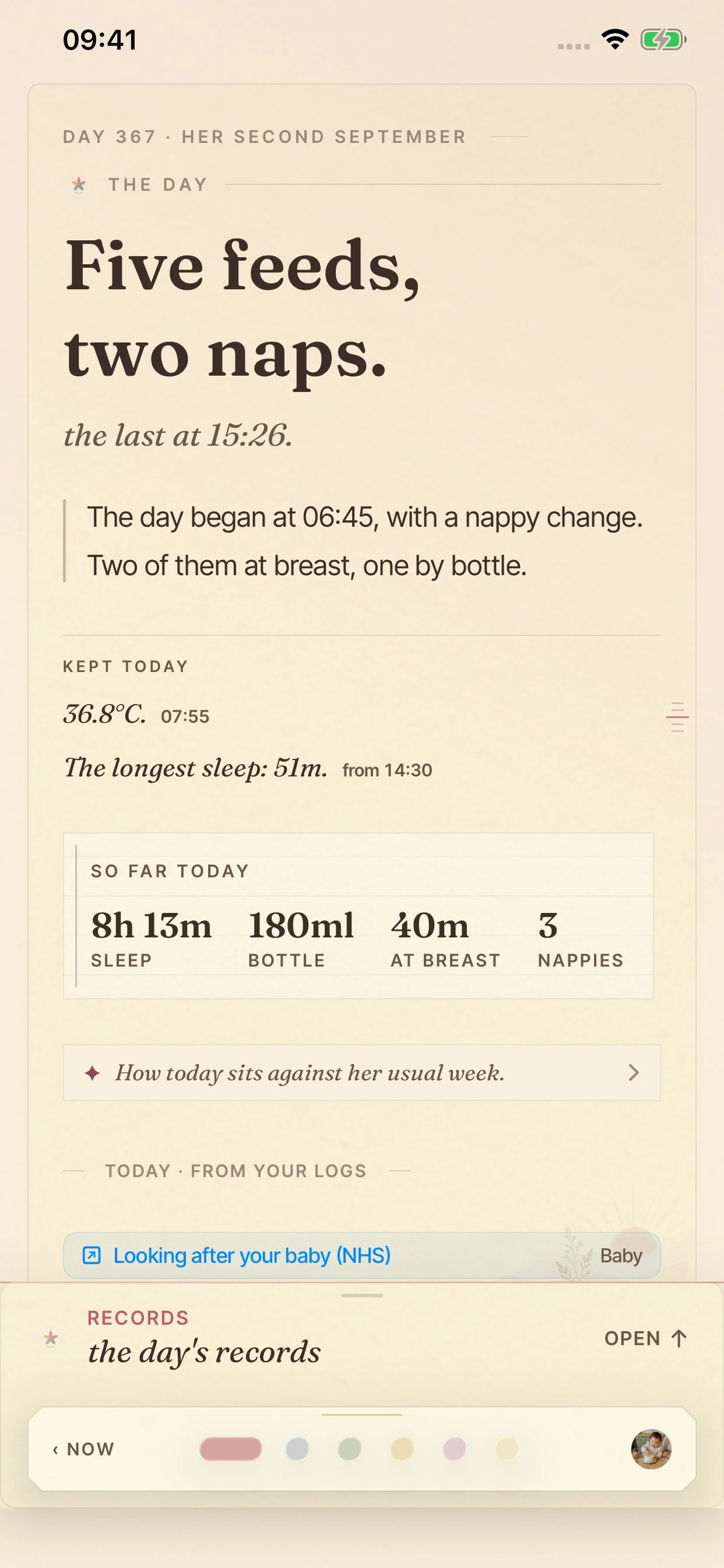
Detail pages, exports and the paywall.
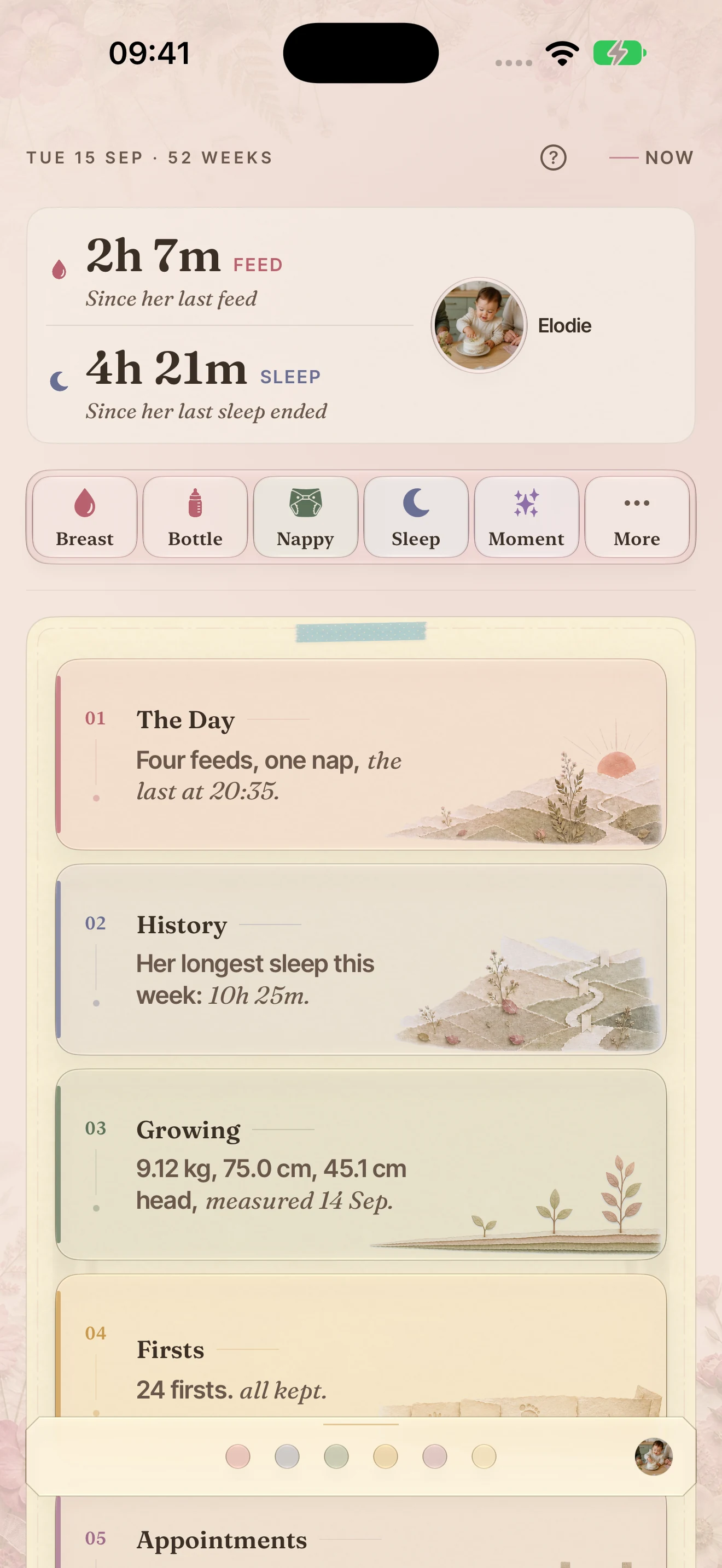
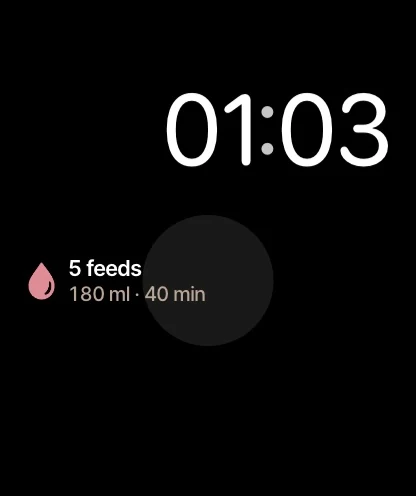
Logging and reading from the wrist.
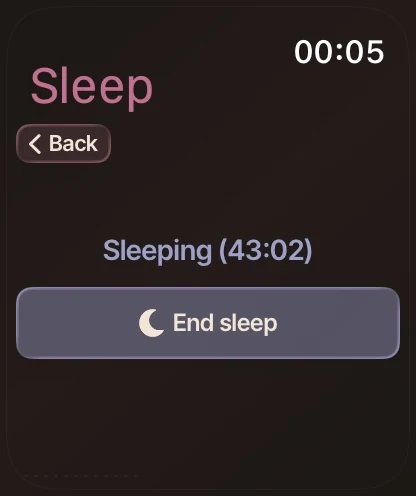
The Smart Stack, whichever number you want first.
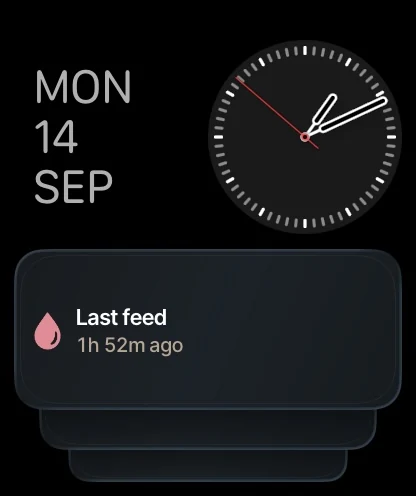
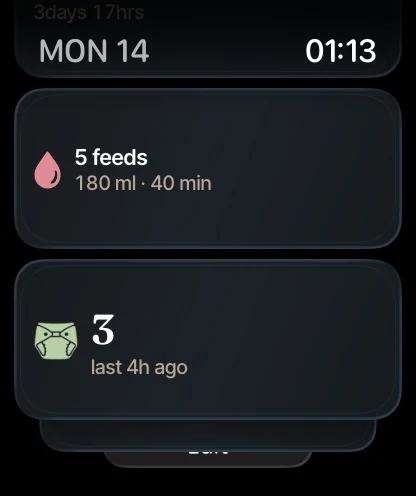
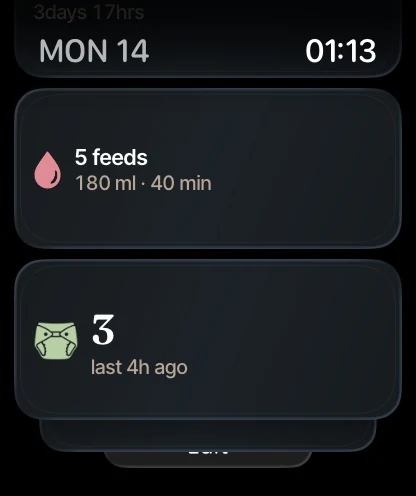
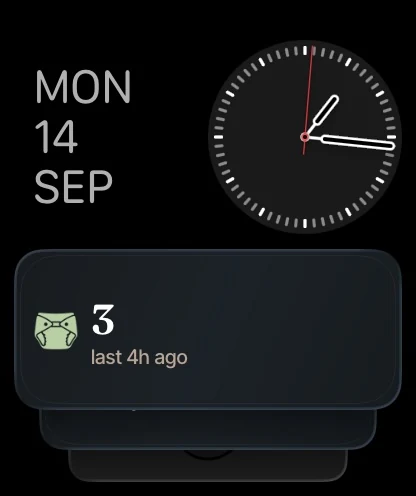
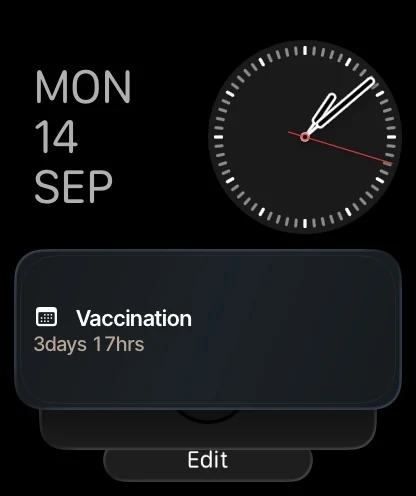
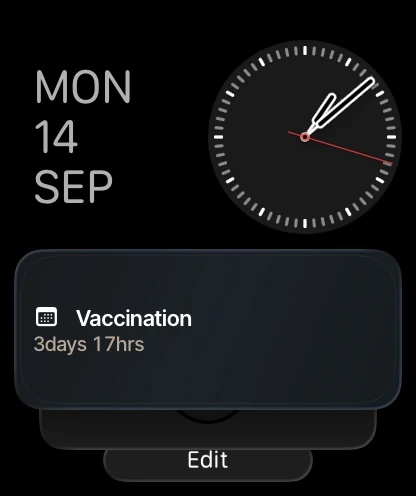
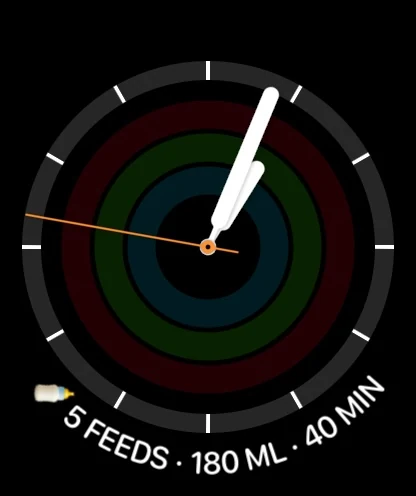
BloomBook on your watch face: circular, corner, inline and rectangular.
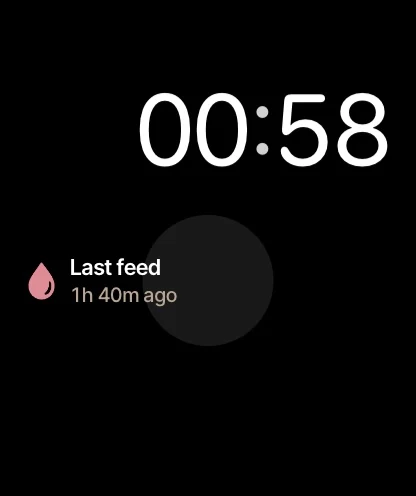
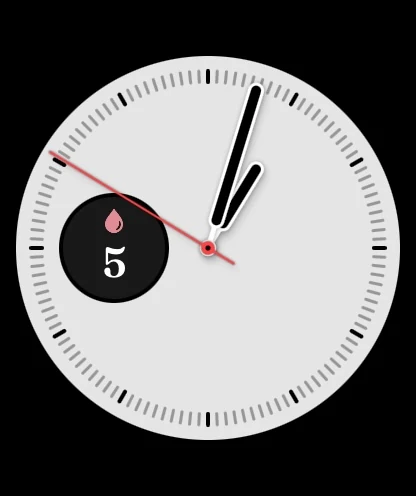
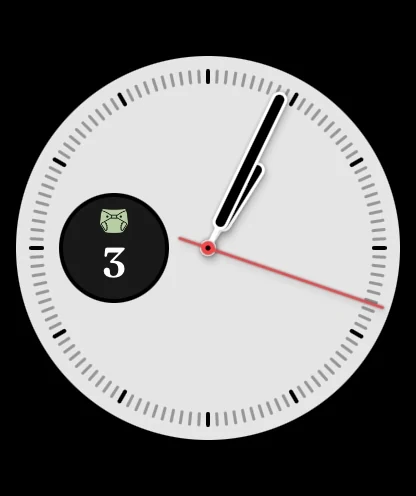
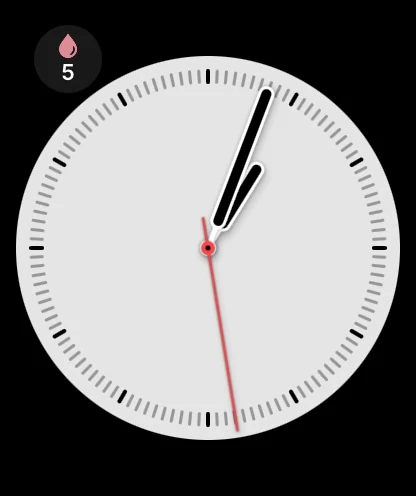
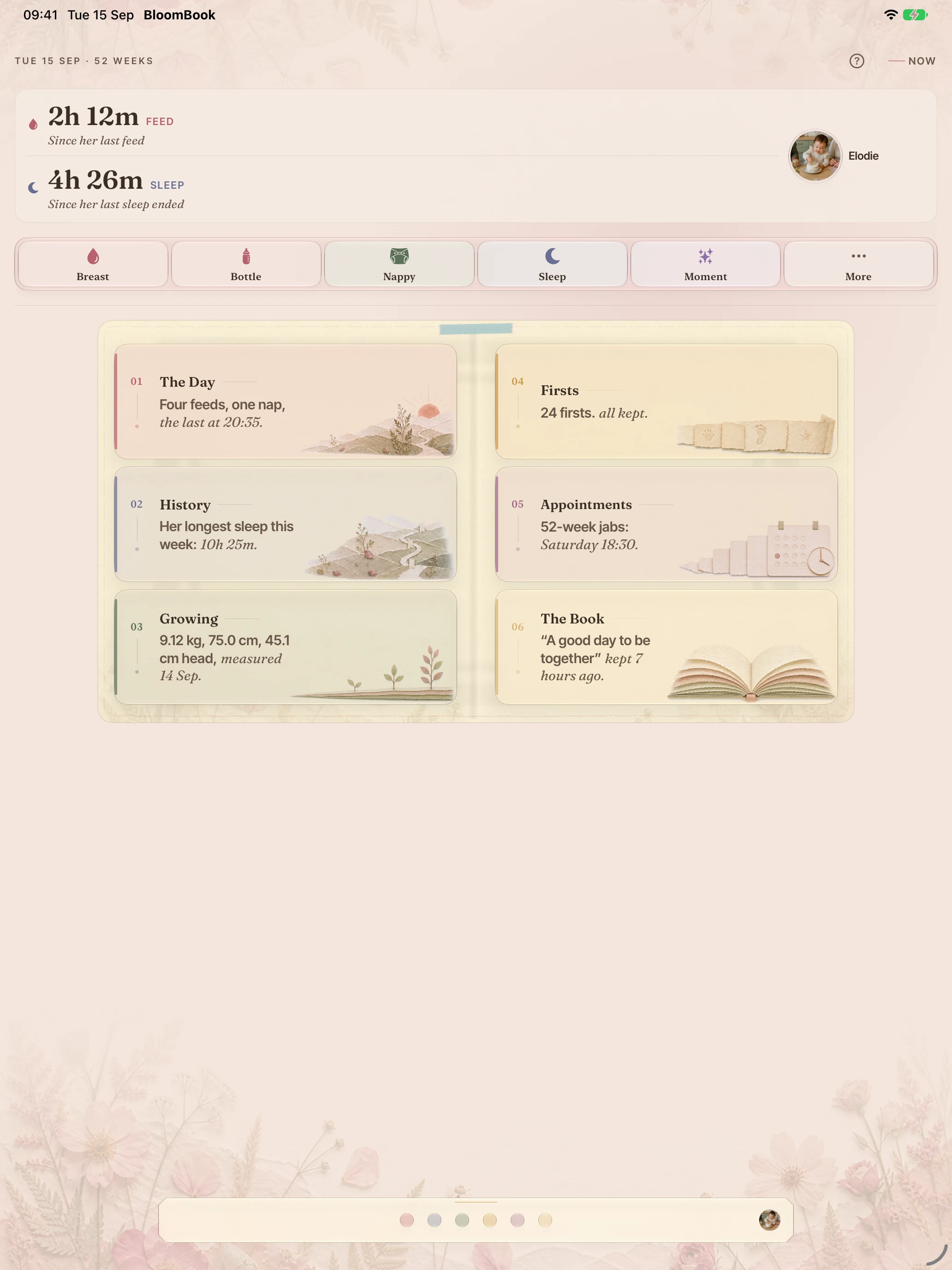
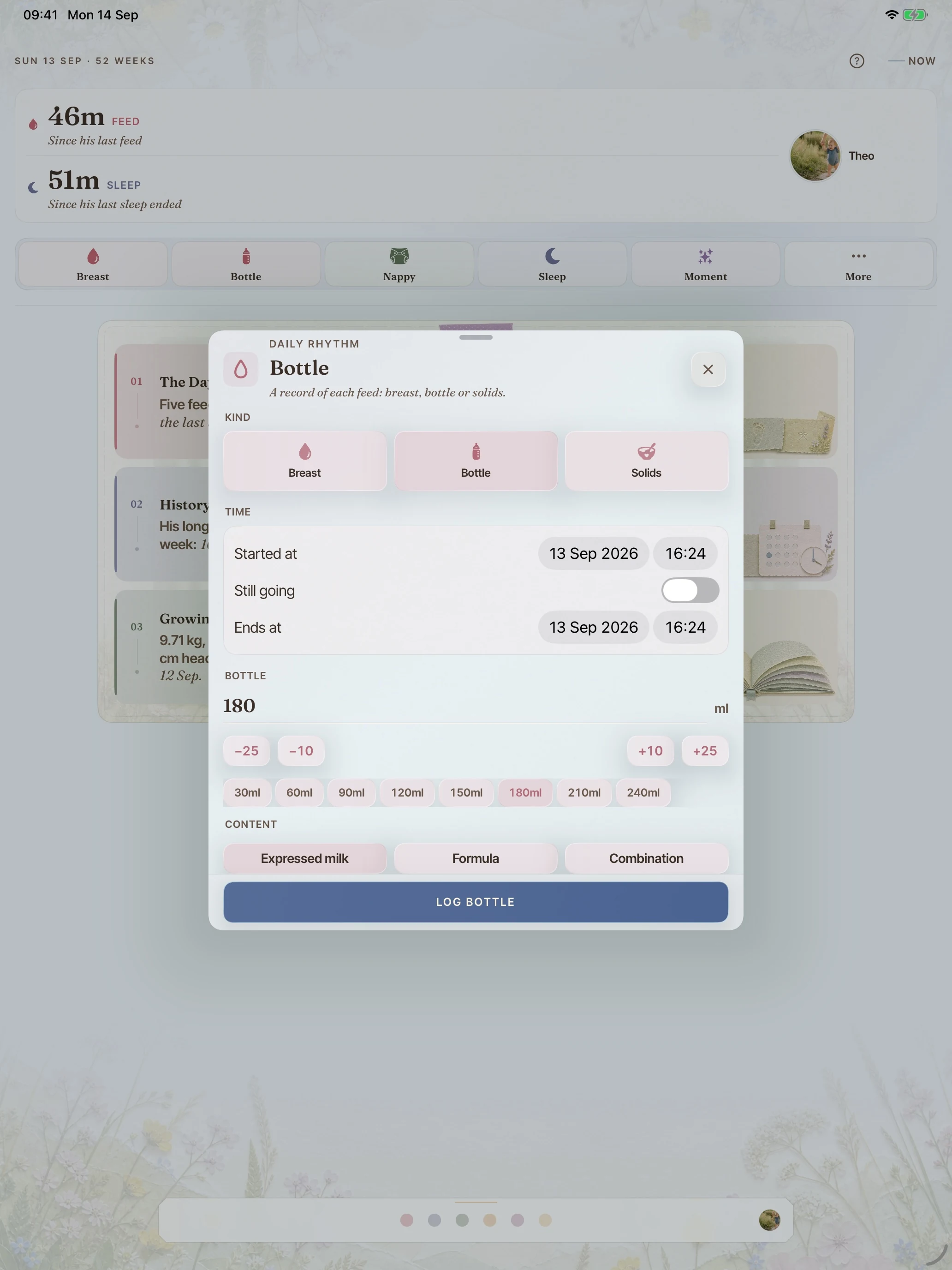
The same record on the larger screen. Every one of these is a real capture.
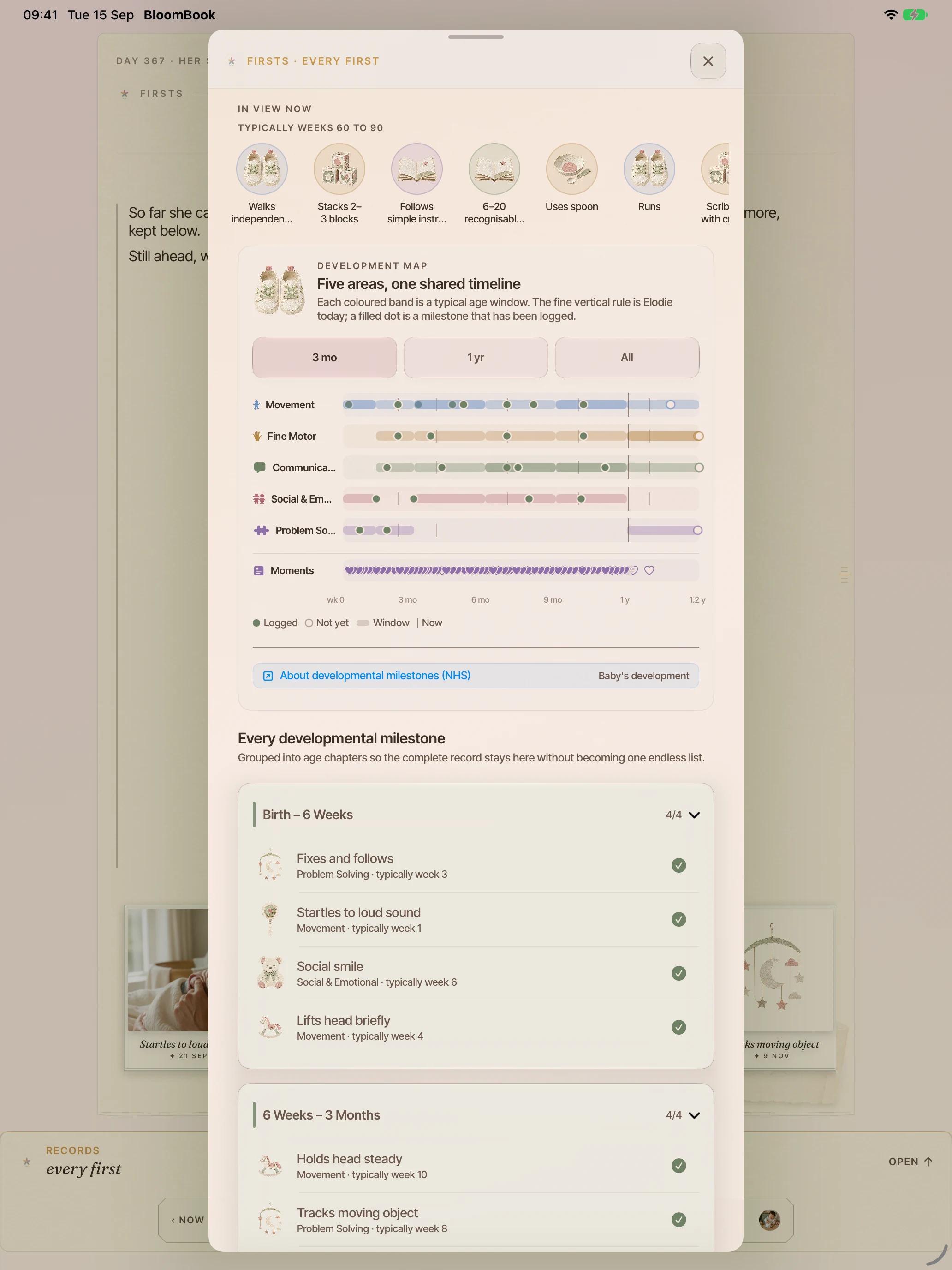
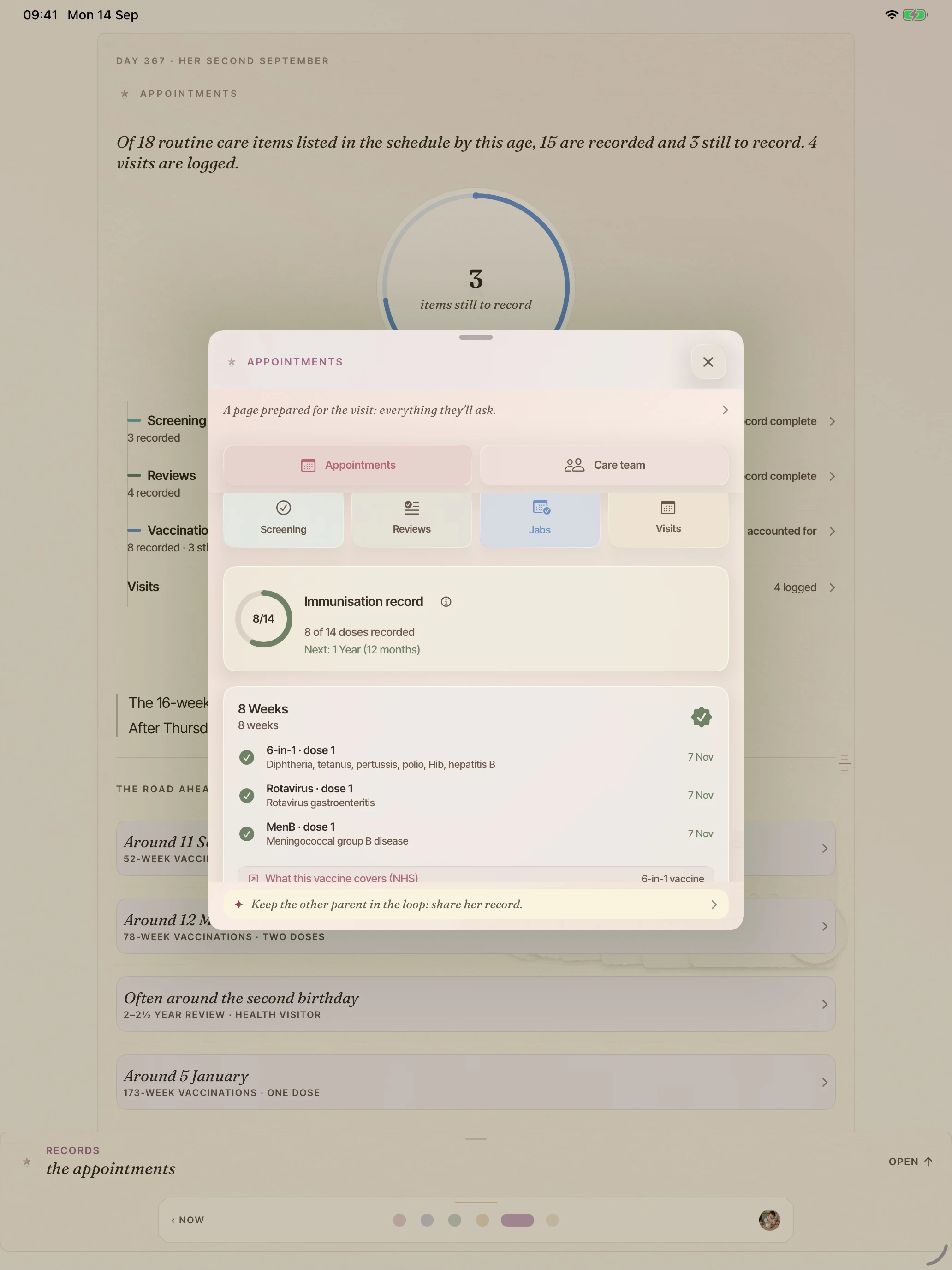
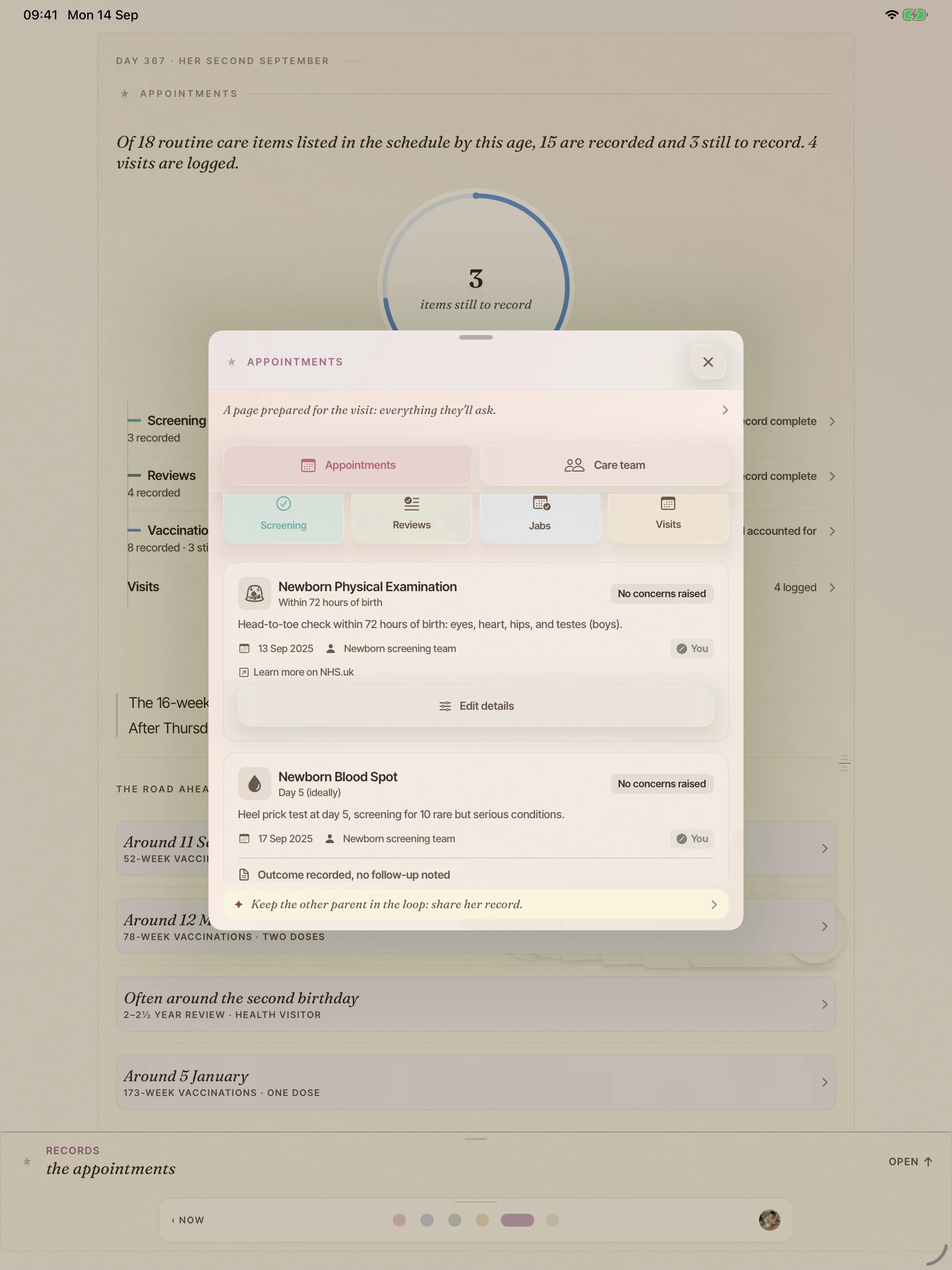
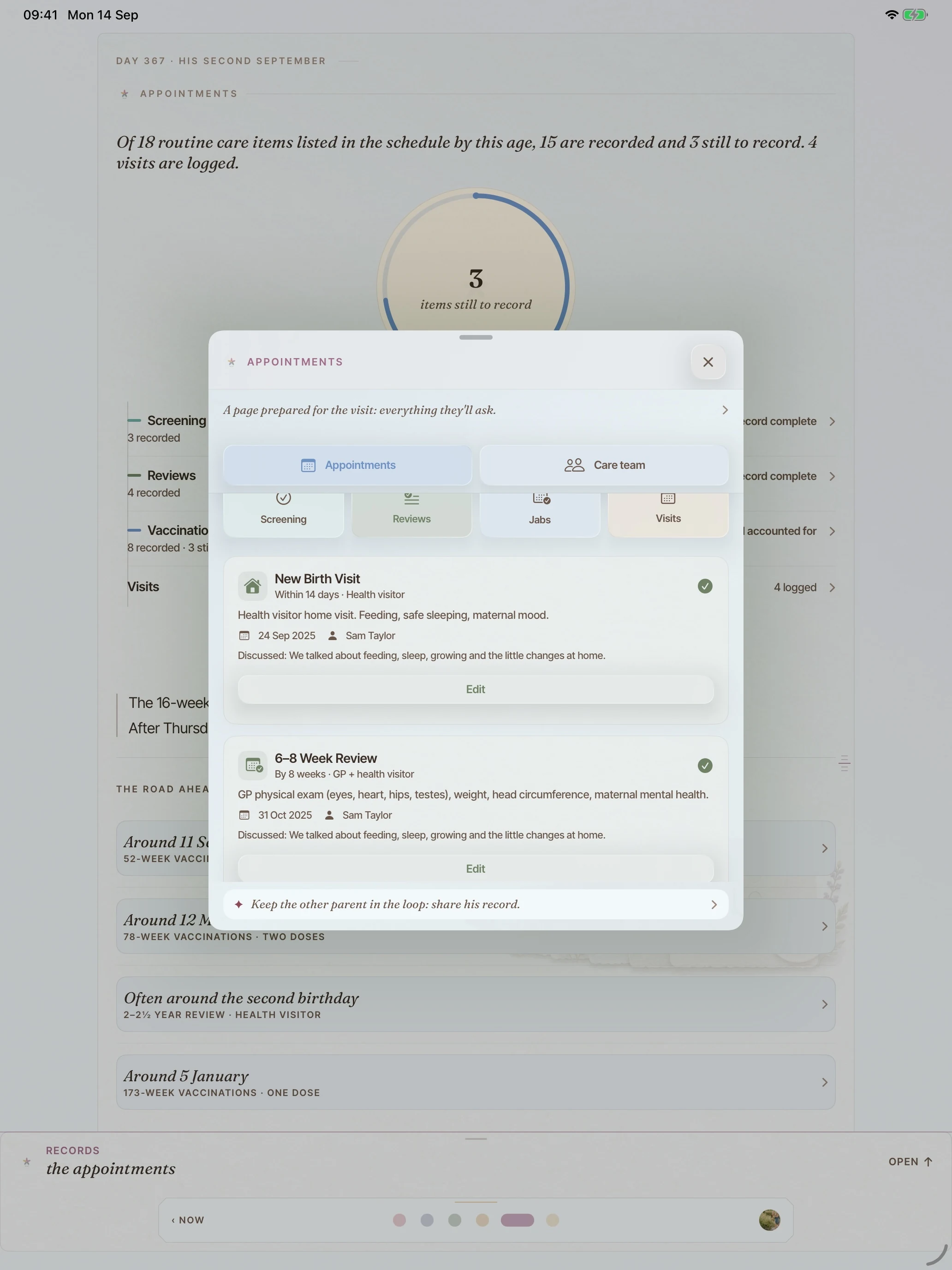
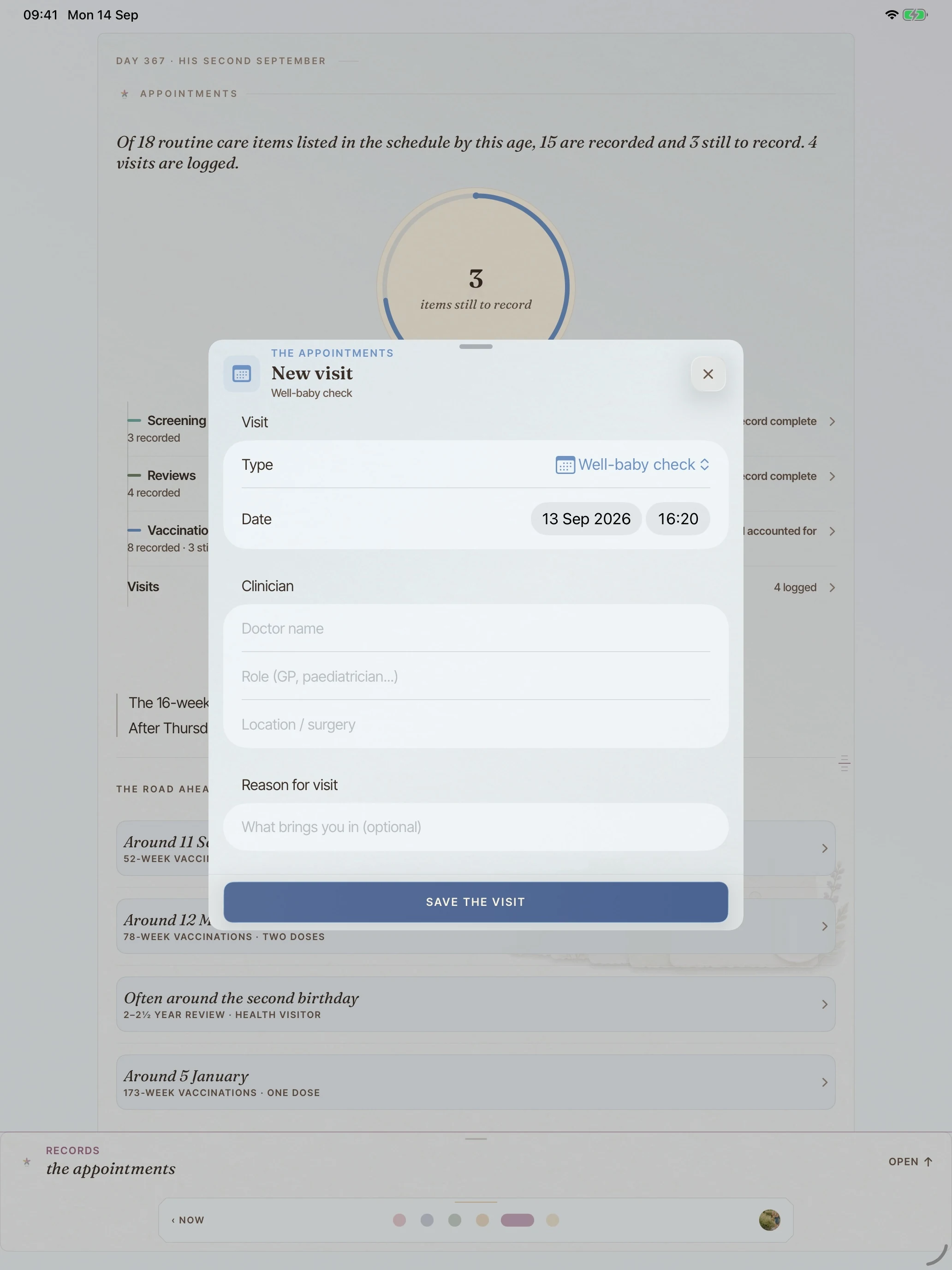
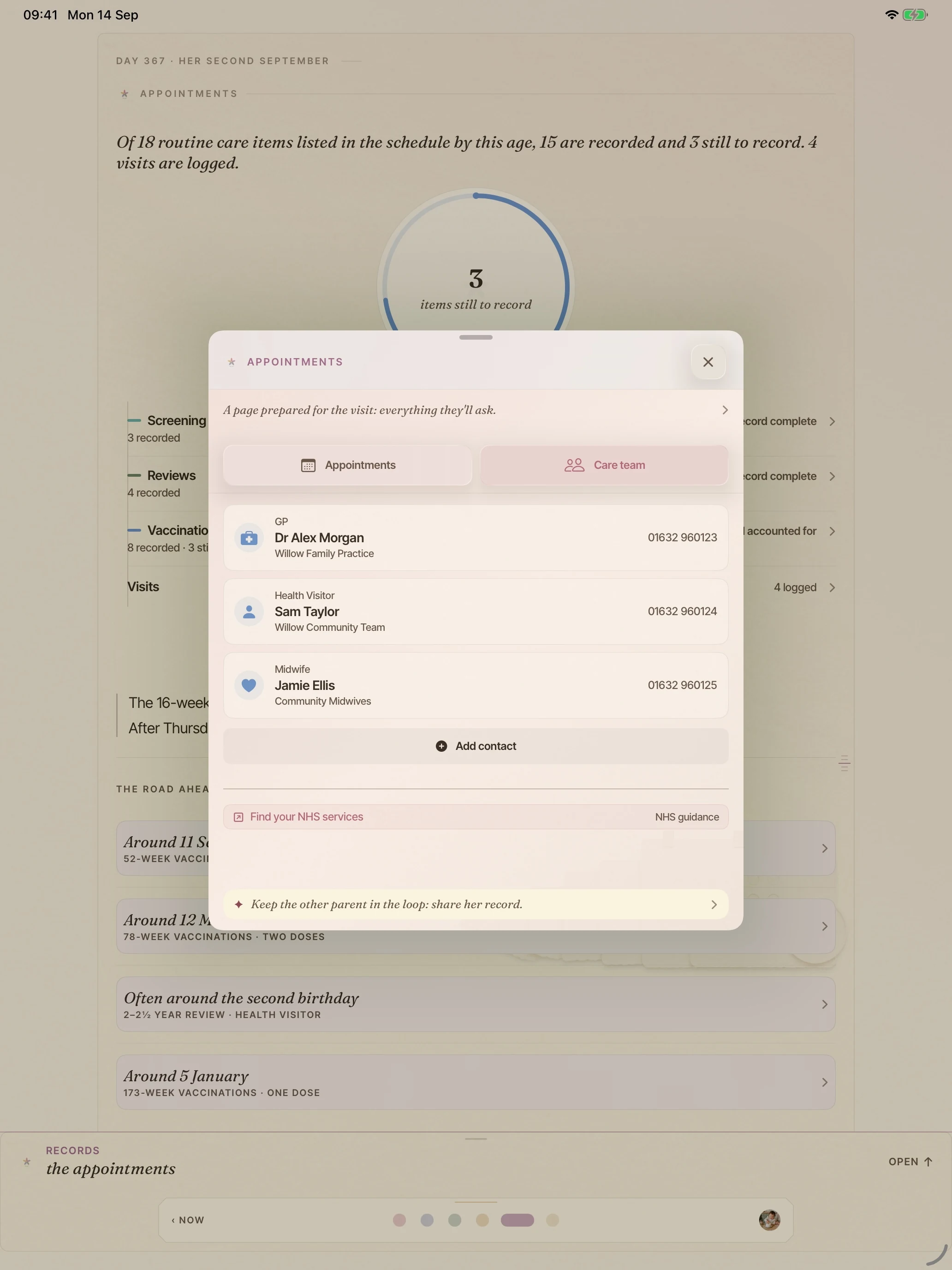
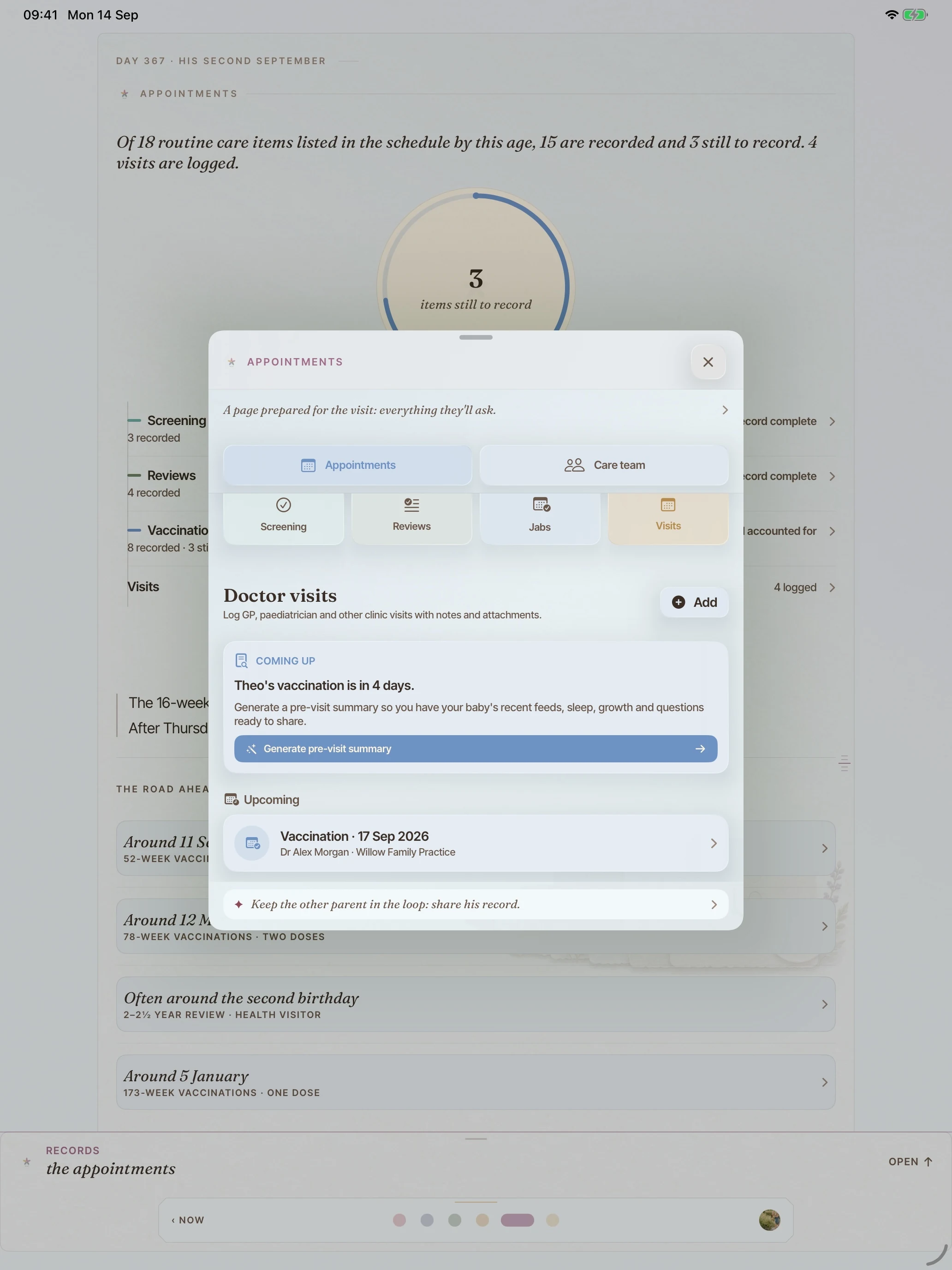
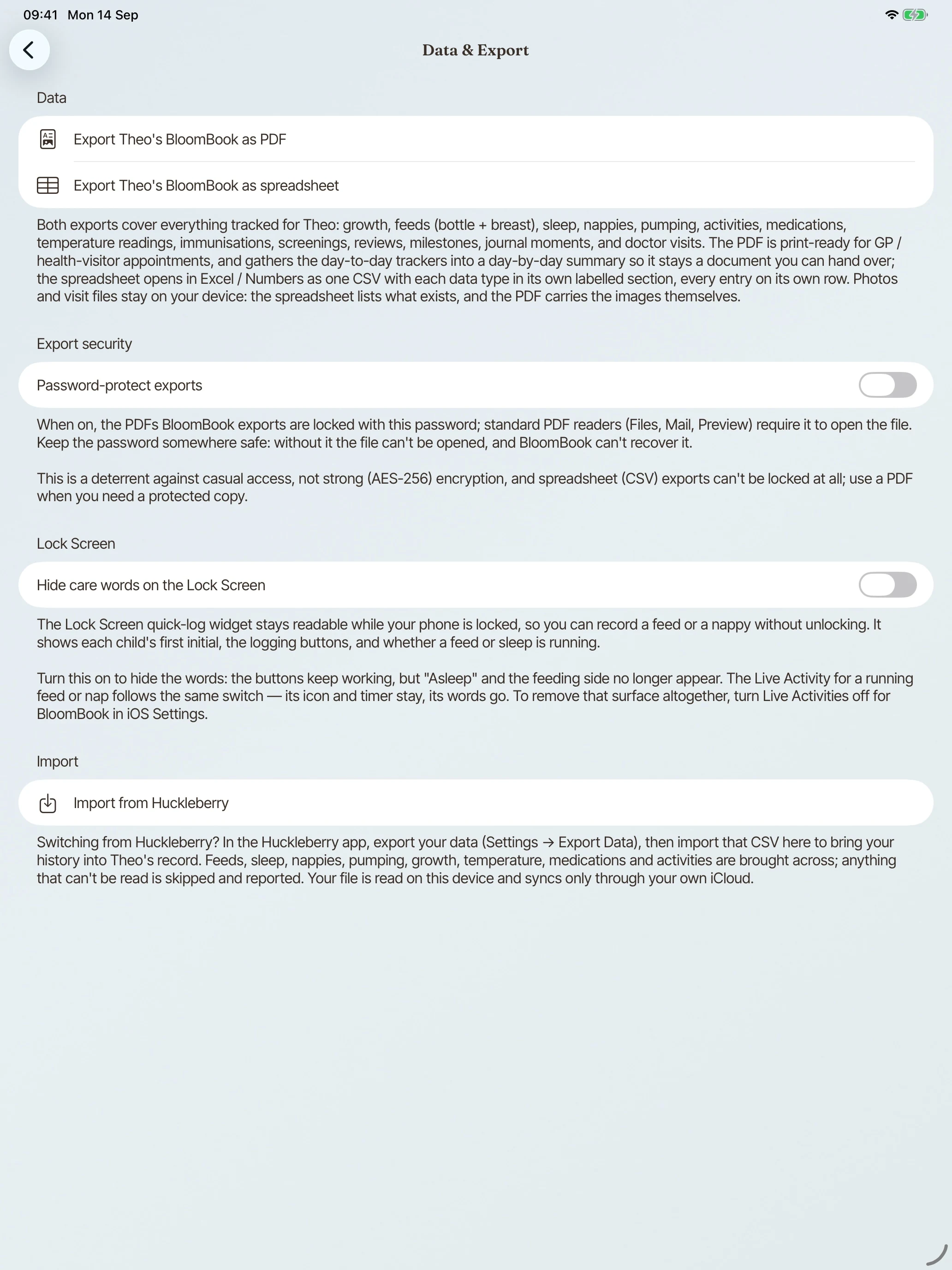
A visits record holds your notes, measurements and follow-ups, and folds them into a one-page summary to bring to the next appointment. Your care team’s contact details sit beside it.
Photos and file attachments on records and visits come with Plus.
the journal is included free
A weekly weigh-day reminder at a time you choose, and an optional heads-up before an appointment. Scheduled on your device, nowhere else.
included free
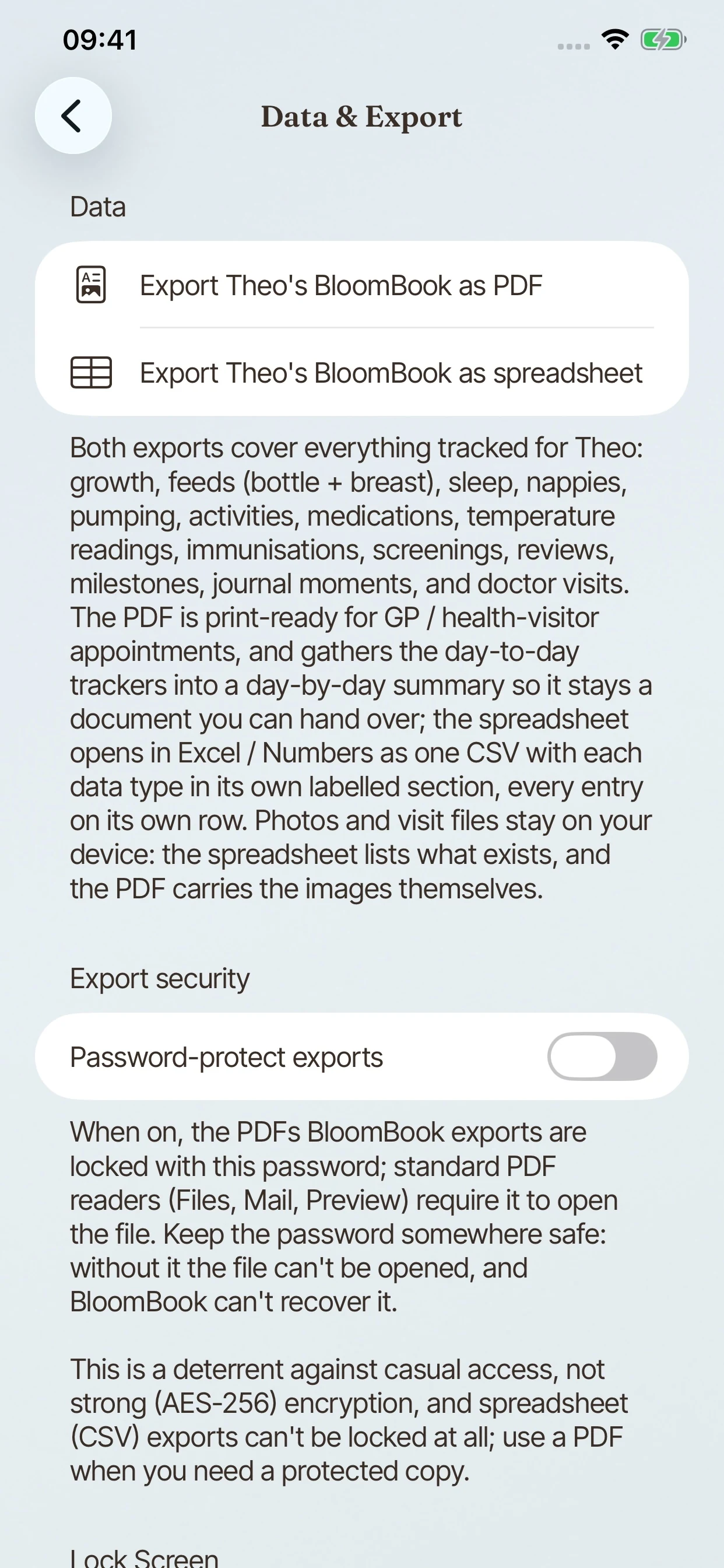
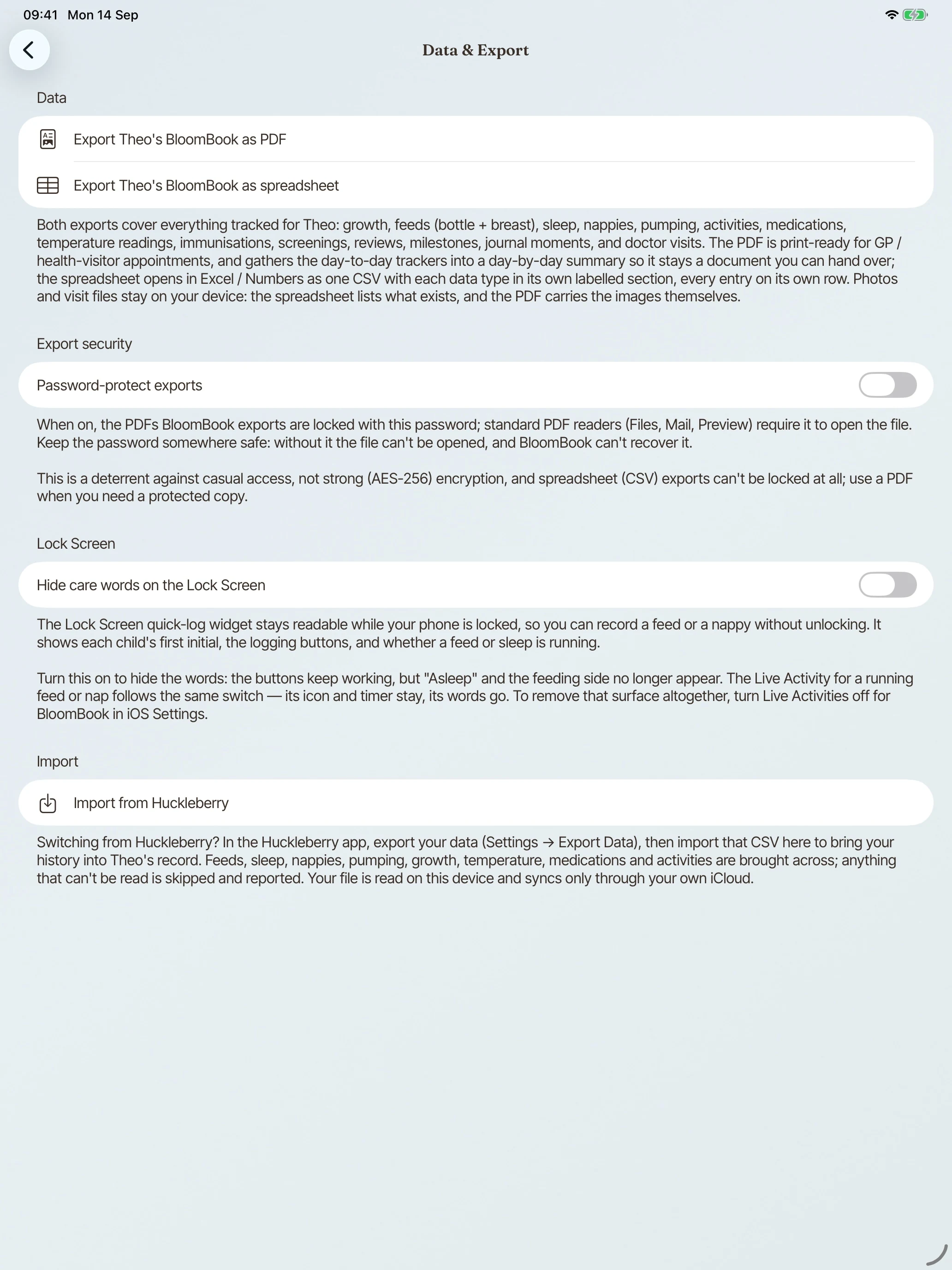
The owner can export the whole record from Settings: a health-record PDF built for sharing at an appointment, and a CSV for everything else. Free, and never held back.
included free
On the phone first, synced to your own private iCloud and, if you choose, shared with invited carers. No accounts, no ads, no analytics, no tracking, no third-party SDKs, no location. Deleting a child ends shared access; participants’ cached copies clear when their devices next sync with the app open.
BloomBook is on the App Store. Everyday logging is free.